Oxva Xlim SQ Pro 2 Pod kit
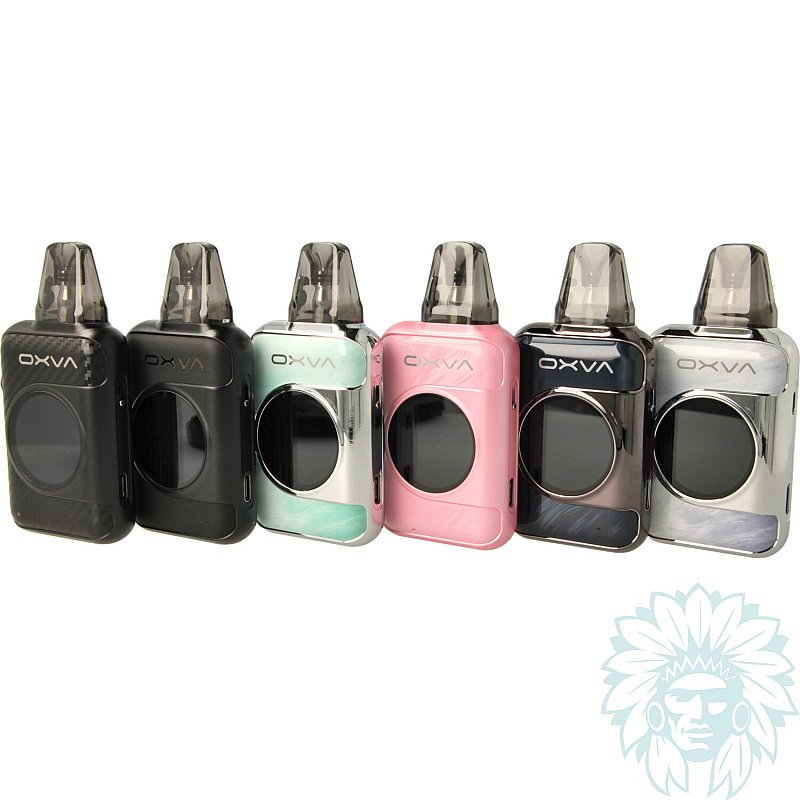
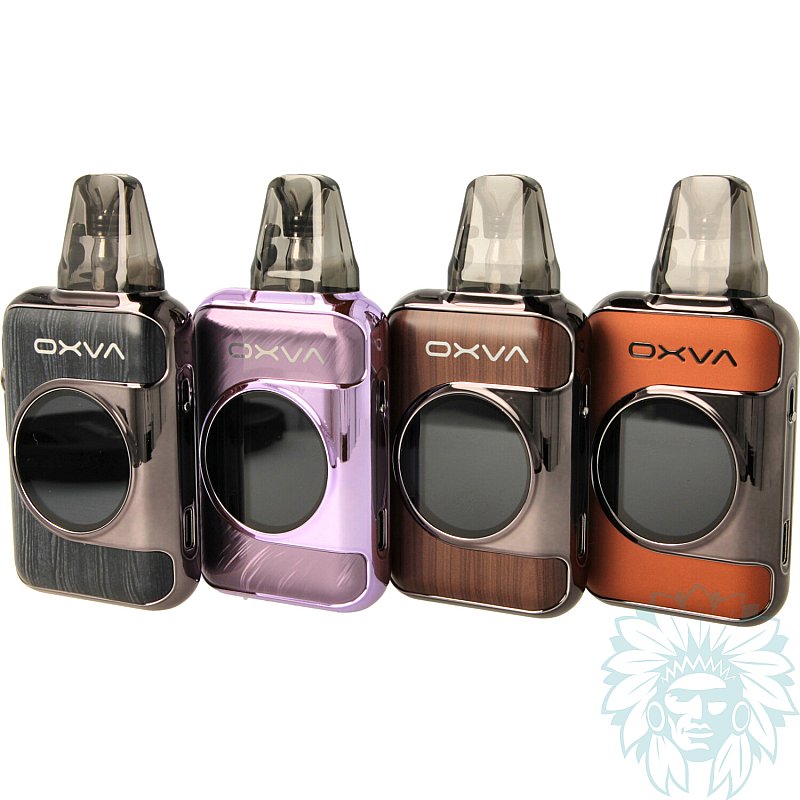
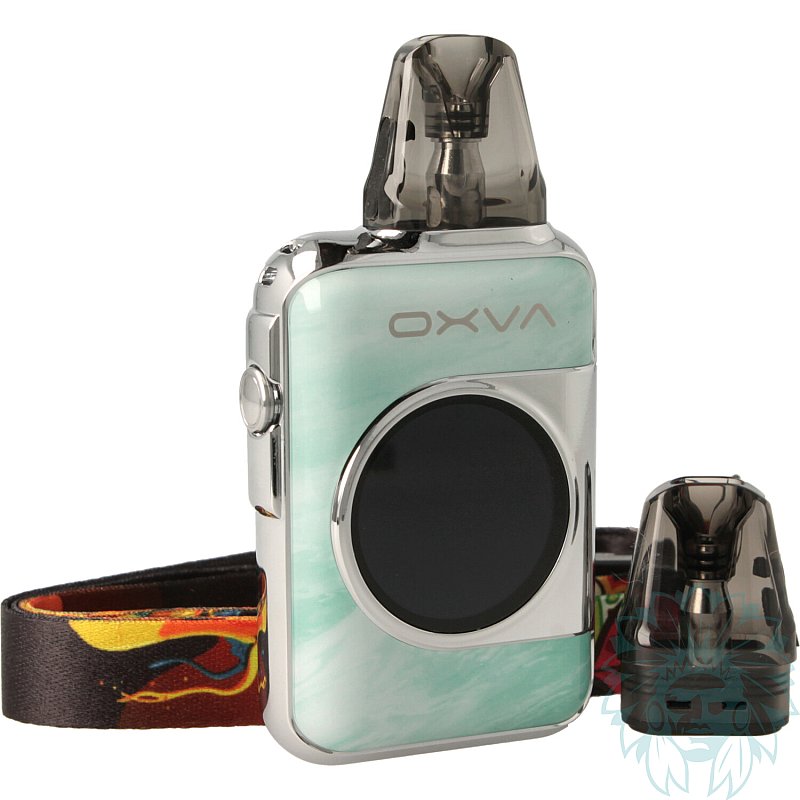
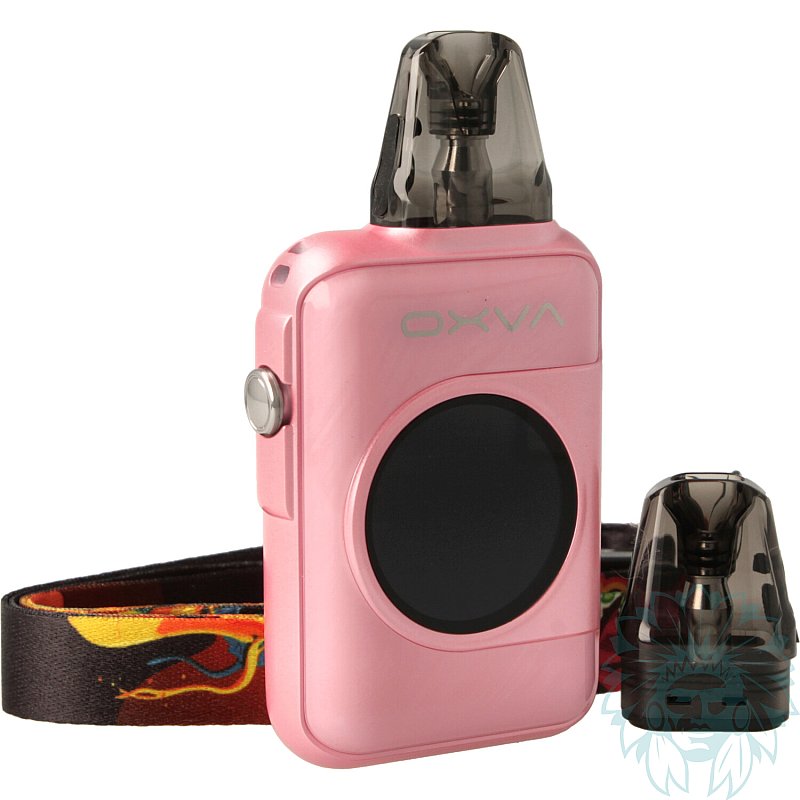
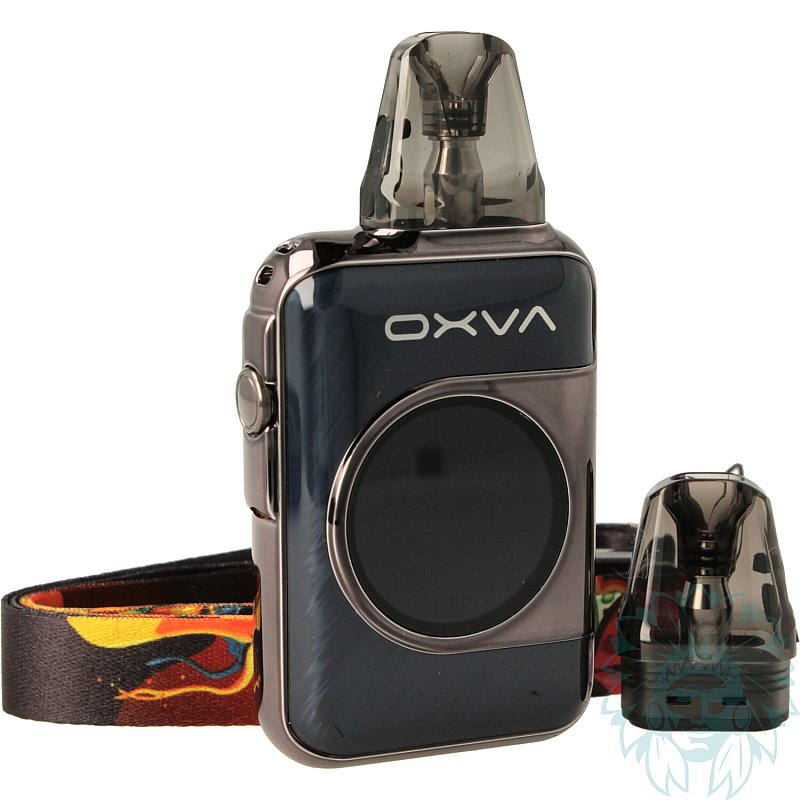
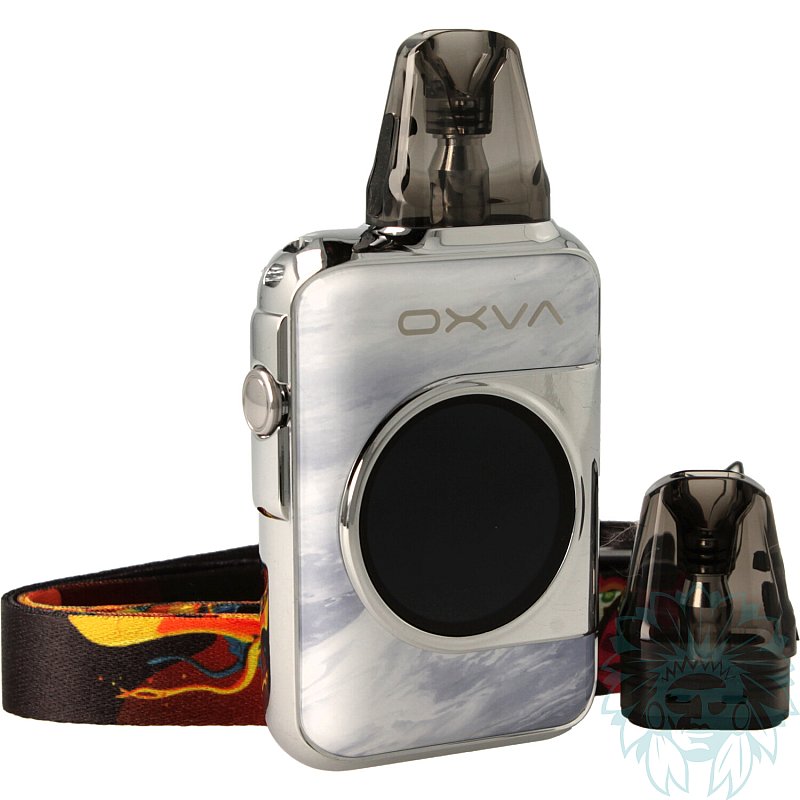
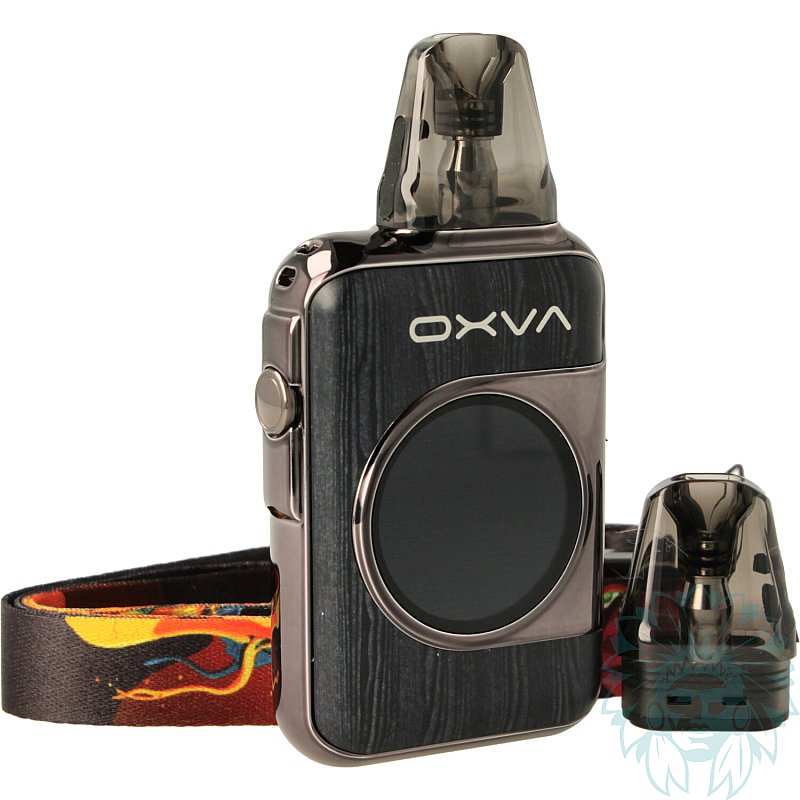
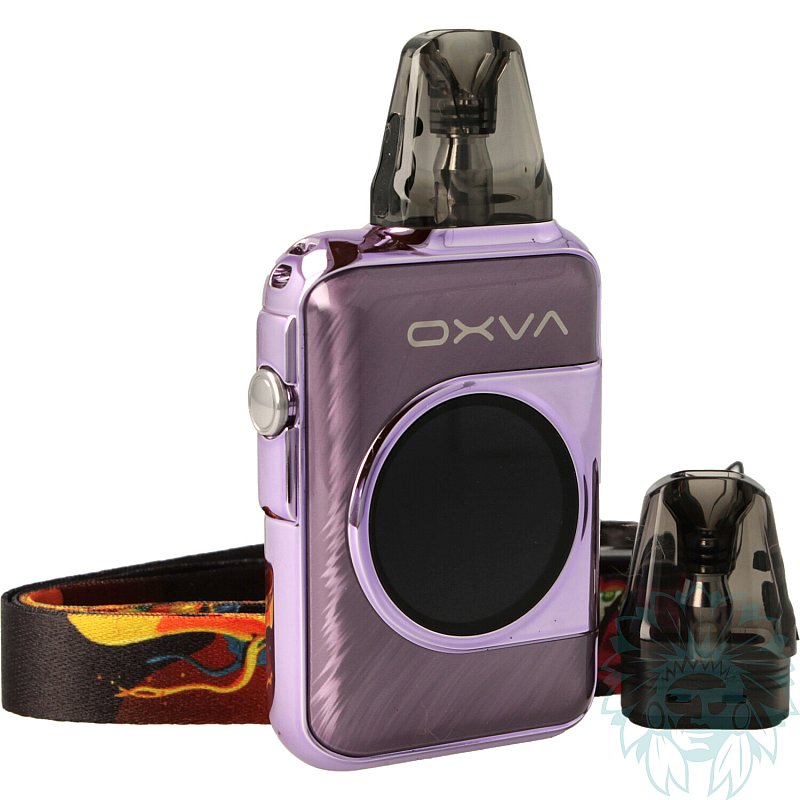
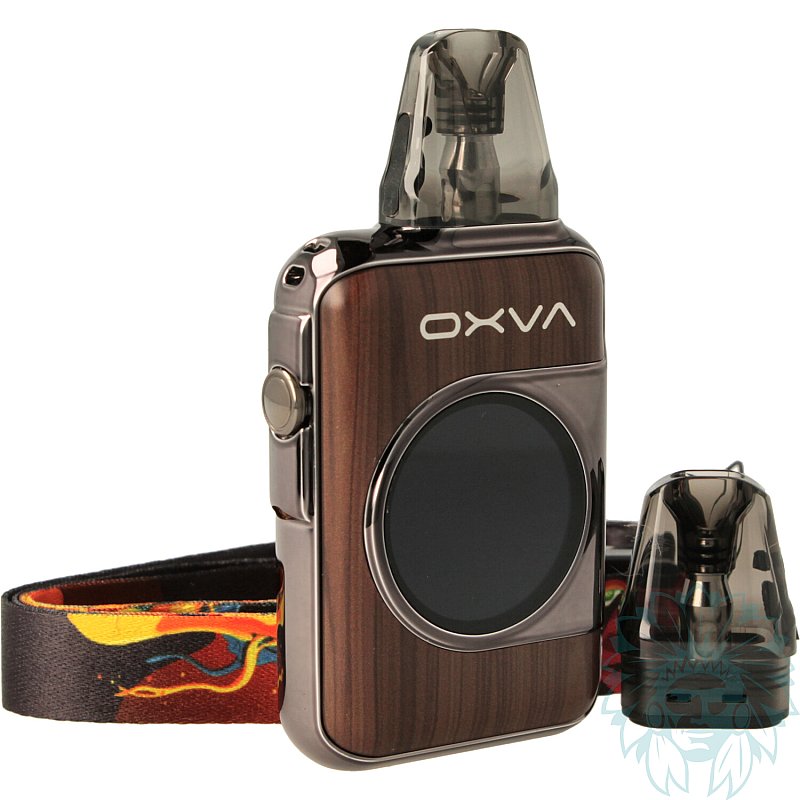
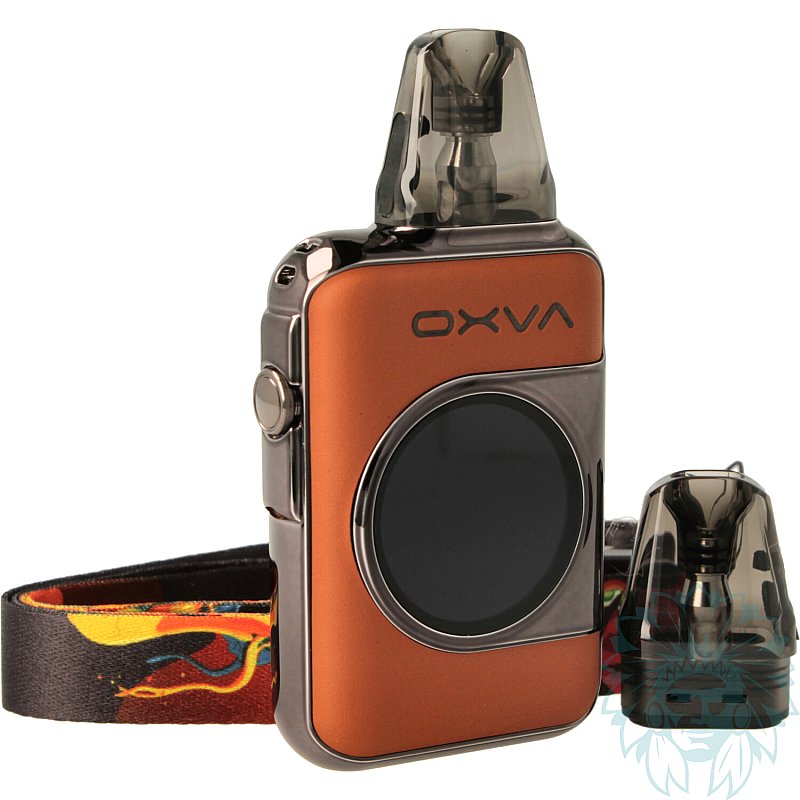
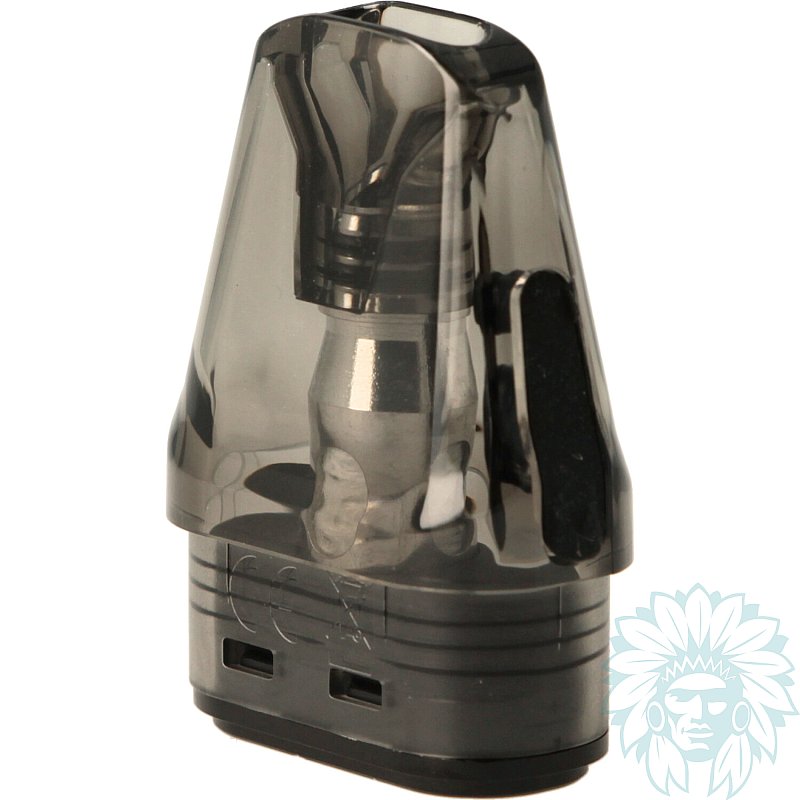
Tank: 2ml - Battery: 1600 mAh
Power: 30 W - Draw: indirect to restrictive direct
Level: beginner to regular
- Calumette, the world's only ISO 9001-certified vape retailer
- Loyalty reward
- Payment by credit card, cheque
- You will be notified by SMS when order shipped
Oxva Xlim SQ Pro 2 Pod kit

Oxva Xlim SQ Pro 2 Pod kit
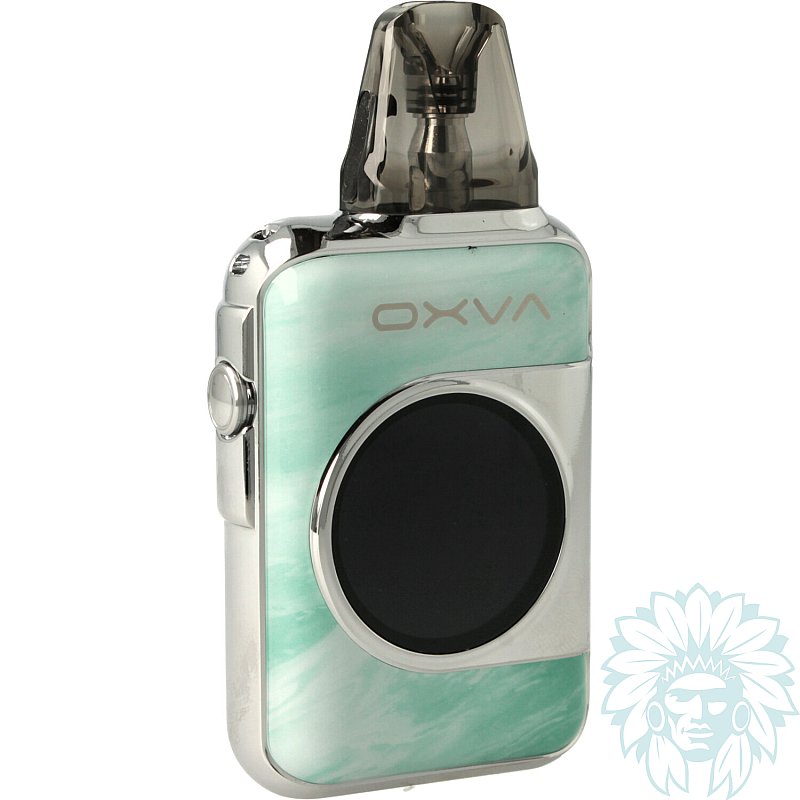
Oxva presents the Xlim SQ Pro 2, a square-shaped pod that's both compact and intuitive, with a large touchscreen offering a host of practical functions. Robust and lightweight, it slips easily into a pocket or bag. It's the ideal companion for your daily life.
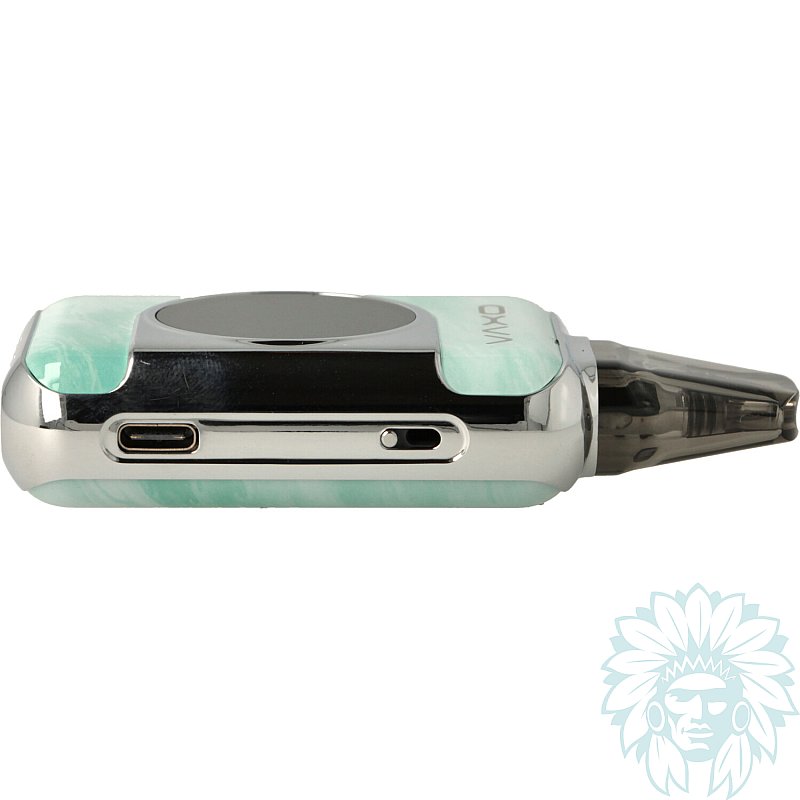
It features a 1600 mAh battery, offering up to 30W of power for hours of vaping in total peace of mind. Fast recharging is via a USB-C port on the side.
It's ultra-simple to use: it works automatically when you inhale, with no need to press a button.
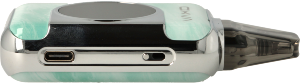
Adjustable airflow and USB-C port on the side
An adjustable airflow, located above the USB-C port, lets you adjust the draft to suit your preferences.
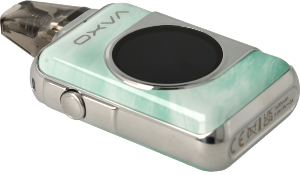
Side button
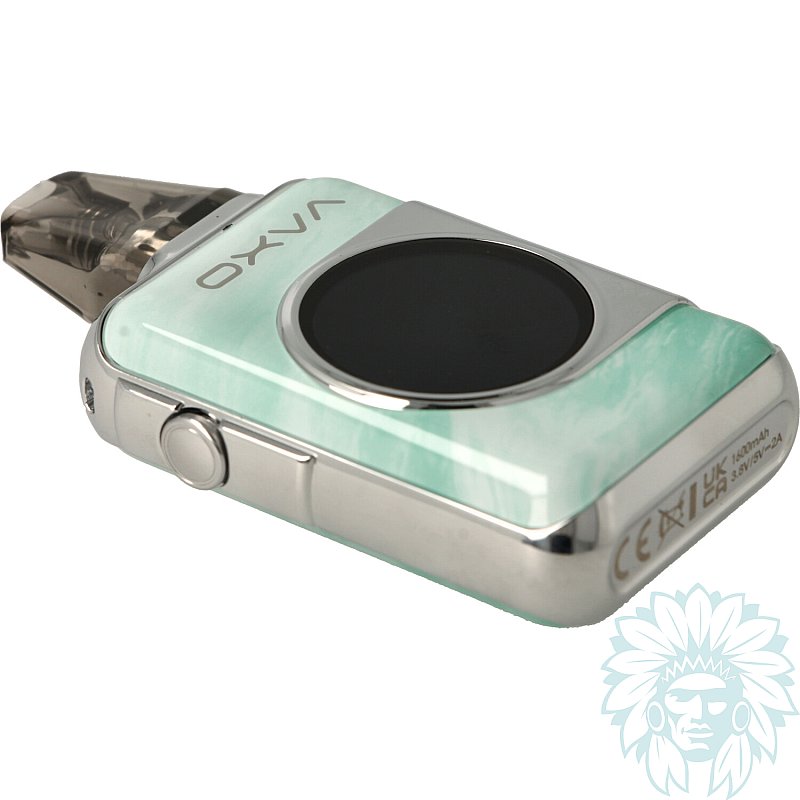
On the other side of the pod, a button makes it easy to turn on/off and lock the device.
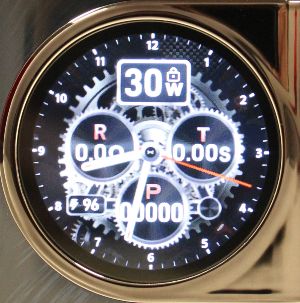
Round HD touchscreen
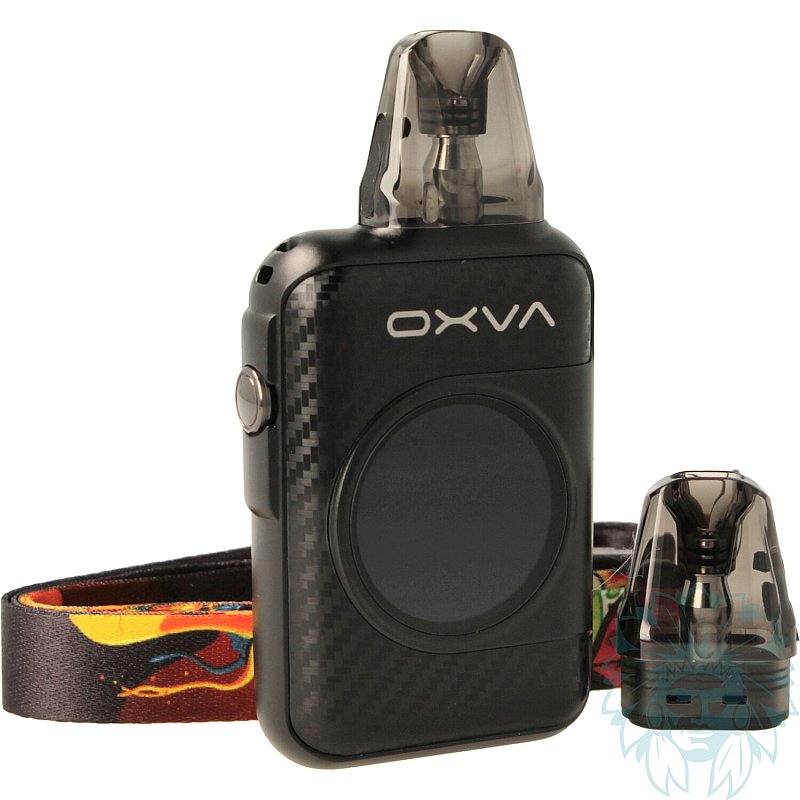
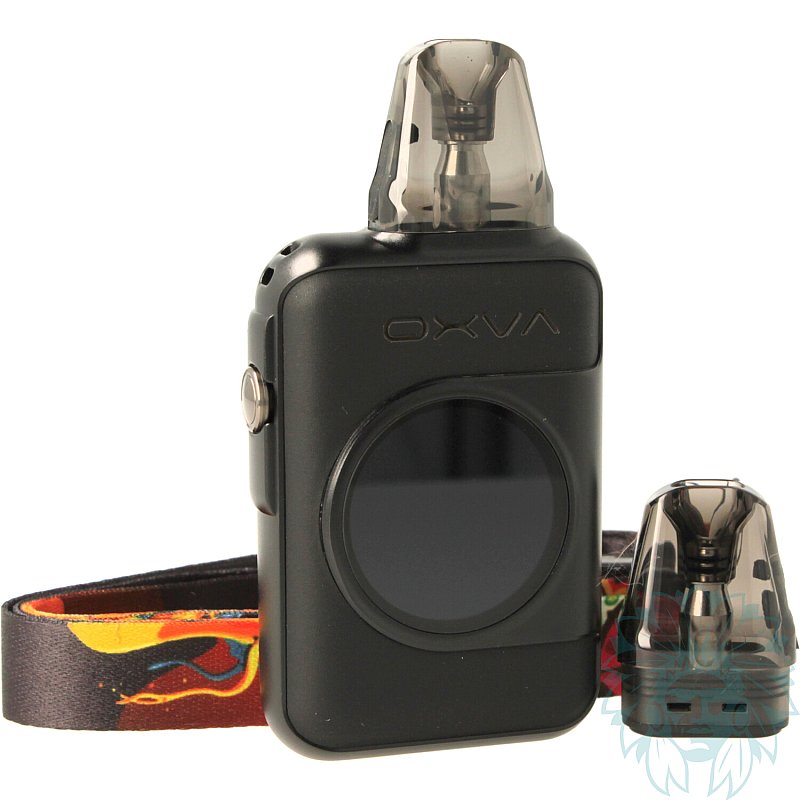
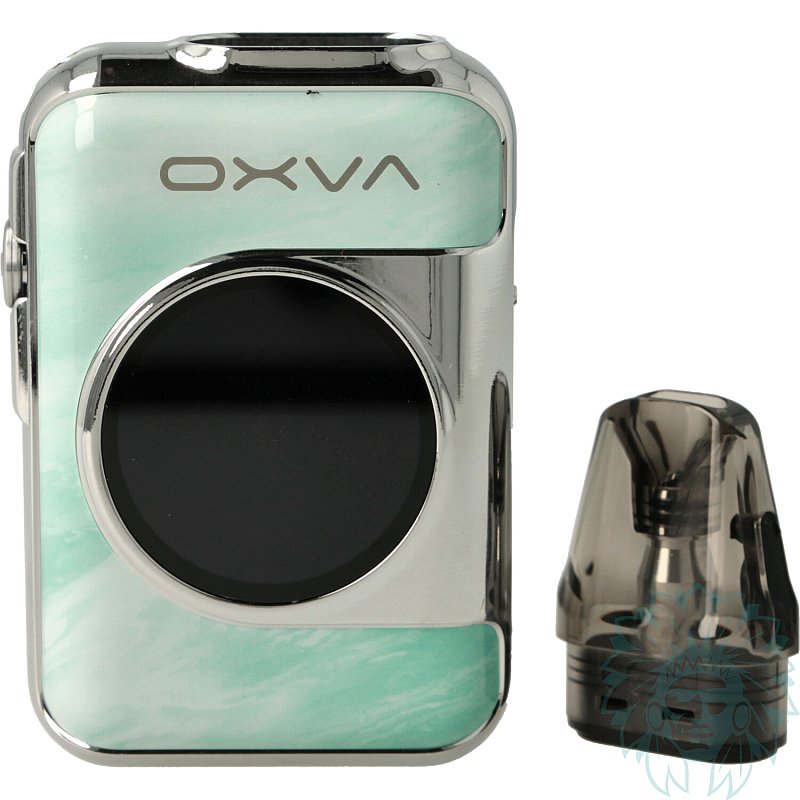
On the front, a large round HD touchscreen, in the spirit of connected watches, offers a modern, intuitive interface. It provides access to a host of essential information: power, ohm value of the installed coil, number of puffs (with a consumption graph), and battery level.
It also offers some original and practical functions: torch, calendar, stopwatch, clock, etc.
You can customise the main screen, the screen saver and the vape animation. Finally, an ECO mode optimises battery life during prolonged use.
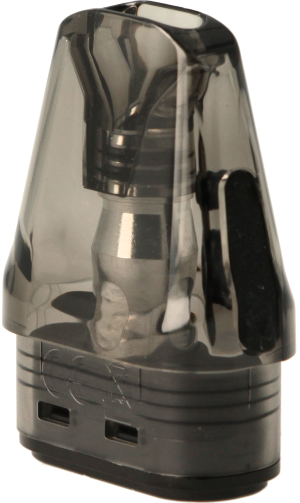
Oxva Xlim Top Fill 2ml cartridge
This pod is fitted with the Xlim Top Fill cartridge, offering a capacity of 2 ml. The coils are built into the cartridge, so there's no need to dismantle it: simply replace the cartridge when it reaches the end of its life.
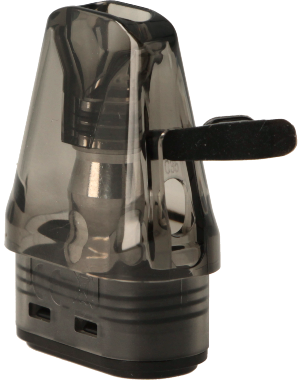
Side-fill lid
Filling is easy from the side, thanks to a silicone seal that's accessible even when the cartridge is installed on the battery.
The kit includes two cartridges:
- Xlim Top Fill 0.6 ohm cartridge, ideal for restrictive direct draw (RDL) and semi-airy vaping, with a range of use between 20 and 25 W.
- Xlim Top Fill 0.8 ohm cartridge, ideal for indirect draw (MTL) and tighter vape, with a range of use between 12 and 16 W.
Note: the Xlim SQ Pro 2 is also compatible with Xlim V2 and Xlim EZ cartridges, for even greater flexibility.

Oxva Xlim SQ Pro 2 complete pod kit
Calumette's review: A pod that's elegant, complete and easy to use. Whether you're new to vaping or already have some experience, the Xlim SQ Pro 2 meets all your expectations. Bonus? A touch of fun and modernity thanks to its touchscreen, like a connected watch, and its clever features that make it as practical as it is pleasant to use.
E-liquid not included: Complete your purchase with e-liquid.
For a first purchase, we advise you to try out several different liquids, for example at least one Classic flavour and at least one fruity flavour.
Advantages
- Customisable touch screen
- Versatile
- Compact, elegant design
- Original additional functions
Kit contents
- 1 Xlim SQ Pro 2 Pod kit
- 1 Xlim Top Fill 0.6 ohm cartridge
- 1 Xlim Top Fill 0.8 ohm cartridge
- 1 neck strap
- 1 user manual
Specifications
- Length: 9.4 cm
- Width: 4.8 cm
- Depth: 2.0 cm
- Weight : 112 g
- Capacity: 2 ml
- Magnetic cartridge
- PCTG reservoir
- Compatible with Oxva Xlim Top Fill, Xlim EZ and Xlim V2 cartridges
- Power: 30 W
- Capacity: 1600 mAh
- Max charge current: 2A/5V
- Coils supplied: Oxva Xlim Top Fill 0.6 ohm and 0.8 ohm cartridges
- Maximum power consumption: 25 W for the Oxva Xlim Top Fill 0.2 ohm cartridge and 16 W for the 0.8 ohm cartridge
- Type of inhalation: Indirect to restrictive direct
- Type of vapor: Tight to semi-airy
- vapor: Cold to lukewarm
- Percentage of VG in liquid for optimum use: ≈ 50% Vegetable Glycerin
- Level: Beginner to regular
Use
- Charging:
Connect a USB-C cable to your computer's USB port or to a mains adapter. The screen will then display the battery charge percentage.
- Turning on/off:
Press the side button 5 times quickly to turn your kit on or off.
- Setting the power :
Once the screen is unlocked, slide your finger to the right to adjust the power.
- Accessing the menu:
After unlocking the screen, slide your finger upwards, then click on "All App". This will take you to all the available settings.
- Locking/unlocking the screen:
Press the side button twice quickly to lock the screen. To unlock, simply slide your finger up the screen. The "lock" or "unlock" padlock icon will appear.
- Filling your cartridge:
Lift the filler cap on the side of the cartridge. Fill to two-thirds full. Wait 5 to 10 minutes for the coil to soak up the liquid.
- Vaping:
The draw is automatic: simply inhale to vape.
Advice
- Make sure you clean your connectors properly to prevent them becoming clogged. Regular maintenance will extend the life of your equipment.
- If you smell burning or have a pungent taste in your mouth, think about changing your cartridge.
Related products
-
Oxva Xlim Top Fill 2 ml cartridge (3 pack)
 2 ml - Indirect to restrictive direct9.92 €
 5/5 - 1 reviews
-
Devia USB to USB-C cable
 4.08 €3.25 €
 -
USB to USB Type C cable
 2.42 € 4.5/5 - 6 reviews
-
Golisi USB 2 ports GL-B01 socket
 5.42 € 5/5 - 5 reviews
-
Aseptivape 20 ml disinfectant spray
 2.92 € 4.8/5 - 26 reviews