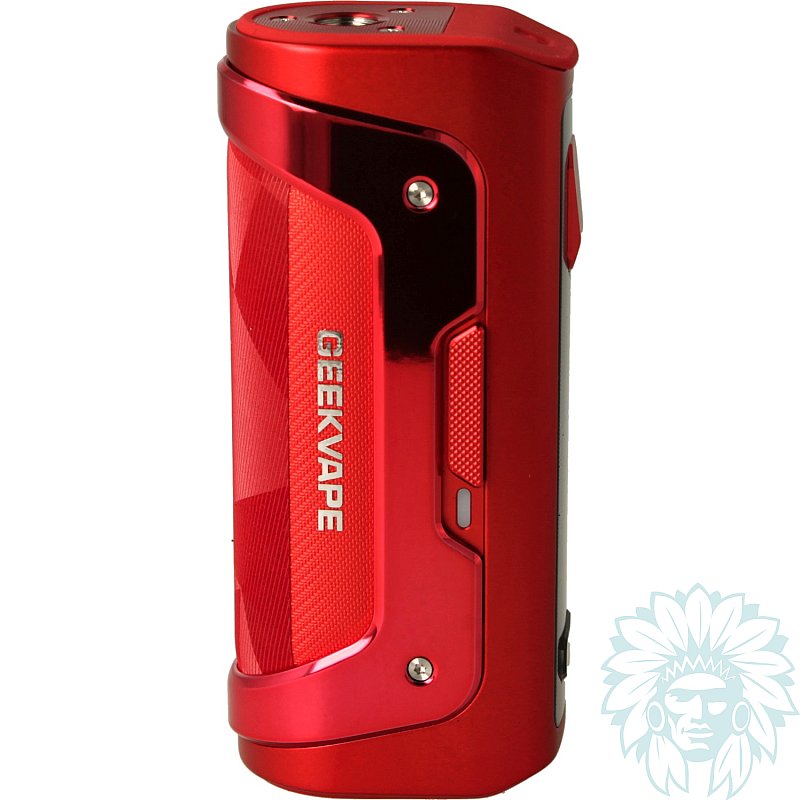
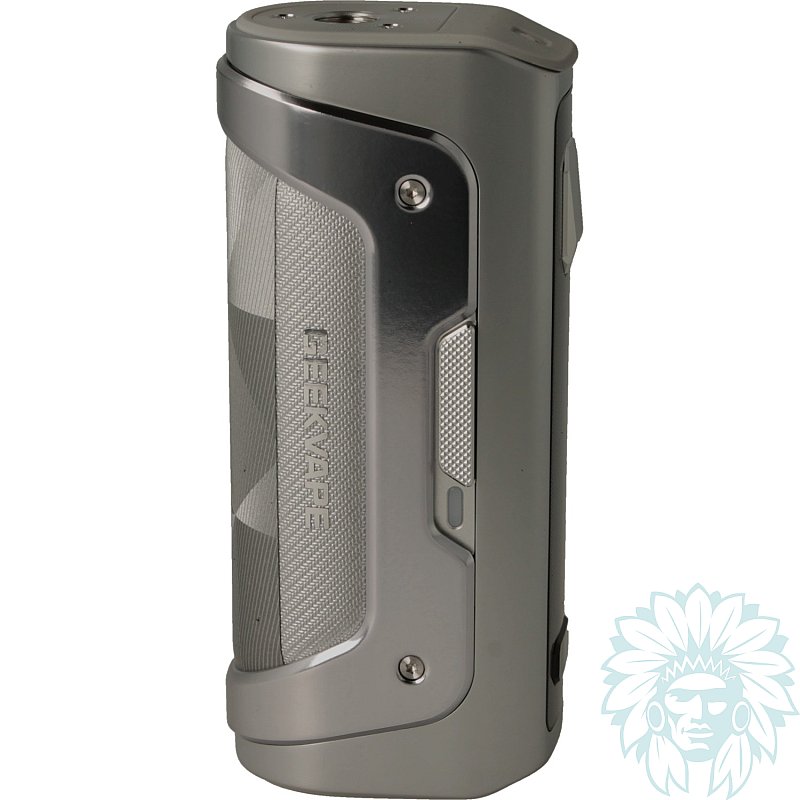
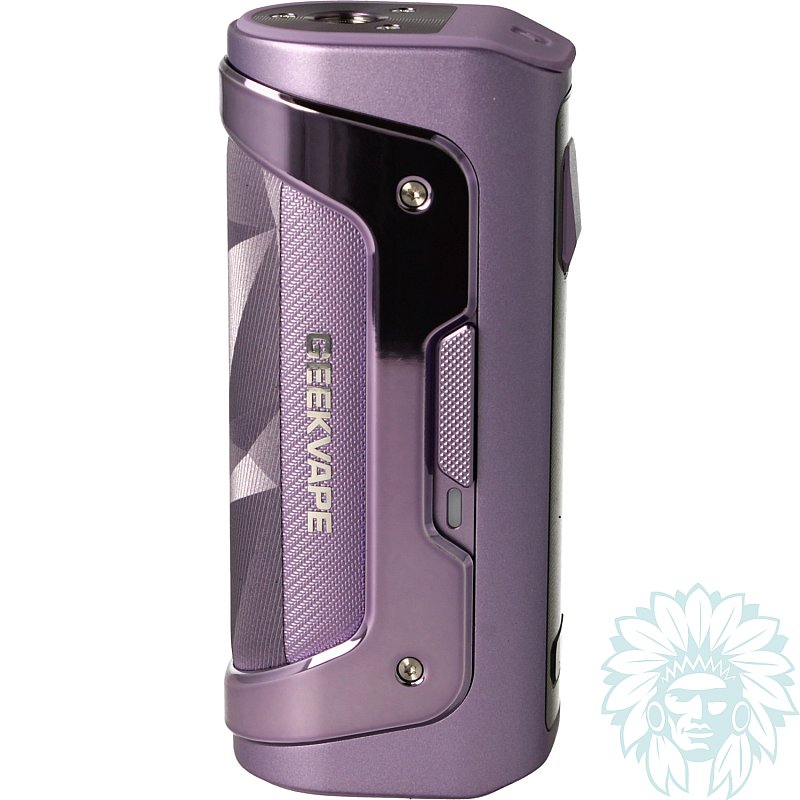
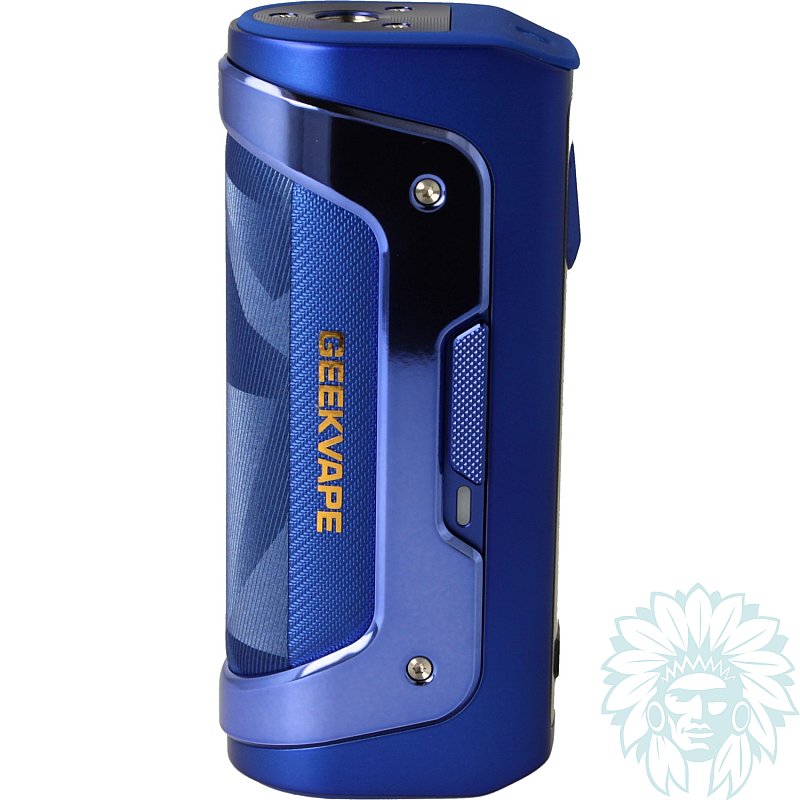
Geek Vape Aegis Solo 5 box mod
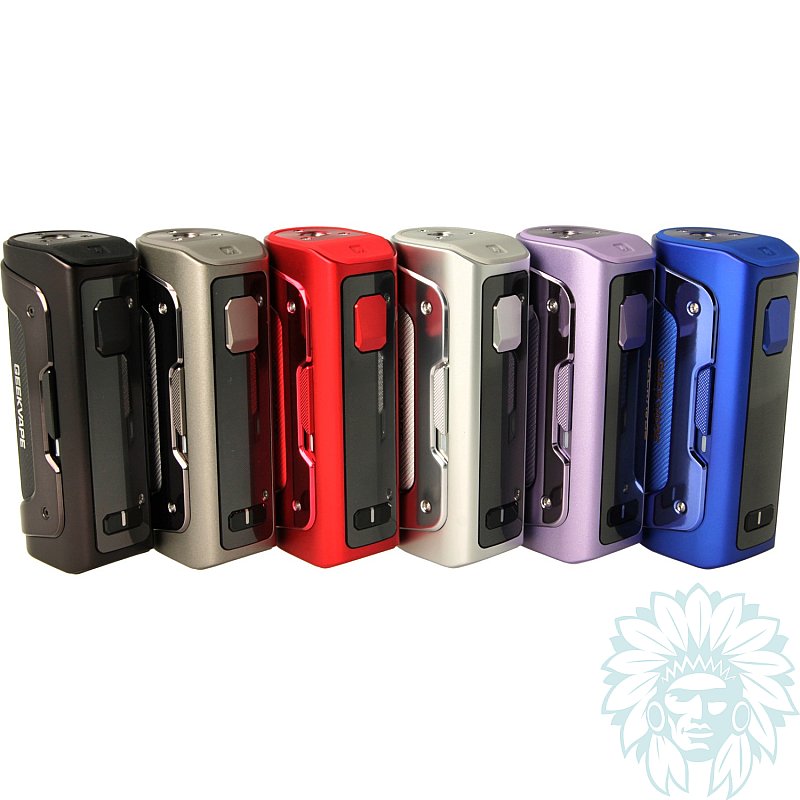
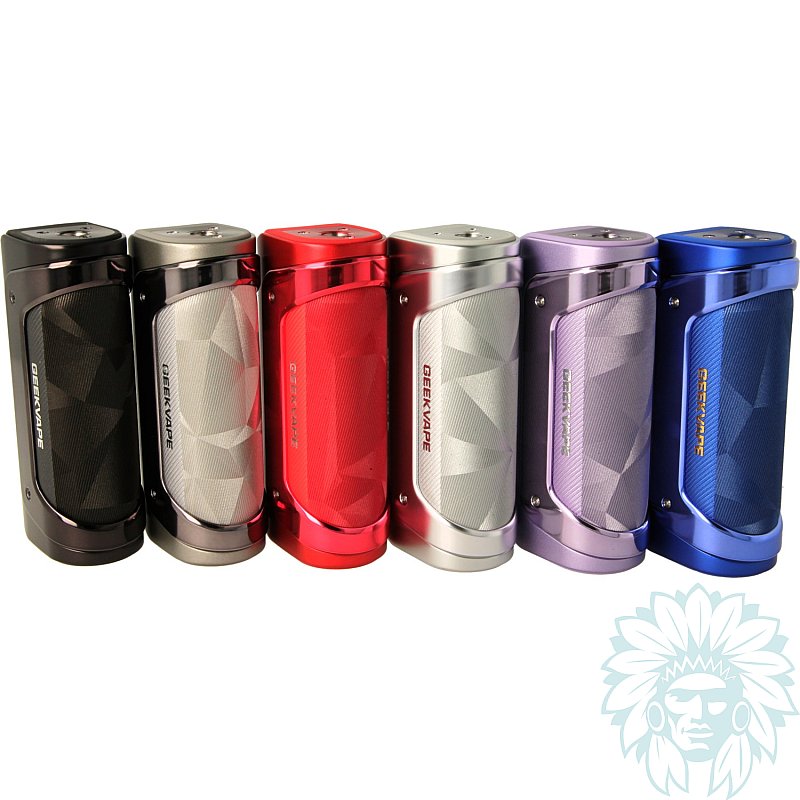
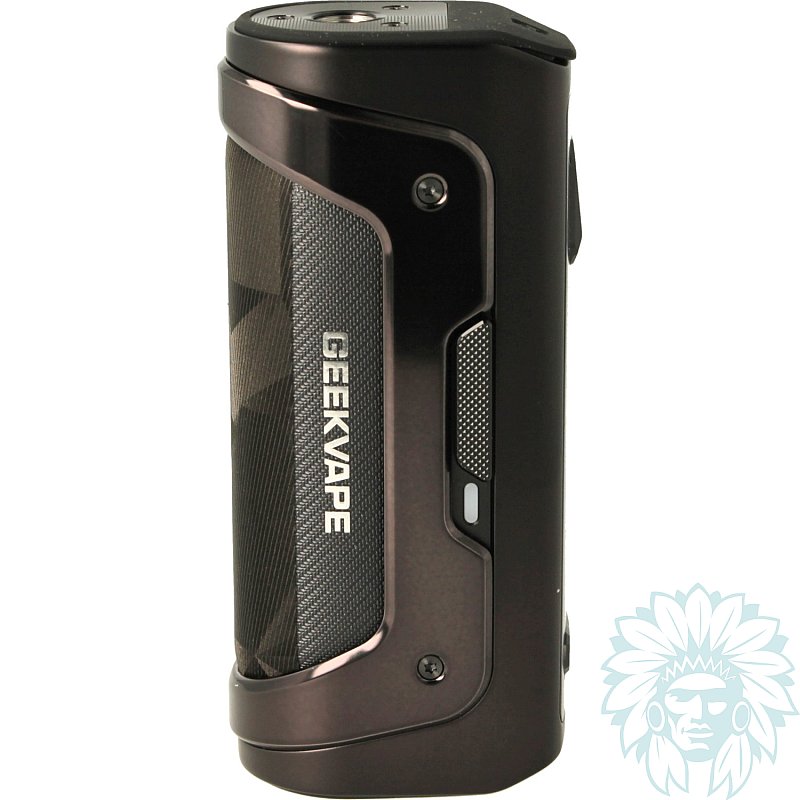
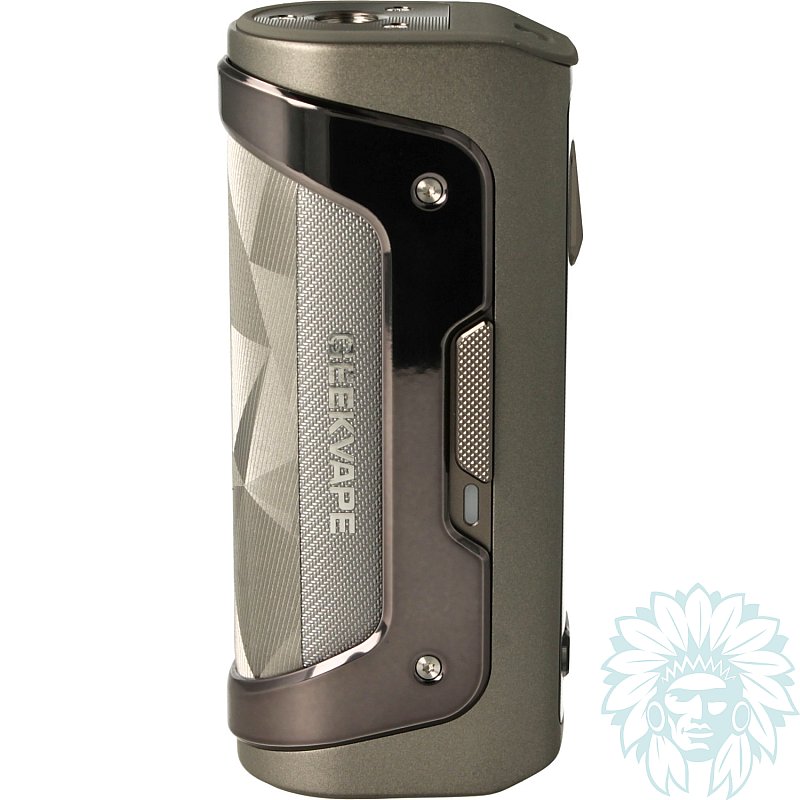
Battery: 1 x 18650 or 21700 replacement battery
Power: 100 W – Level: Beginner to regular
Sold without replacement battery
- Calumette, the world's first ISO 9001-certified vape retailer
- Loyalty reward
- Online payment by credit card
- You will be notified by SMS when order shipped
Geek Vape Aegis Solo 5 box mod
Geek Vape Aegis Solo 5 box mod
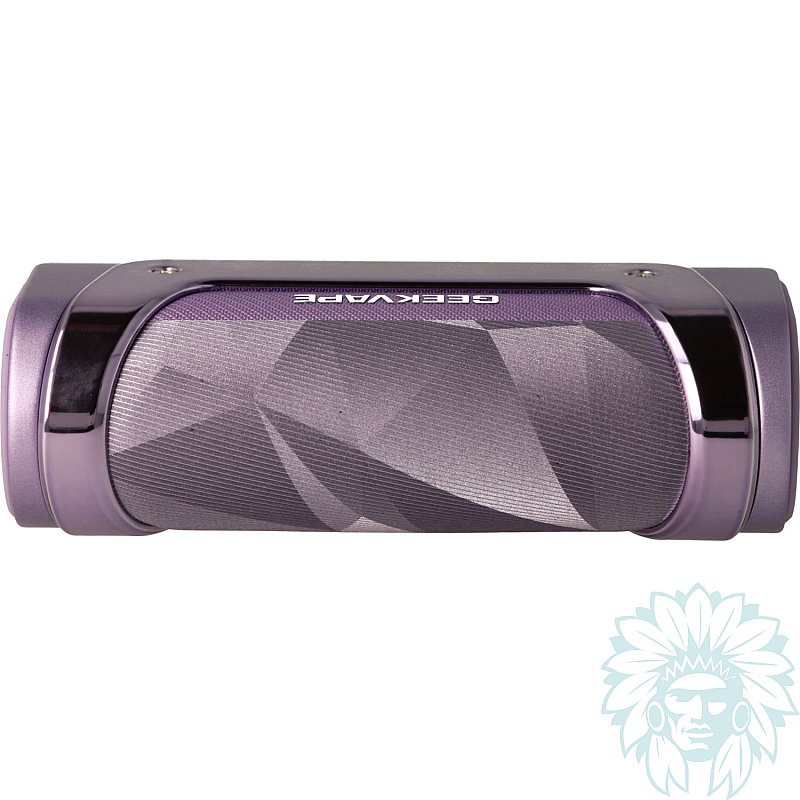
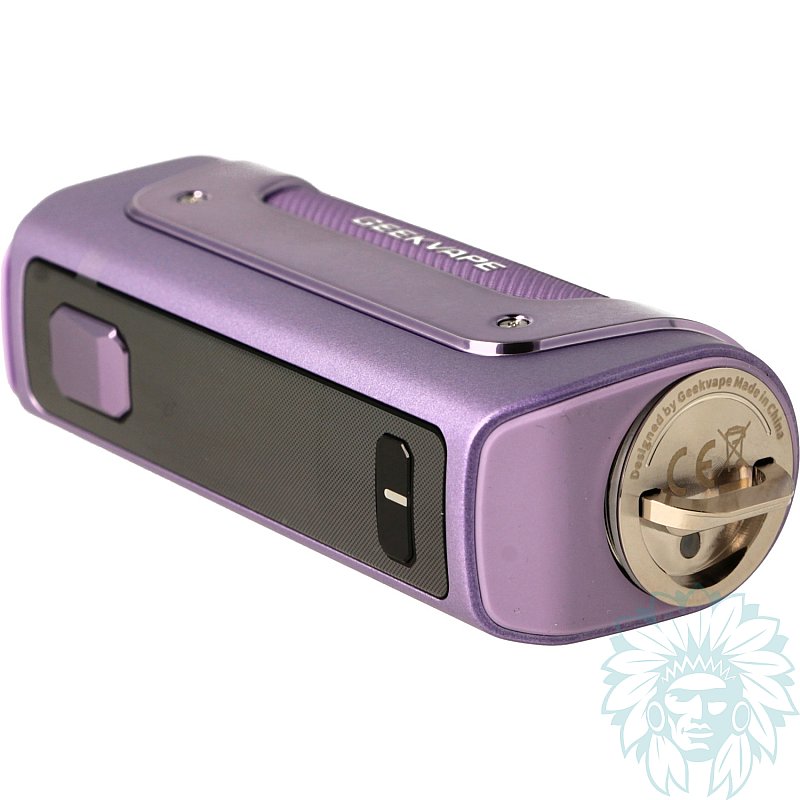
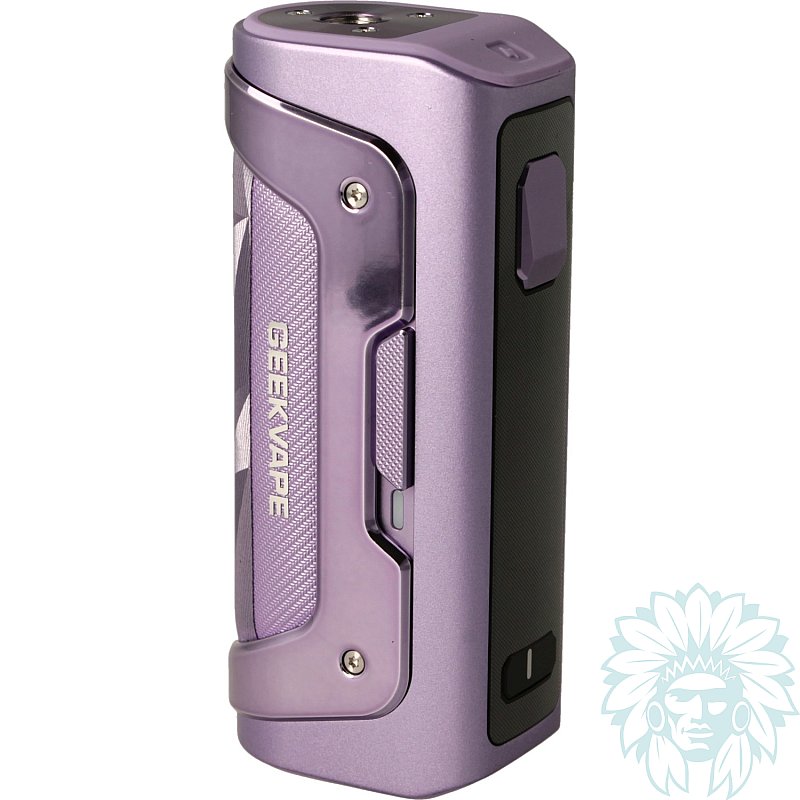
The Geek Vape Aegis Solo 5 box mod is the successor to the Aegis Solo 3. This new generation retains the spirit and qualities that made the Aegis Solo range so successful, whilst introducing several improvements. As robust as ever, it offers greater versatility and ease of use.
IP68-certified, it offers protection against water, dust and impacts.
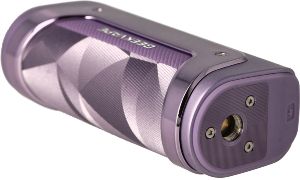
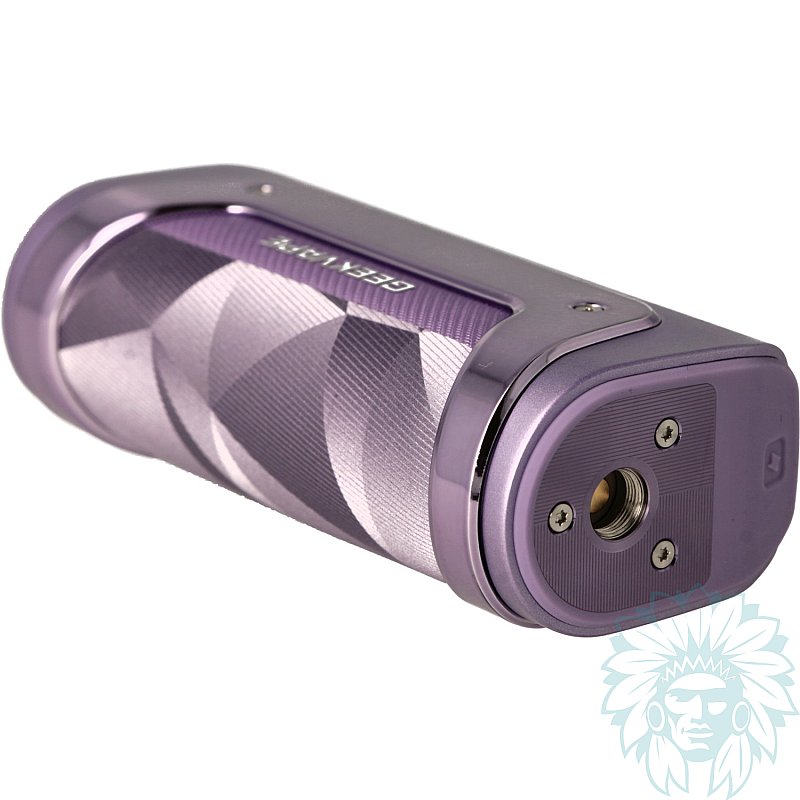
25 mm wide deck
With a width of 25 mm, the Aegis Solo 5 can accommodate clearomizers up to 25 mm in diameter.
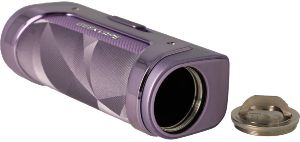
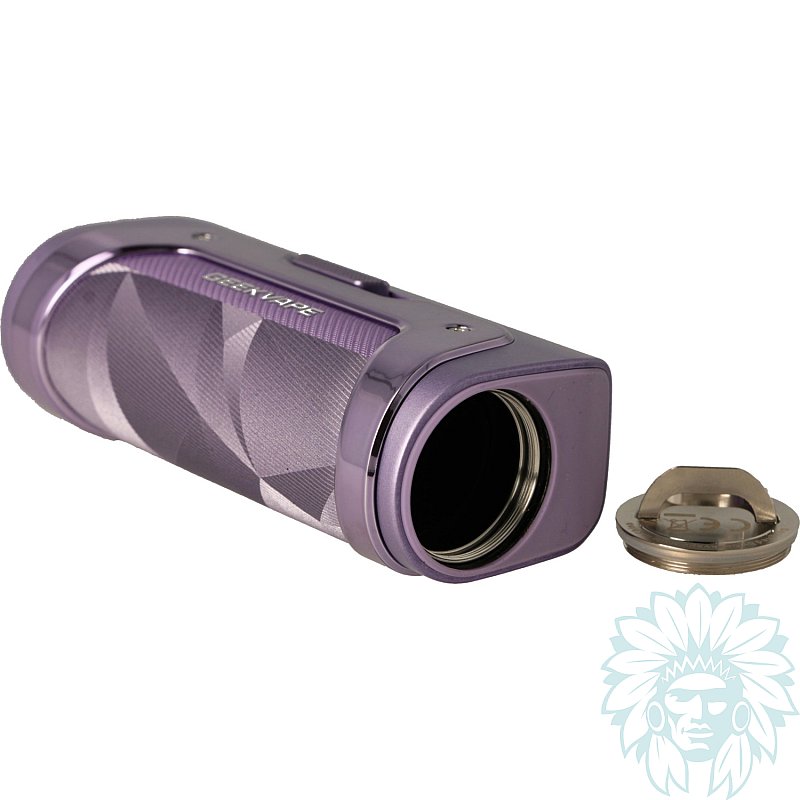
Battery compartment
The mod operates with an 18650 or 21700 battery (not supplied) and can deliver up to 100 W of power. Access to the battery is facilitated by a hatch located underneath the mod.
A USB-C port on the top of the mod, protected by a Teflon cover, allows you to recharge the mod when needed. To preserve the lifespan of your batteries, however, we recommend using a suitable external charger.
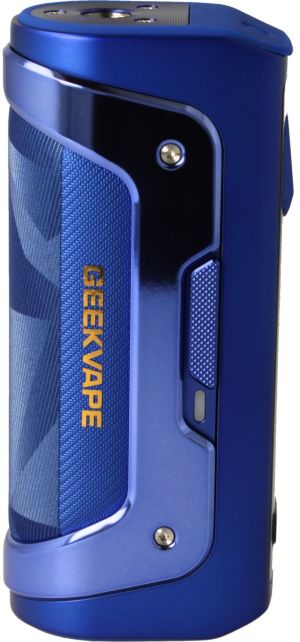
Side lock/unlock switch
GeekVape has also included a side switch that allows you to quickly lock the mod. This feature prevents accidental activation whilst in transit. A lock function that operates independently of the control buttons is also available.
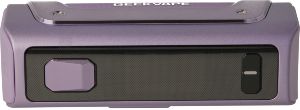
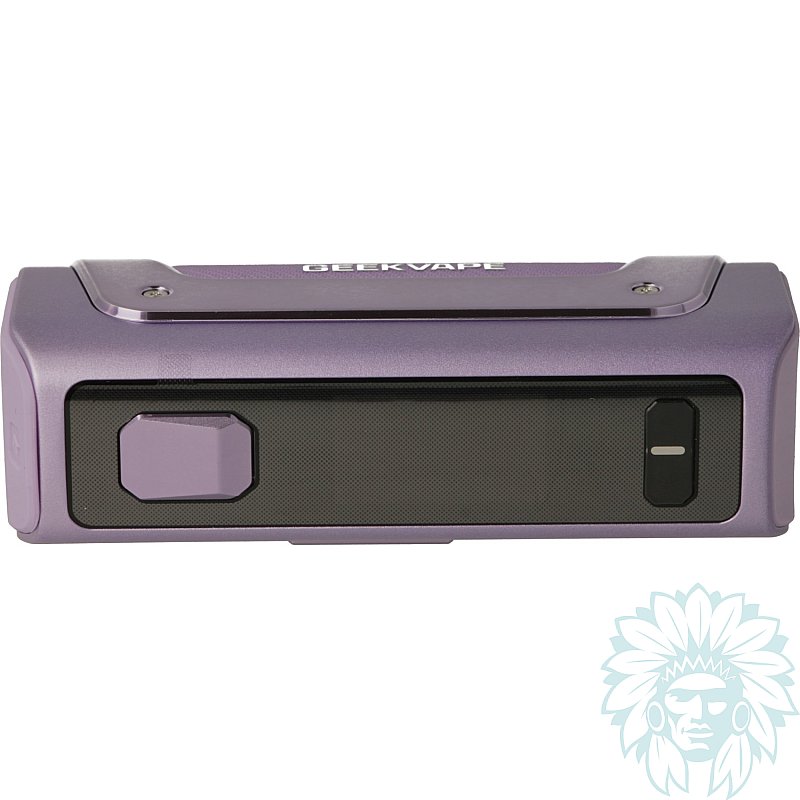
Front panel of the mod
On the front panel, the Aegis Solo 5 features a 1.08" TFT colour display. Larger than that of the previous generation, it provides a clear view of the key information needed for vaping.
The interface is complemented by a Fire button and two adjustment buttons, ‘+’ and ‘-’.
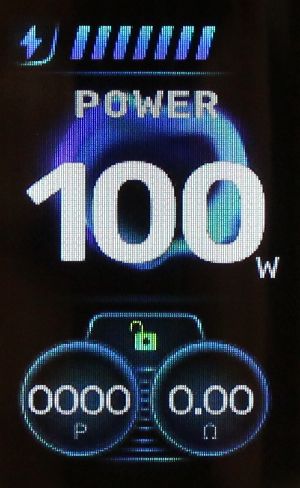
1.08" TFT screen
Thanks to its AS Chip 4.0 chipset, the Aegis Solo 5 mod offers two operating modes:
- SMART: the mod automatically adjusts the power output based on the detected coil. This mode simplifies settings and minimises the risk of using an inappropriate power setting for the installed coil.
- POWER: this mode allows you to manually set the power in watts, up to 100 W, according to your preferences and the specifications of your coil.
Calumette's review: With this Aegis Solo 5, GeekVape has further developed an already well-known mod by making it more user-friendly and versatile. Robust, powerful and easy to use, it represents a great step forward for the range.
Advantages
- A-Lock locking system
- Easy to use
- IP68
- Compact
- Compatible with 18650 or 21700 batteries
Kit contents
- 1 Geek Vape Aegis Solo 5 Box Mod
- 1 18650 adaptor
- 1 user manual
Specifications
- Length: 9.5 cm
- Width: 3.1 cm
- Depth: 4.2 cm
- Weight: 146 g
- 510 screw thread
- Zinc and aluminium alloy
- Power: 100 W
- Maximum charging current: 5V/2A
- Capacity: 1 x 18650 or 21700 battery (not included)
- Compatible battery: discharge rate ≥ 25A
- Level: Beginner to regular
Use
- Switching your box mod on and off:
Press the “switch” button 5 times within one second to switch your box mod on or off.
- Accessing the menu:
Press the “switch” button three times to access the menu. You can change the operating mode, colour and display animation.
- Adjusting the power:
Press the “+” and “-” buttons to adjust the power output.
- Locking and unlocking the device:
Slide the slider on the side of the device to lock or unlock it.
- Charging your device:
A USB-C port on the top of the device, protected by a Teflon cover, allows you to charge the device when needed. However, to preserve the lifespan of your batteries, we recommend using a suitable external charger.
- Locking or unlocking the adjustment buttons:
Press and hold the “+” and “-” buttons for 3 seconds.
Advice
- Remember to ensure you adhere to the power ratings of your coils.
For further information, please refer to the user manual included with your Geek Vape Aegis Solo 5 box mod.
Related products
-
Aspire Nautilus GT II clearomizer
 4.5 ml - 25 mm - Indirect to Restrictive direct22.42 €21.58 €
 5/5 - 3 reviews
-
Innokin Zenith 2 clearomizer
 5.5 ml - 25 mm - Indirect to Restrictive direct19.08 € 4.7/5 - 16 reviews
-
Aseptivape 20 ml disinfectant spray
 2.92 € 4.8/5 - 28 reviews
-
Devia USB to USB-C cable
 4.08 €3.25 € 5/5 - 1 reviews