Aspire Zelos X80 box mod
 5/5 - 2 reviews
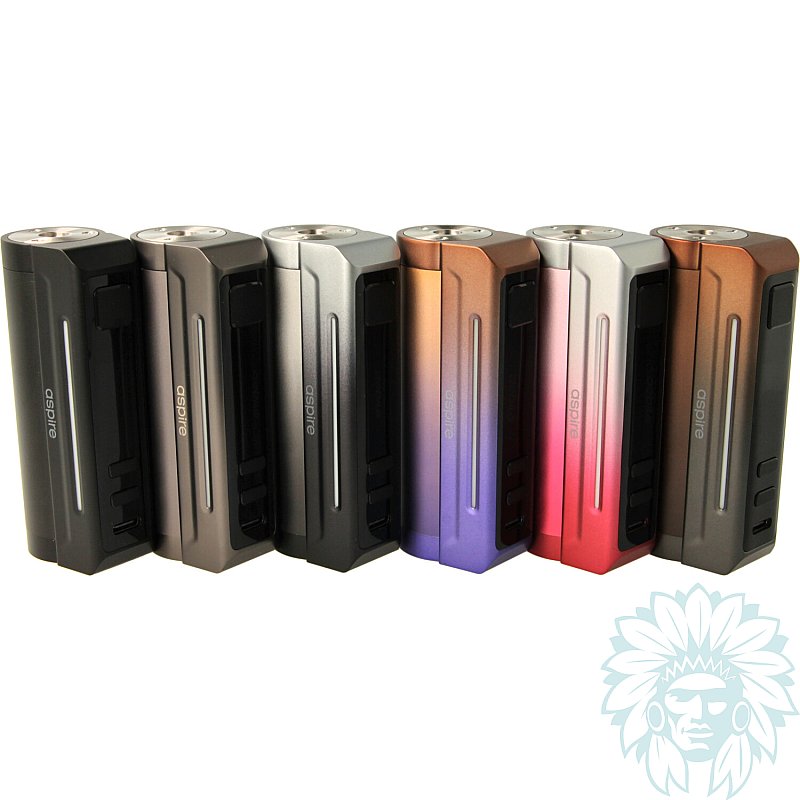
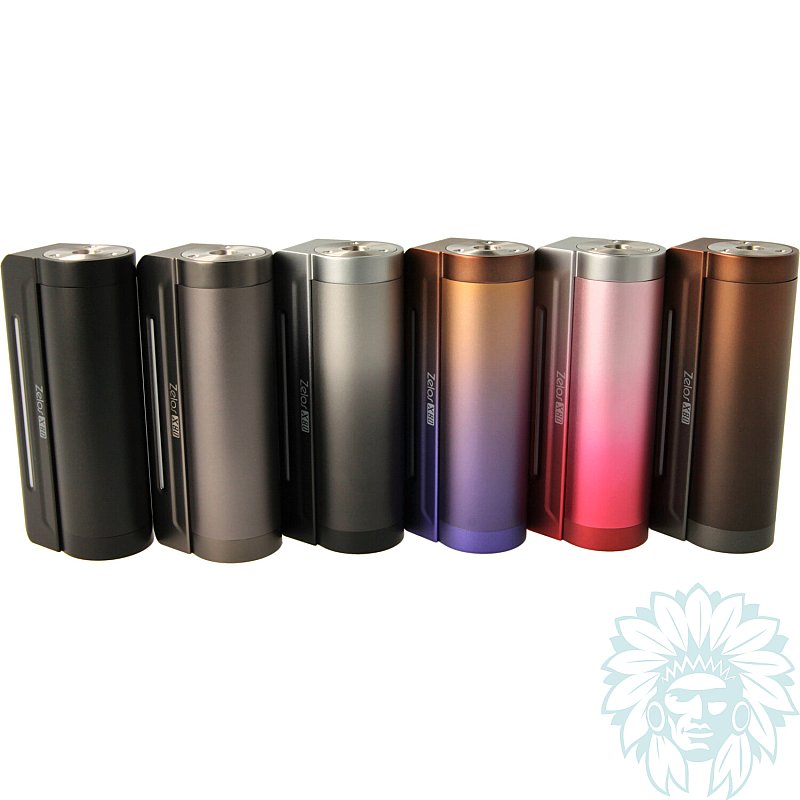
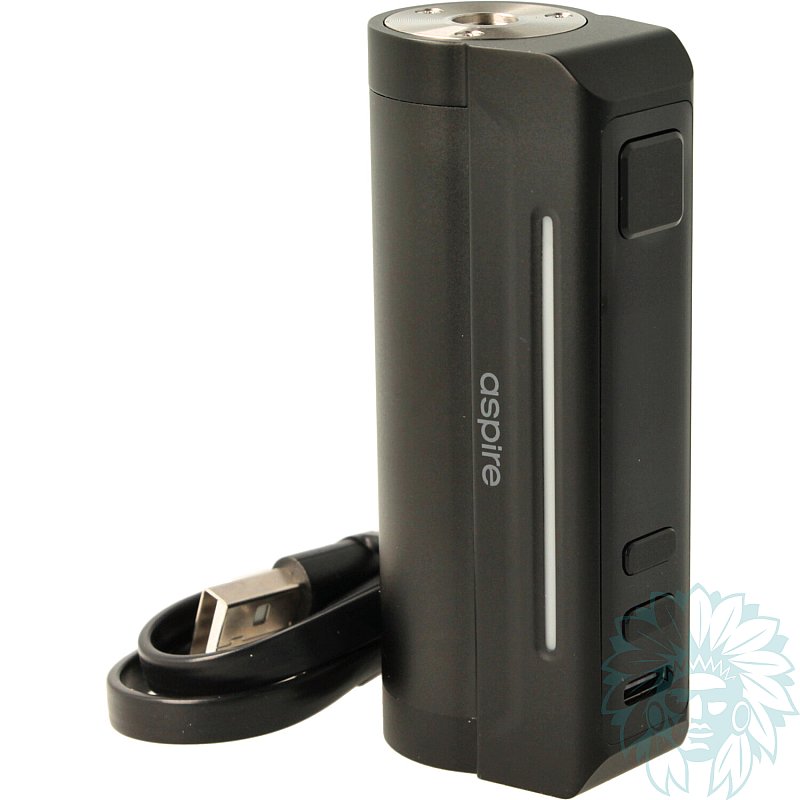
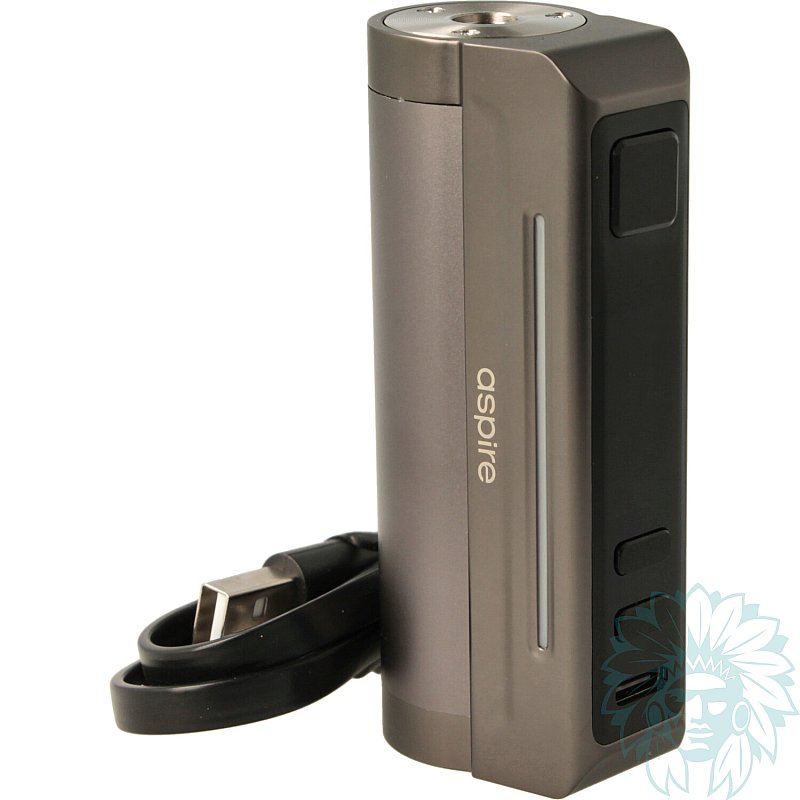
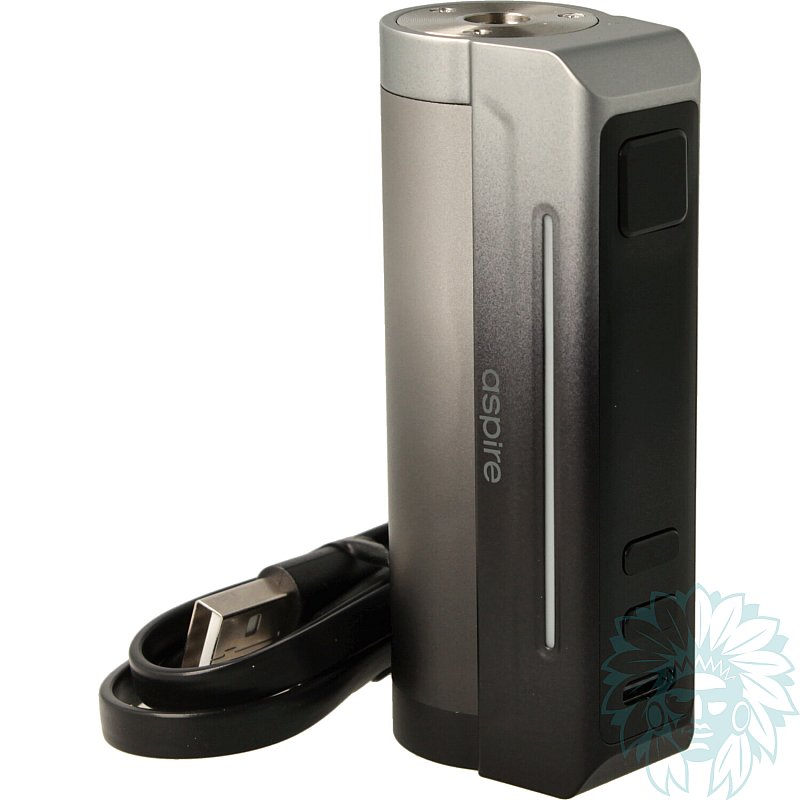
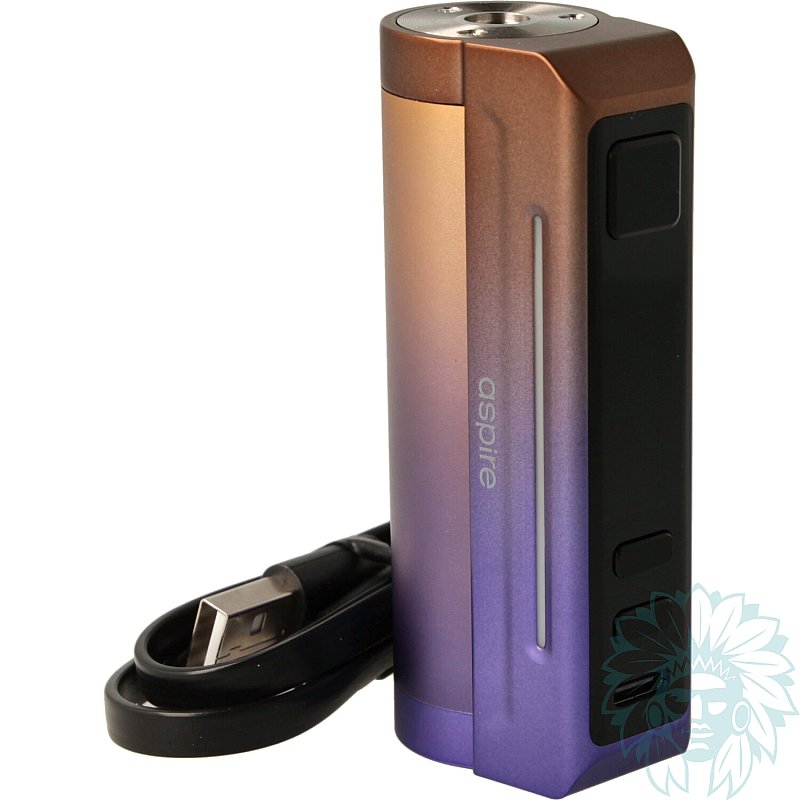
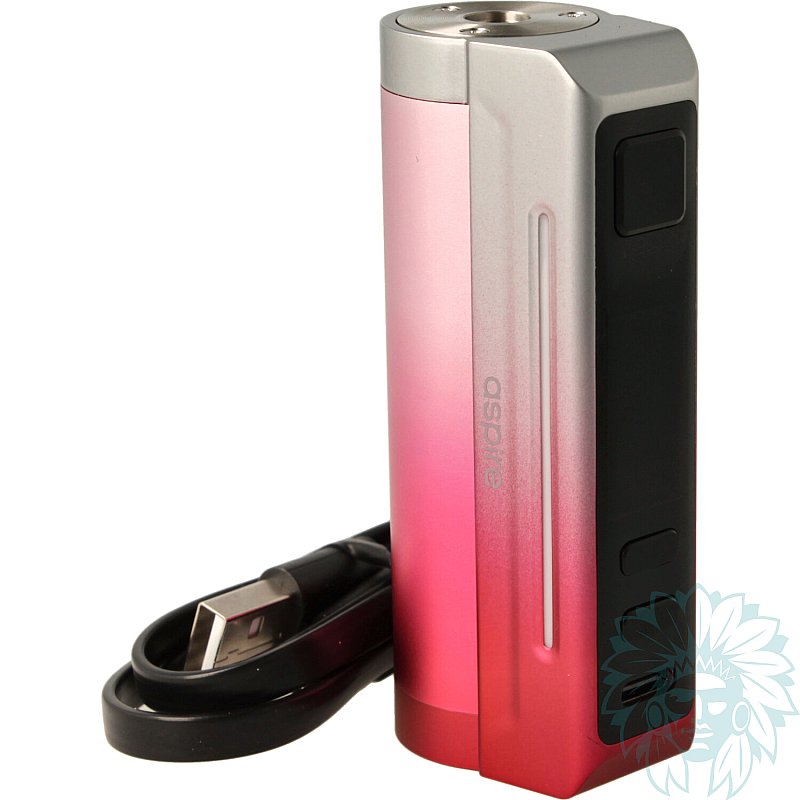
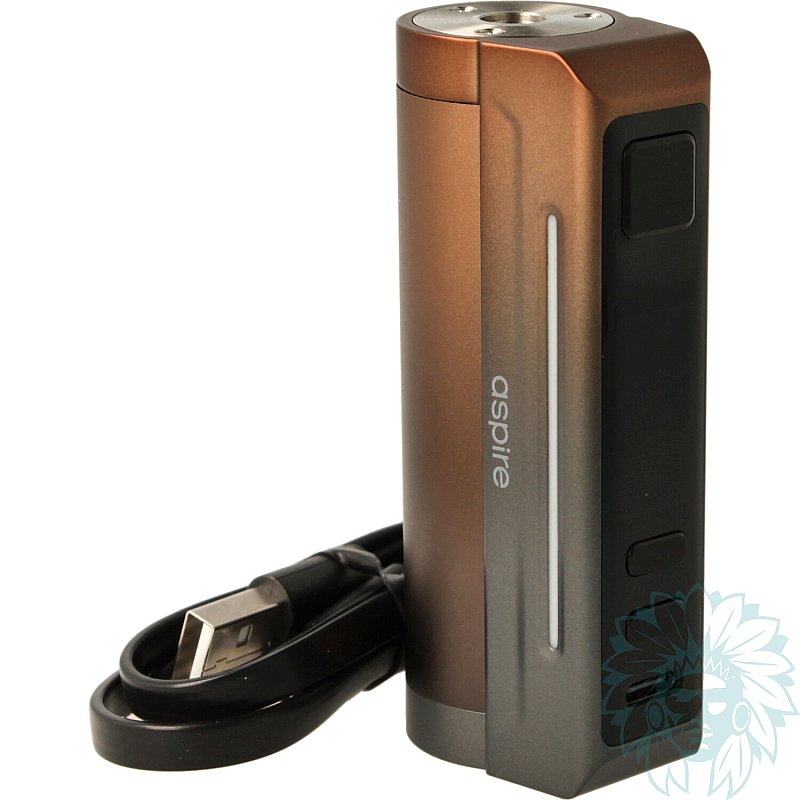
Battery: 1 18650 battery - Power: 80 W
Adjustable: yes - Level: Beginner to regular
Sold without 18650 battery
- Calumette, the world's first ISO 9001-certified vape retailer
- Loyalty reward
- Online payment by credit card
- You will be notified by SMS when order shipped
Aspire Zelos X80 box mod
Aspire Zelos X80 box mod
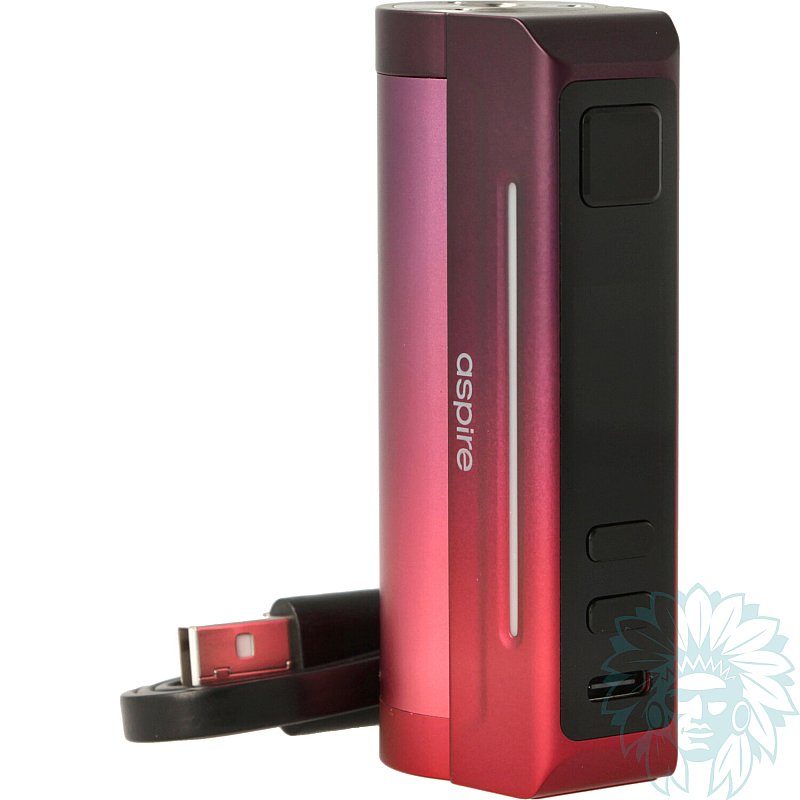
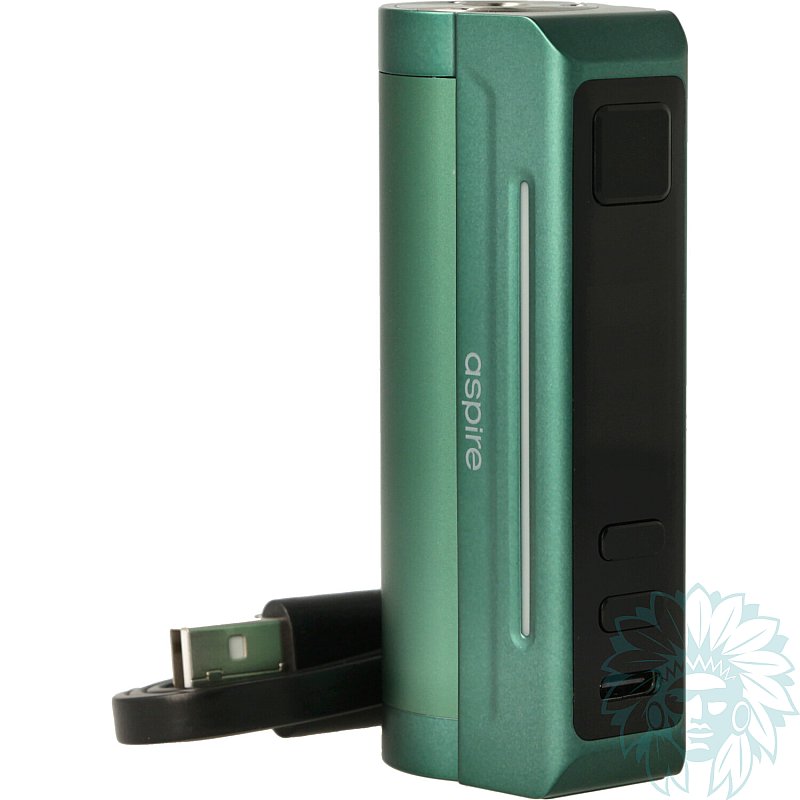
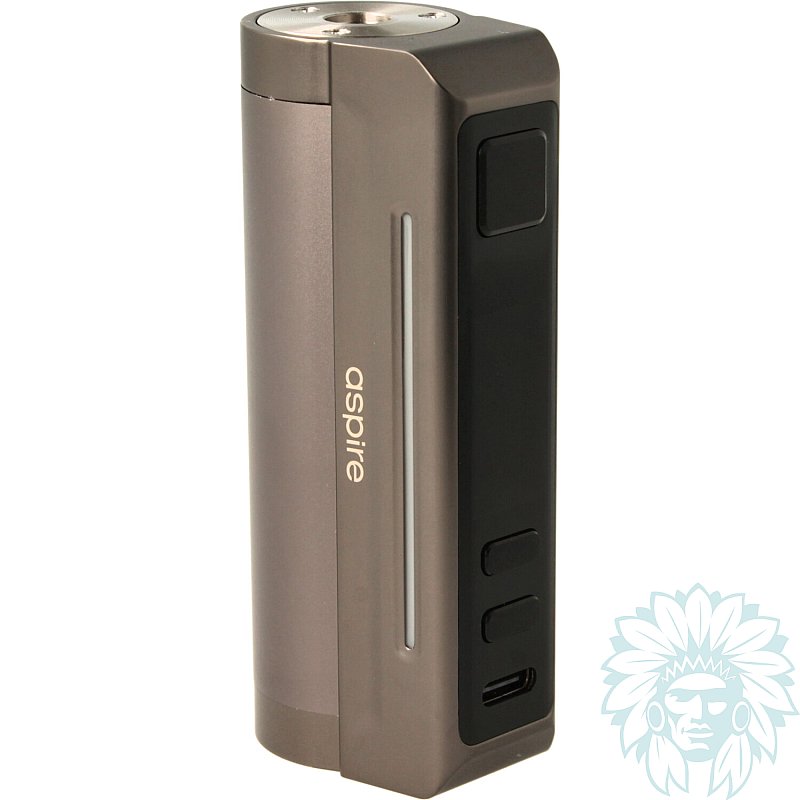
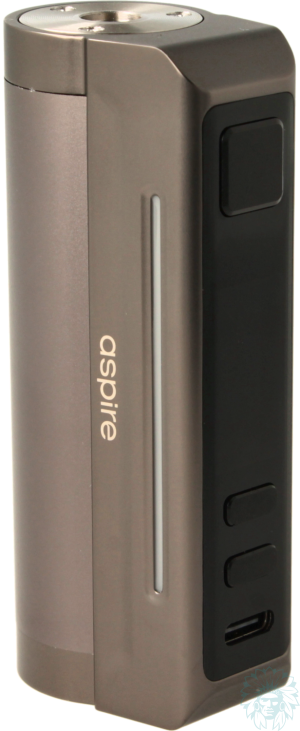
Aspire unveils its new Zelos X80 box, a model that takes the elegant lines and emblematic design of the Zelos series, while adding autonomy, performance and meticulous finish. Made from zinc alloy and featuring ergonomic curves, it guarantees an excellent grip.
With a width of 25 mm, this box is compatible with clearomizers up to 25 mm in diameter.
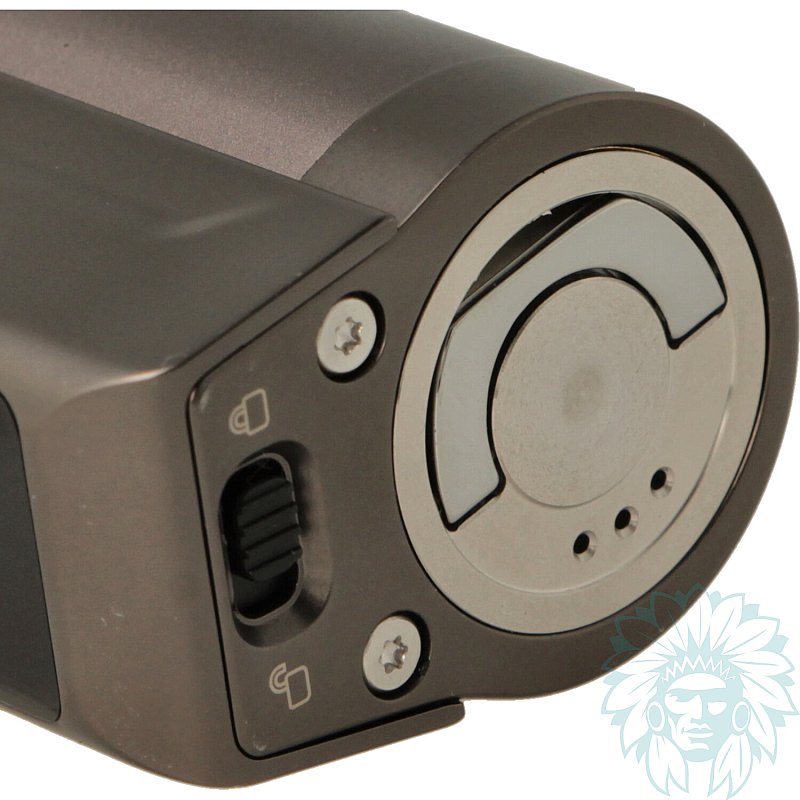
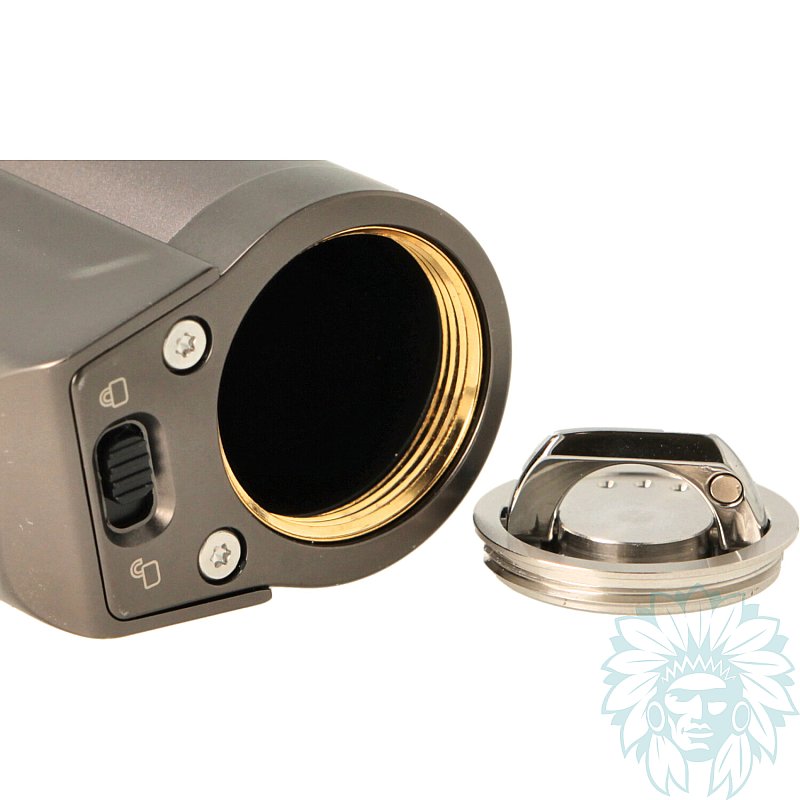
Battery cover + lock/unlock button
The Zelos X80 runs on an 18650 battery (not supplied), delivering up to 80W of power. The battery is easily accessed via a hatch on the underside of the box, with three vent holes for added safety. A USB-C port on the front of the box provides additional charging.
A lock button on the underside of the box locks the settings to prevent accidental activation, particularly during transport.
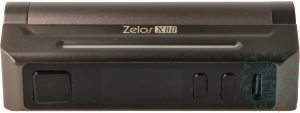
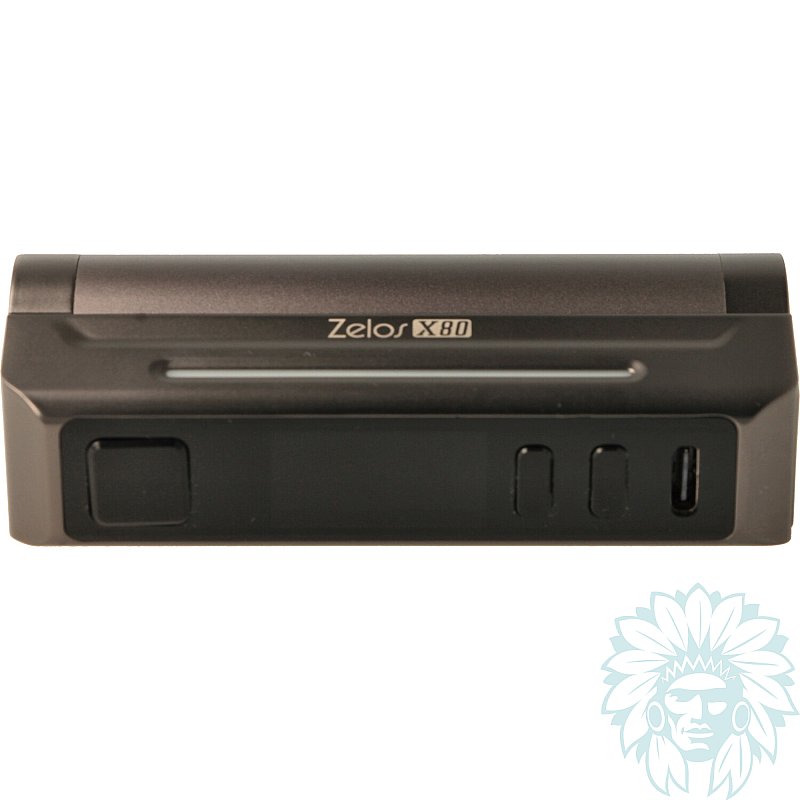
Zelos X80 box front panel
The front panel features a fire button, two '+' and '-' adjustment buttons, a large 0.96" TFT colour screen and the USB-C port. Two side LED bars light up with each puff, adding a customisable touch.
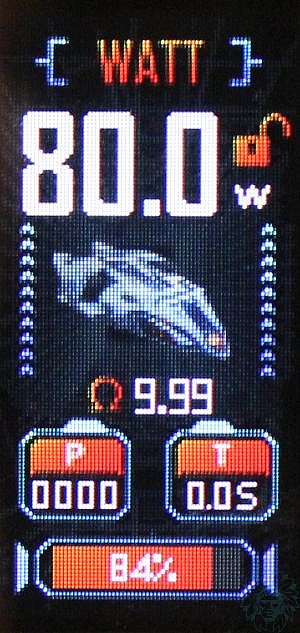
0.96" TFT screen
The screen provides a clear view of all the information you need to vape. The integrated chipset makes it easy to navigate between the different modes available:
- WATT: Manual setting of power in watts
- VOLTAGE: Manual adjustment of voltage in Volt
- BYPASS: Automatic power setting according to coil and battery remaining
- TC: Temperature control for atomisers fitted with Ni, SS or Titanium coils, with predefined settings
- CPS: Customisable power curve for each puff.
LEDs and screen animations can also be customised via the menu.
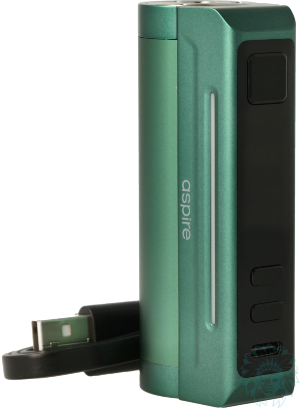
Aspire Zelos X80 complete box mod kit
Calumette's review: The Zelos X80 combines performance with elegant design. With 80W of power, an intuitive chipset and customisable modes, it offers pleasant, flexible vaping. Its LEDs and compact size make it a practical and stylish choice for everyday use.
E-liquid not included: Complete your purchase with e-liquid. For a first purchase, we recommend you try out several different liquids, for example at least one Classic flavour and at least one fruity flavour.
Advantages
- Robust
- Versatile
- Customisable
- Compact
Kit contents
- 1 Aspire Zelos X80 box mod
- 1 USB Type C cable
- 1 user manual
Specifications
- Length: 7.4 cm
- Width: 3.6 cm
- Depth: 2.5 cm
- Weight: 109 g (without battery)
- 510 screw thread
- Zinc, steel and pyrex alloy
- Power rating: 80 W
- Capacity: one 18650 battery (not supplied)
- Max charge current: 2A
- Compatible battery: discharge power ≥ 25A
- Level: beginner to regular
Use
- Charging your box mod:
Plug the USB-C cable into your computer's USB port or wall socket and charge your box. Your box will indicate the charge of your battery on the screen. We advise you to use a battery charger to preserve the life of your batteries.
- Switching your box mod on/off:
Press the main "Switch" button 5 times quickly.
- Locking your box mod:
Turn the switch on the underside of the box to "lock" or "unlock" as required.
- Changing modes: Press the "+" and "Power" buttons simultaneously to access the menu. Click on Mode using the switch, then choose the mode you want.
Advice
- Make sure you lock your box with the switch when you're out and about to avoid accidental activation.
- For more information, refer to the manual included with your Aspire Zelos X80 box mod.
Related products
-
Aspire Nautilus GT II clearomizer
 4.5 ml - 25 mm - Indirect to Restrictive direct22.42 €21.58 € 5/5 - 3 reviews
-
X Power 18650 - 3000mAh - 30 A replacement battery (Sold individually)
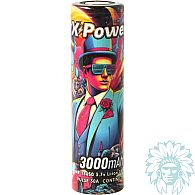 18650 - 3000 mAh - 30 A5.75 €
 -
Aspire Zelos X80 kit
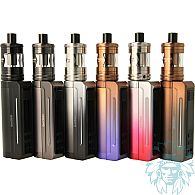 1 battery - 80 W - Indirect to restrictive direct - Beginner to regular52.42 €
 4/5 - 1 reviews
-
Ucell 18650 - 2500mAh - 30 A replacement battery (Sold individually)
 18650 - 2500 mAh - 30 A3.75 €
 -
X Power M1 battery charger
 4.08 € 5/5 - 3 reviews
-
Molicel INR 18650 - 2600mAh - 35 A replacement batteries (2 pack)
 18650 - 2600 mAh - 35 A16.25 € 5/5 - 2 reviews
-
Golisi LCD i2 battery charger
 13.25 € 4.4/5 - 5 reviews
Reviews of Aspire Zelos X80 box mod
recommend
this product
rating
(2 reviews)
- 100% (2)
- 0% (0)
- 0% (0)
- 0% (0)
- 0% (0)
-
Brian C. -
-
Attila K. -