Eleaf iStick X40 box
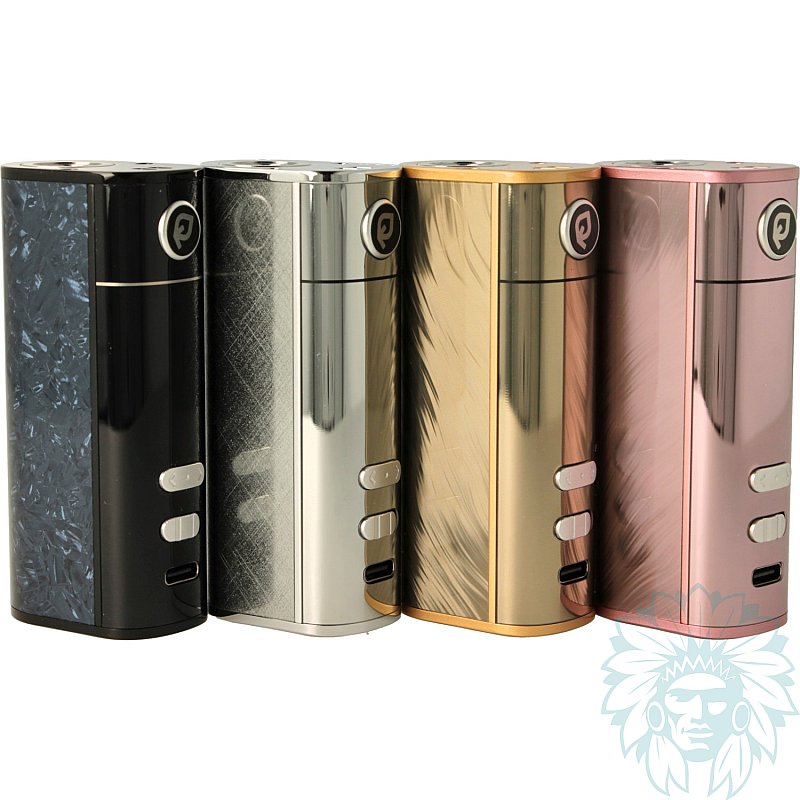
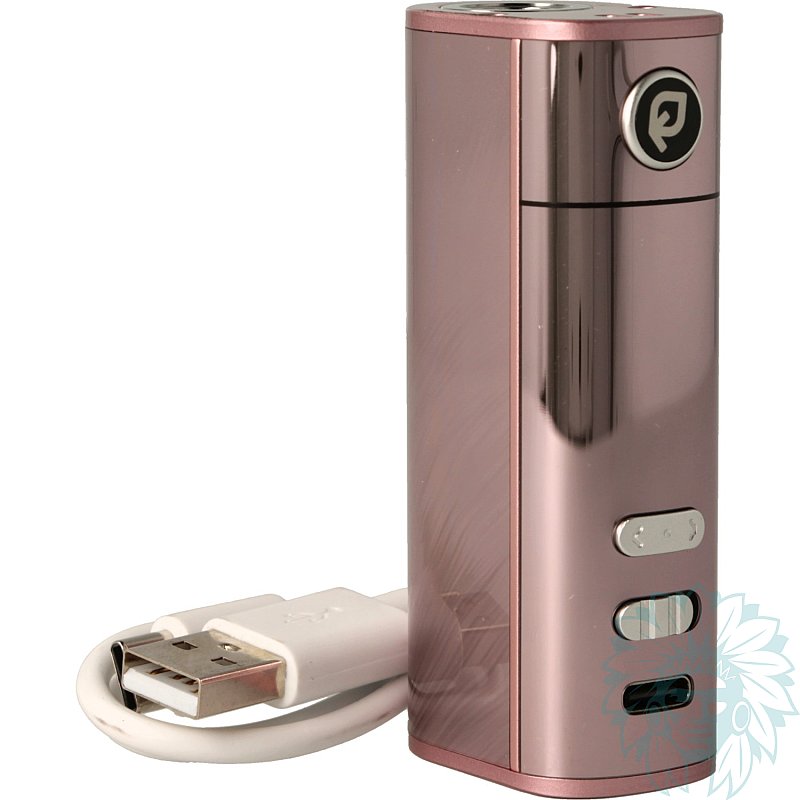
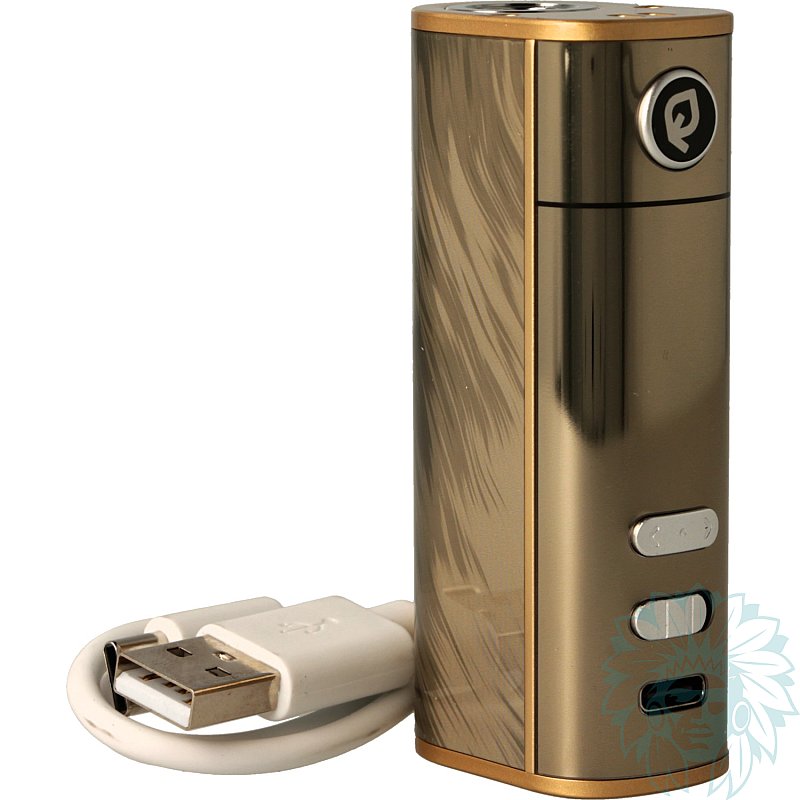
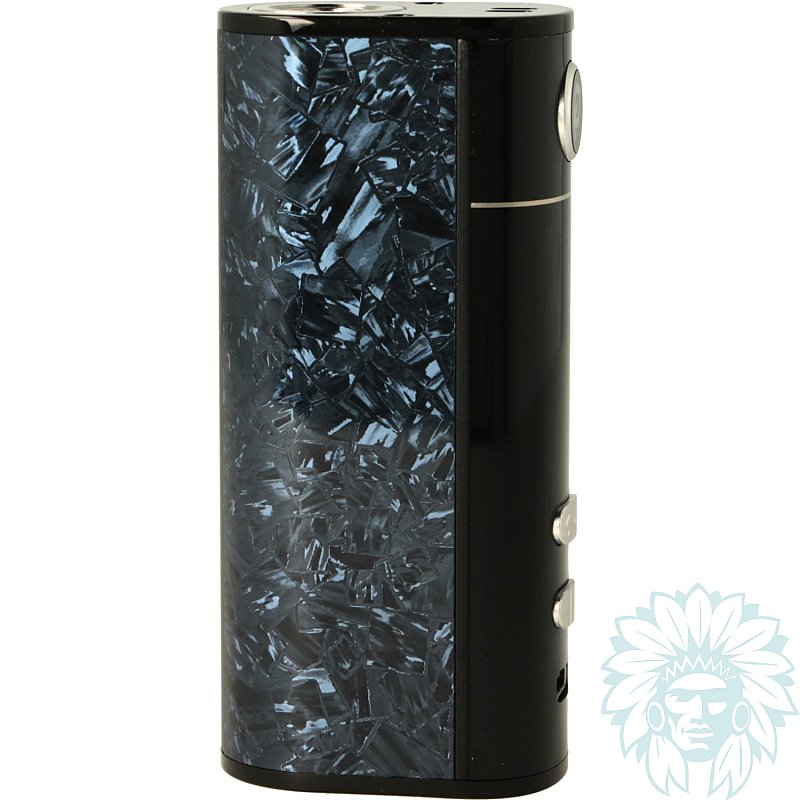
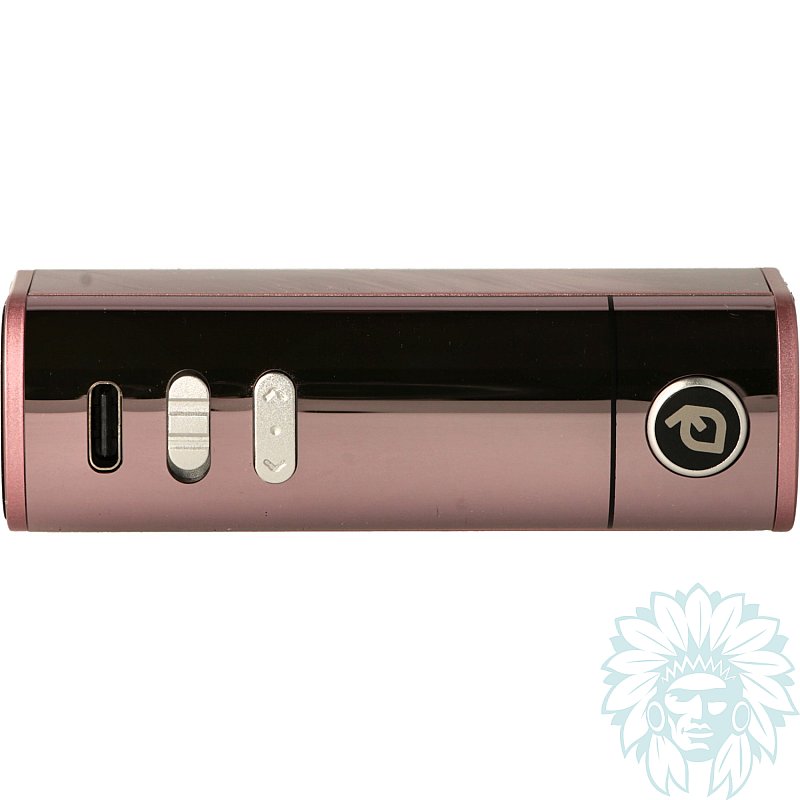
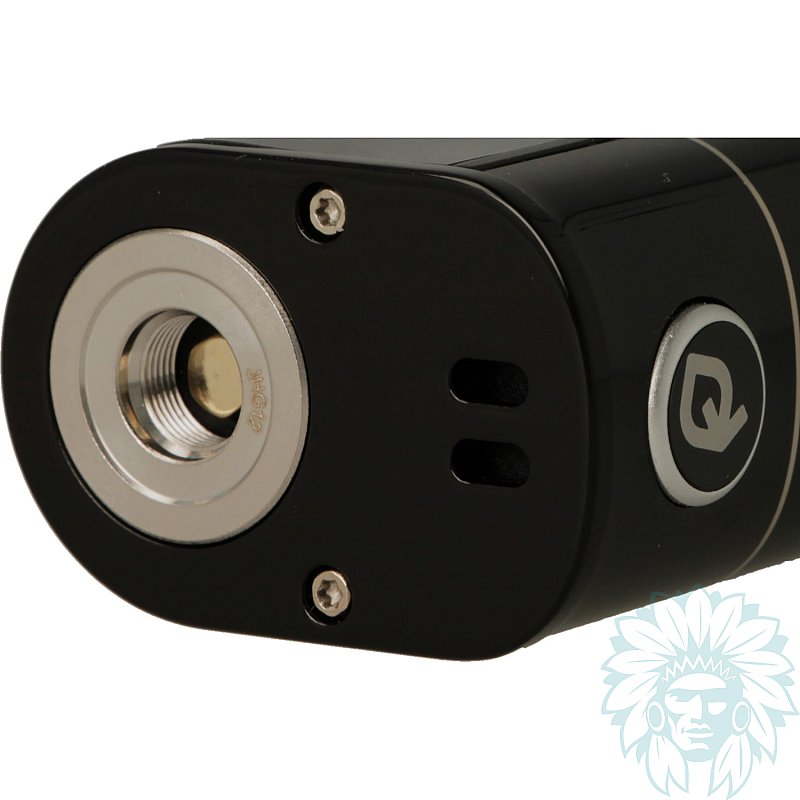
Battery: 3000 mAh – Power: 40 W
Level: Beginner
- Calumette, the world's first ISO 9001-certified vape retailer
- Loyalty reward
- Online payment by credit card
- You will be notified by SMS when order shipped
Eleaf iStick X40 box
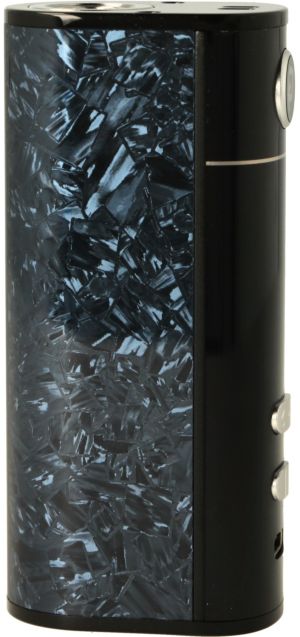
Eleaf iStick X40 box
Eleaf is back with the iStick X40 box, a new version of its famous 40W TC box, designed to be even easier to use on a day-to-day basis.
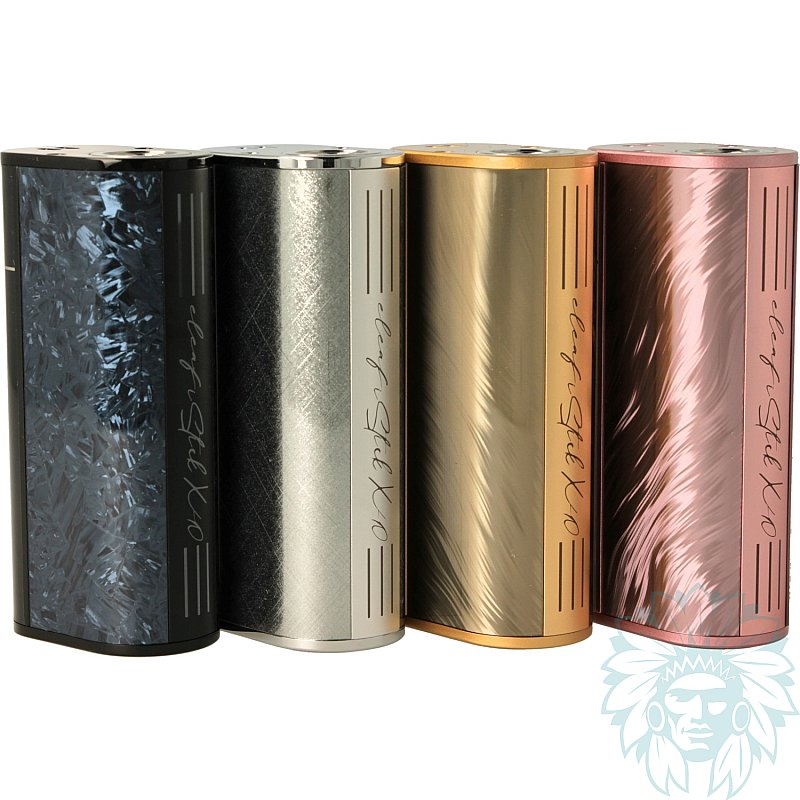
Compact and comfortable to hold, the iStick X40 focuses on simplicity: no complicated settings, just the essentials. Its modern design, with its rounded shapes and glossy finish, also gives it a sleek look.
510 connection deck
The box can accommodate clearomizers up to 24 mm in diameter, giving you plenty of choice when pairing it with your favourite clearomizer.
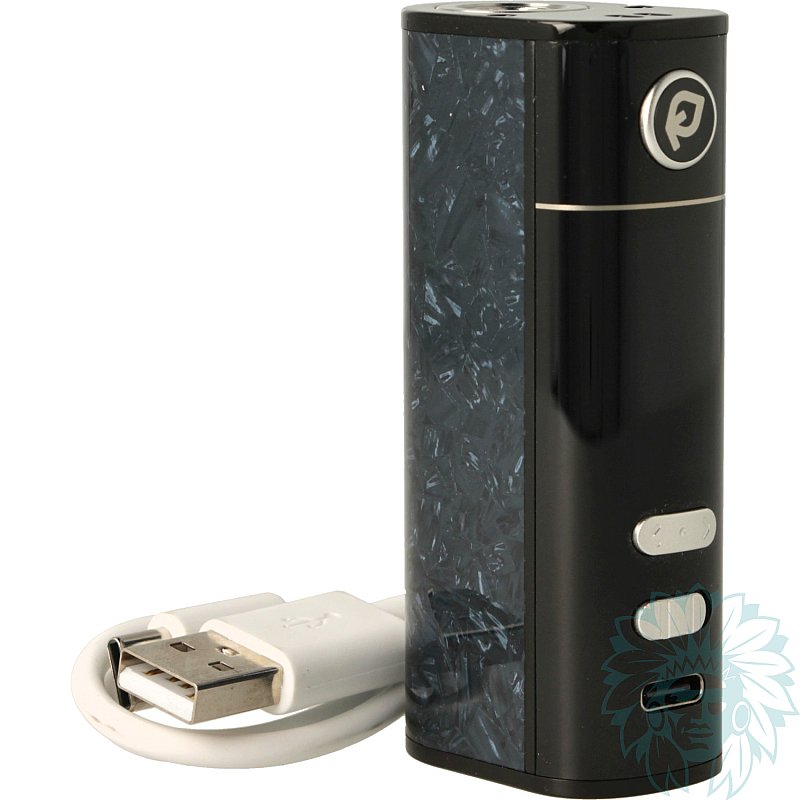
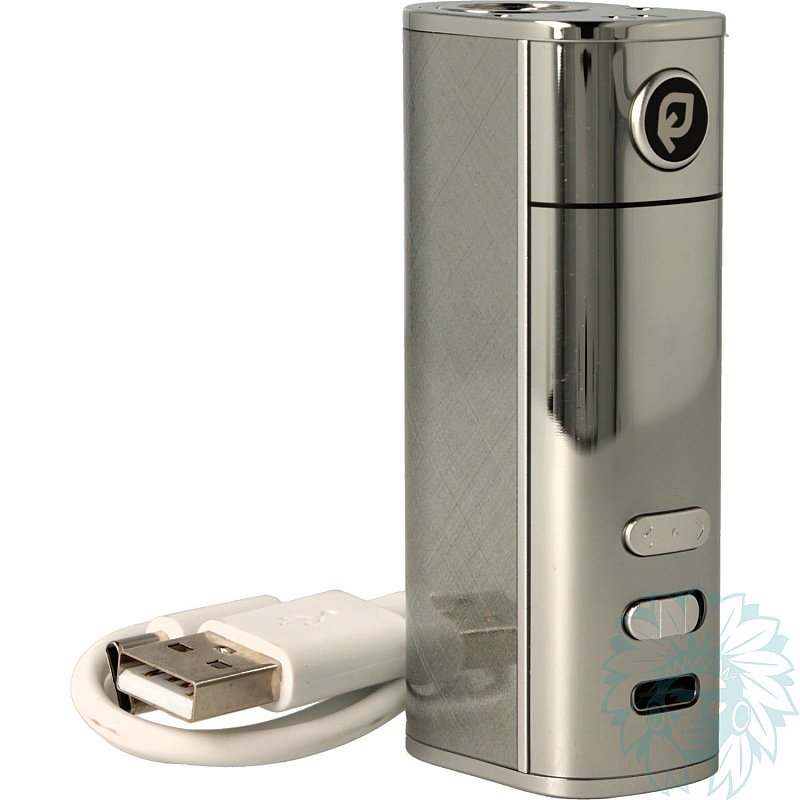
With its built-in 3000 mAh battery and power output of up to 40 W, the iStick X40 offers a comfortable battery life to see you through the day. And when it’s time to recharge it, its front-facing USB-C port allows for fast charging, with a maximum charging current of 2A.
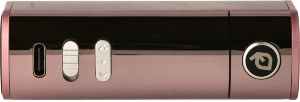
Front panel
On the front panel, you’ll find the “Fire” button, the “<” and “>” buttons for navigating the settings, and a slide switch to lock or unlock the box. The 1.05" TFT screen, protected by a coating, displays essential information such as battery level, power output, coil value and the number of puffs.
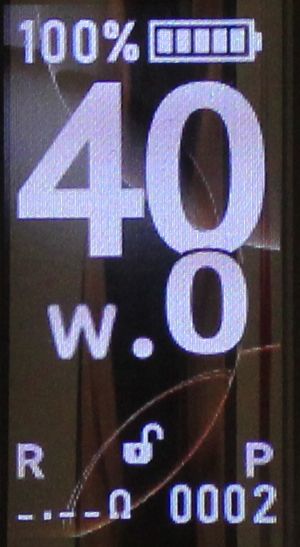
1.05" TFT screen
The iStick X40 also allows you to customise the display using various themes available in the menu.
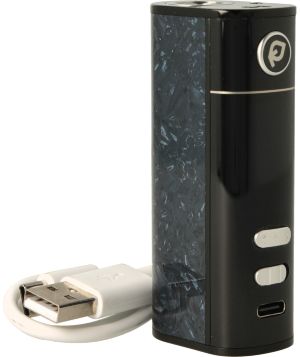
Eleaf iStick X40 complete kit
Calumette's review: Eleaf offers a compact, simple and user-friendly box here, ideal for those looking for a hassle-free vaping experience whilst maintaining good battery life.
E-liquid not included: Complete your purchase with some e-liquid.
For your first purchase, we recommend trying several different e-liquids – for example, at least one ‘Classic’ flavour and at least one fruity flavour.
Advantages
- Good battery life
- Compact and ergonomic
- Easy to use
- Customisable display
Kit contents
- 1 Eleaf iStick X40 battery
- 1 USB-C cable
- 1 user manual
Specifications
- Length: 7.9 cm
- Width: 3.7 cm
- Depth: 2.4 cm
- Weight: 97 g
- 510 thread
- Power: 40 W
- Maximum charging current: 2 A
- Capacity: 3000 mAh
- Level: Beginner
Use
- Charging your box:
Plug the USB-C cable into the USB port on your computer or a wall socket. Your battery has a charge indicator.
- Switching on/off:
Press the button 5 times within 1 second.
- Accessing the menu:
Press the Fire button three times to access the menu. Simply press the ‘<’ or ‘>’ button to navigate and select using the power button.
- Locking or unlocking your box:
To lock or unlock your device, slide the slider to the left or right.
- Vaping:
Press the button and Aspire to vape.
Advice
- Make sure you stick to the maximum operating ranges indicated on your coils.
Related products
-
Aspire Nautilus 3 clearomizer
 4 ml - 24 mm - Indirect to Restrictive direct17.42 €
 5/5 - 20 reviews
-
Innokin Zenith M clearomizer
 4 ml - 24 mm - Indirect17.42 €
 4/5 - 2 reviews
-
Aseptivape 20 ml disinfectant spray
 2.92 € 4.8/5 - 28 reviews