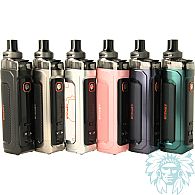
Vaporesso Armour G2 kit
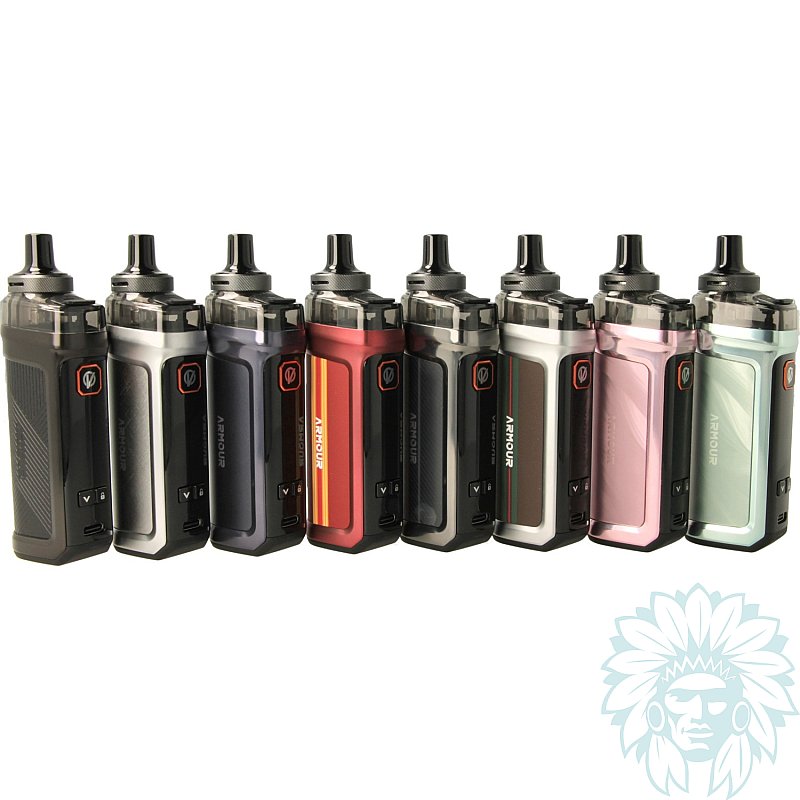
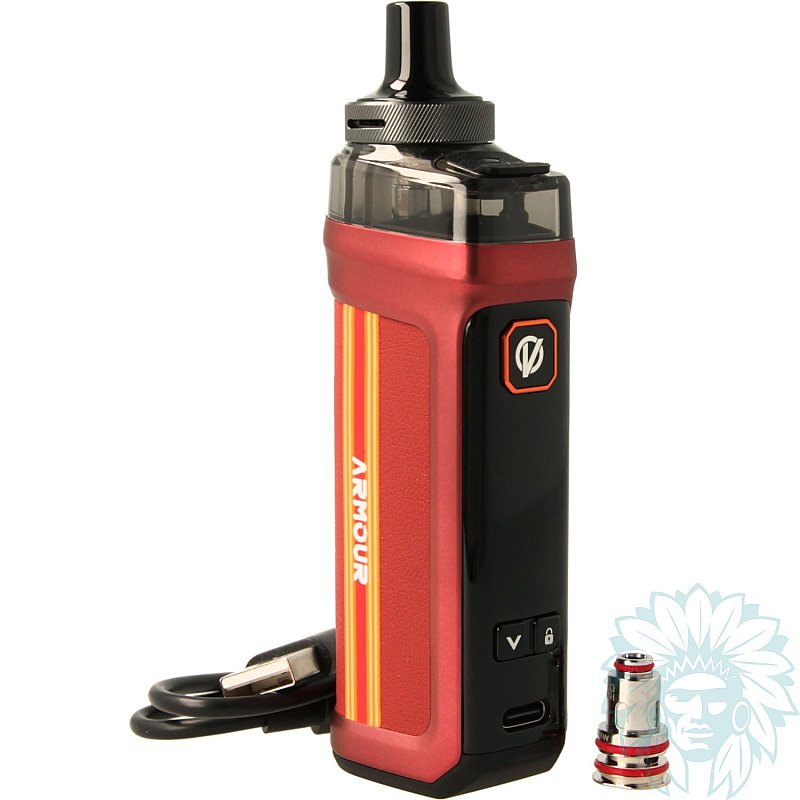
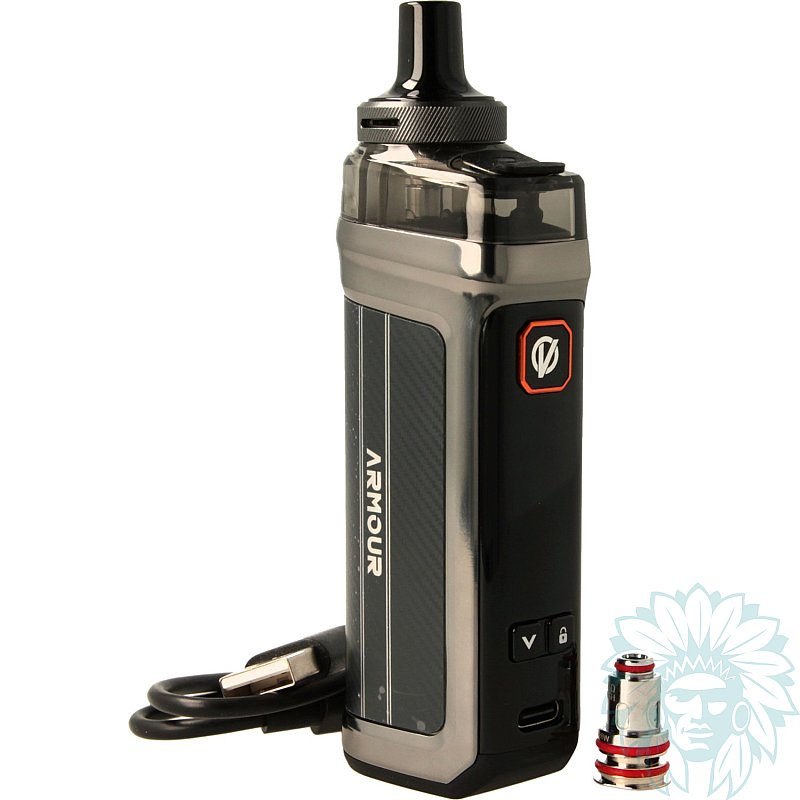
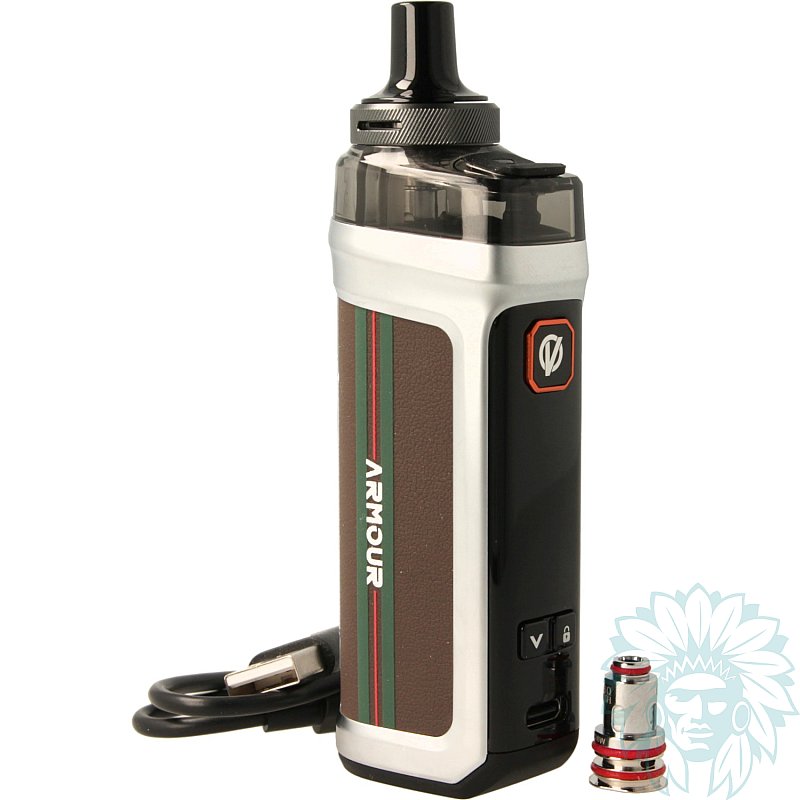
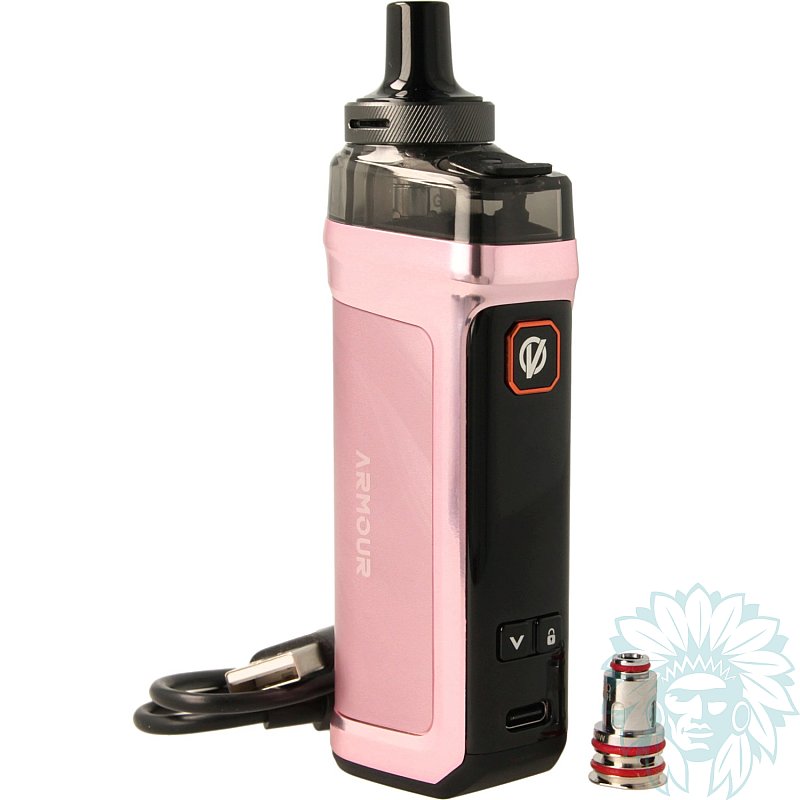
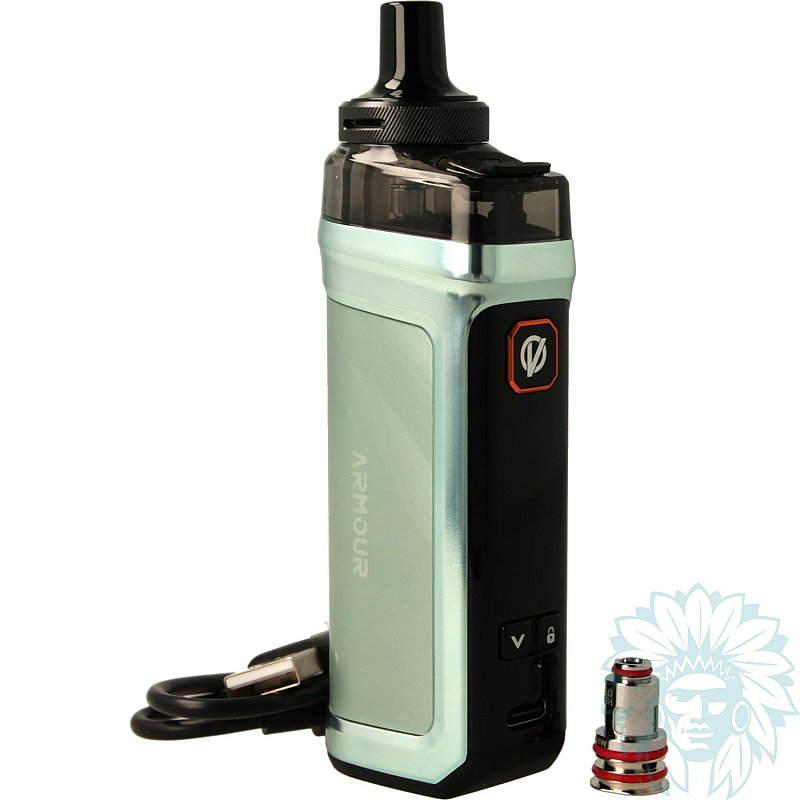
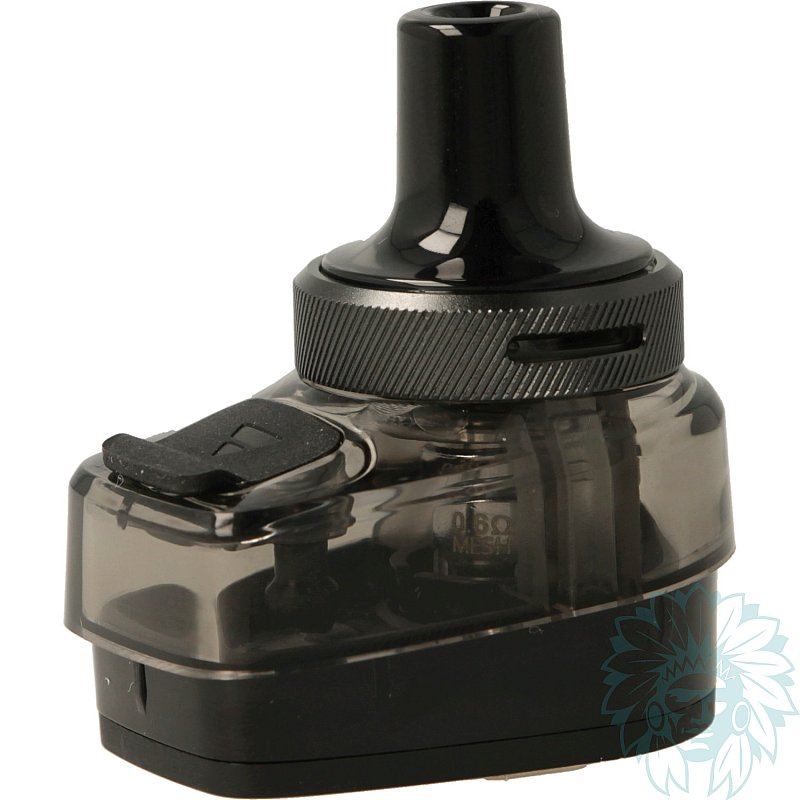
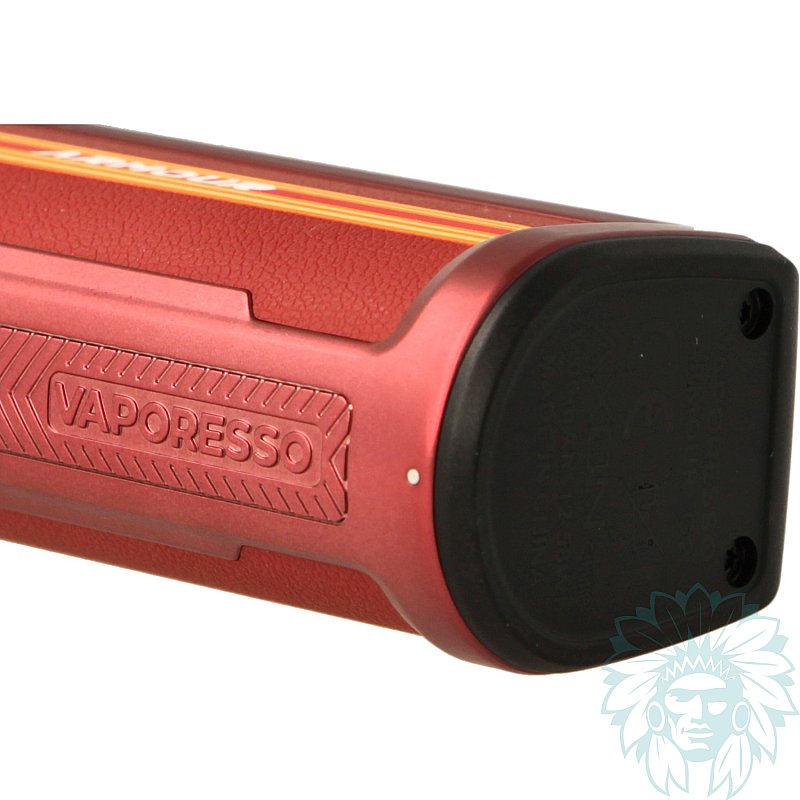
Tank: 5 ml – Battery: 3400 mAh
Power: 60 W
Draw: Restrictive direct to direct – Level: Regular
- Calumette, the world's first ISO 9001-certified vape retailer
- Loyalty reward
- Online payment by credit card
- You will be notified by SMS when order shipped
Vaporesso Armour G2 kit
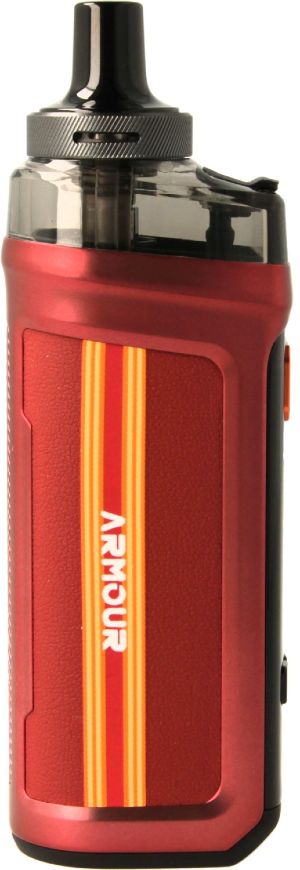
Vaporesso Armour G2 Kit
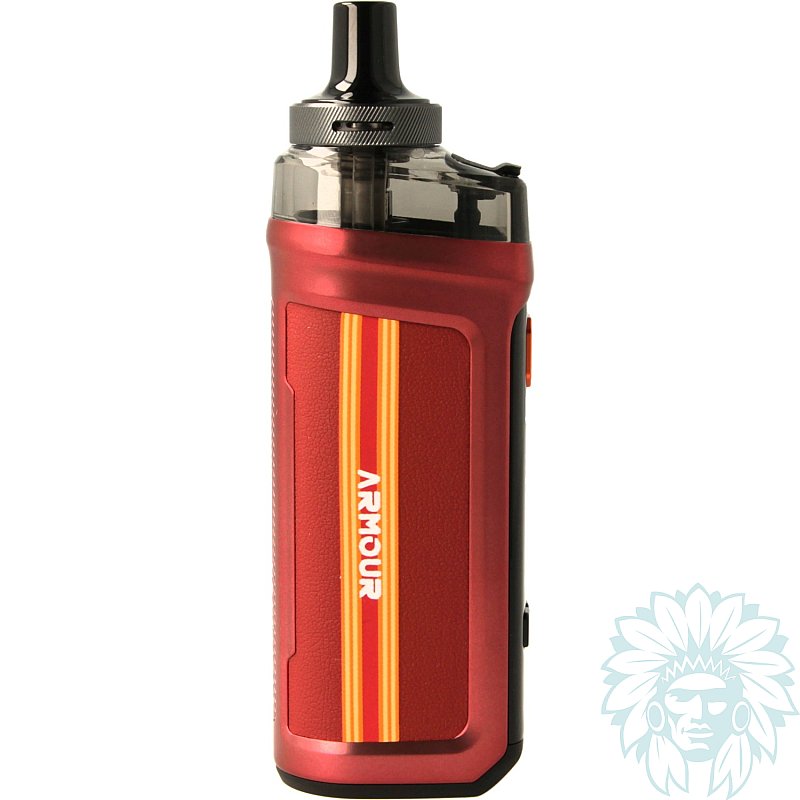
Vaporesso is expanding the Armour range with the Armour G2 kit. This compact and versatile pod combines ease of use with performance in a modern design. Its aluminium alloy frame and faux leather finish ensure a comfortable grip.
This pod features a 3400 mAh battery offering a maximum power output of 60 W.
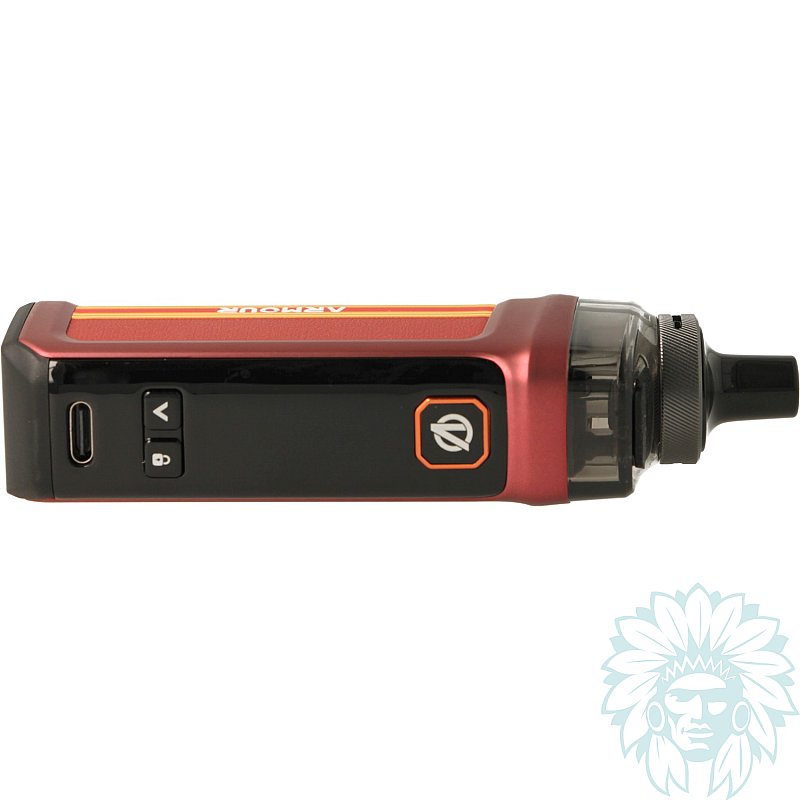
Charging is via a USB-C port located on the front of the device. It supports 3A fast charging.
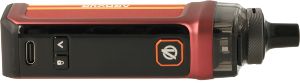
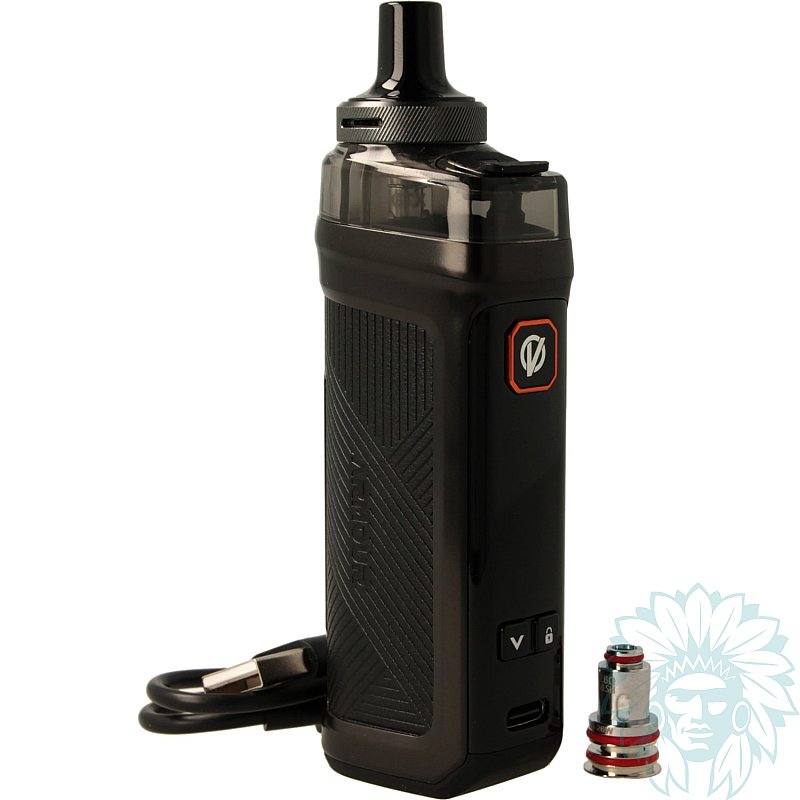
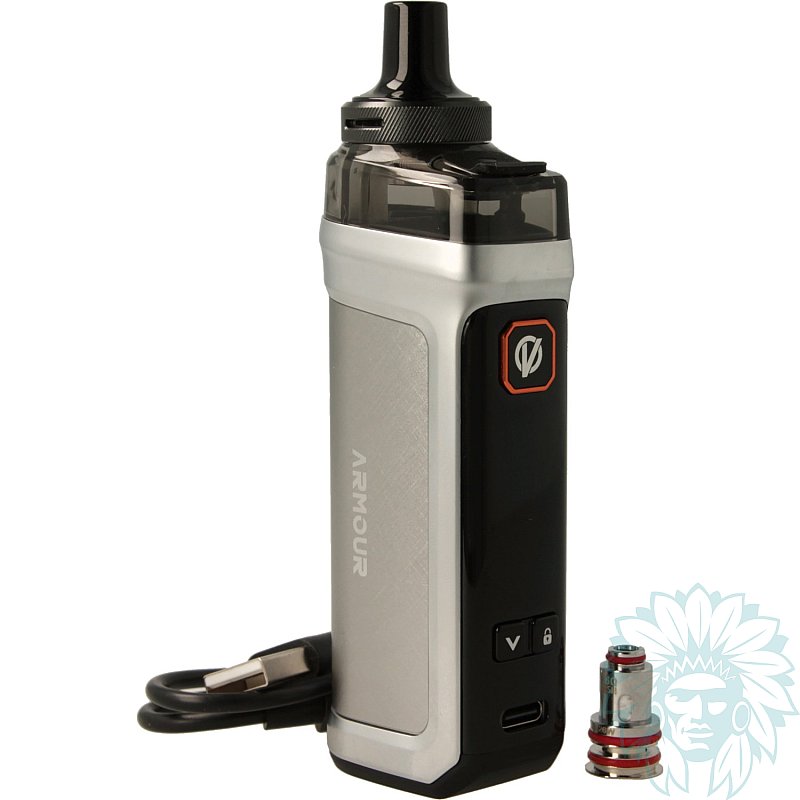
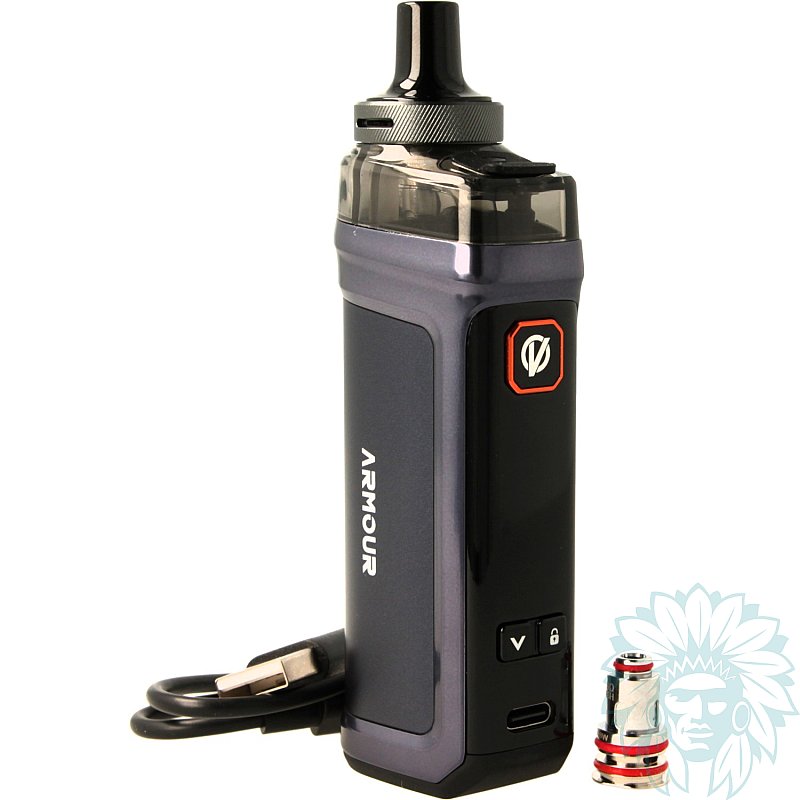
Front of the Armour G2 kit
On the front panel, the Armour G2 kit features a fire button as well as two adjustment buttons, ‘+’ and ‘-’. These allow you to navigate the menu, adjust settings and lock or unlock the device.
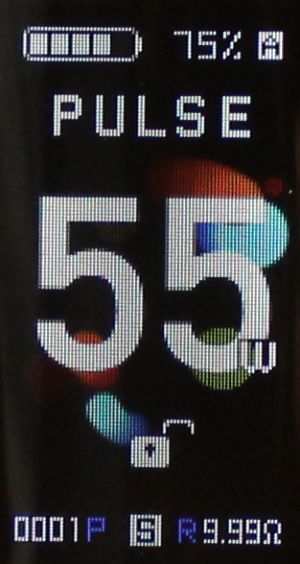
0.96" TFT screen
There is also a 0.96" TFT screen. It provides excellent visibility of all the essential vaping information.
Vaporesso offers several operating modes:
- SMART: automatic power adjustment based on the coil installed.
- PULSE: optimises the vaping experience with a perfect balance between flavour, vapor and throat hit.
- ECO: an energy-saving mode designed to preserve battery life.
The Armour G2 also features two locking systems: an automatic lock and a button lock. These features help to secure the device and prevent accidental activation.
Various display themes are also available to customise the interface to your preferences.
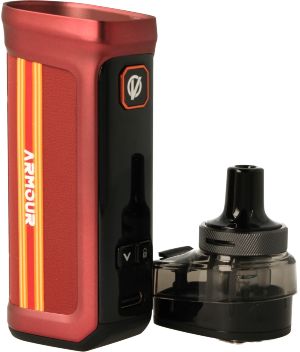
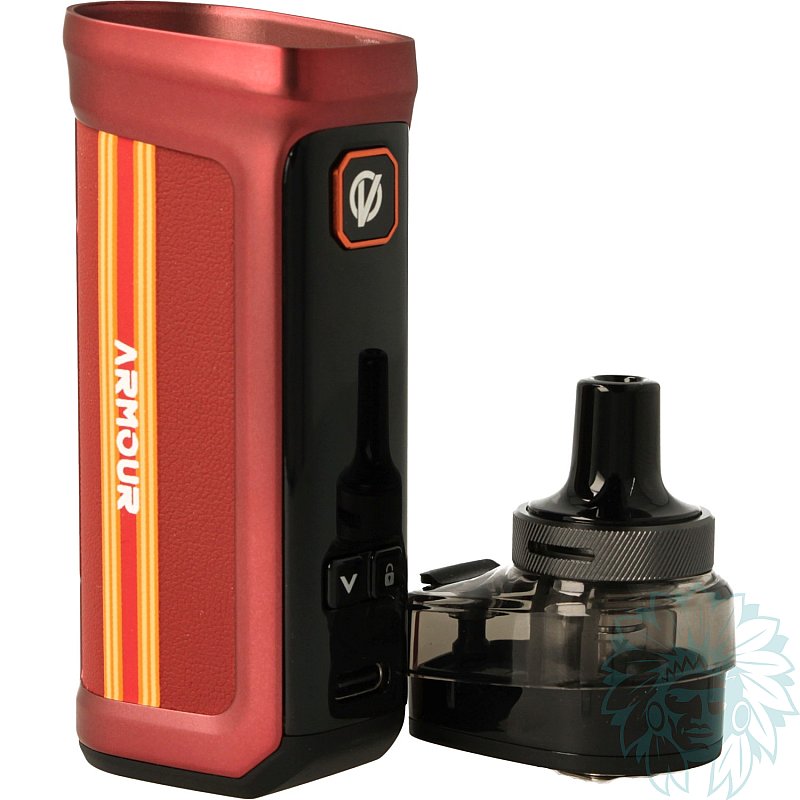
Armour G2 battery and Vaporesso Armour G 2.0 cartridge
The Armour G2 kit comes with the Armour G 2.0 cartridge, which has a 5 ml tank. Its top-fill system makes daily refilling easy.
Its adjustable airflow, located at the top, allows you to adjust the draw to suit your preferences whilst minimising the risk of leaks.
The kit is compatible with all cartridges in the Armour G range.
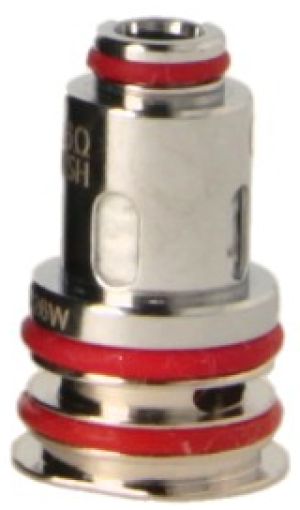
Vaporesso GTX Coil
The Armour G 2.0 cartridge is compatible with coils from the GTX range.
The kit comes with two Vaporesso GTX coils:
- Vaporesso GTX 0.6 ohm coil: operating range between 20 and 26 W, suitable for restrictive direct vaping.
- Vaporesso GTX Dual Mesh 0.4 ohm coil: operating range between 26 and 32 W, suitable for direct vaping.
Please note that the GTX 0.15 ohm coils are not compatible with the Armour G2 kit.
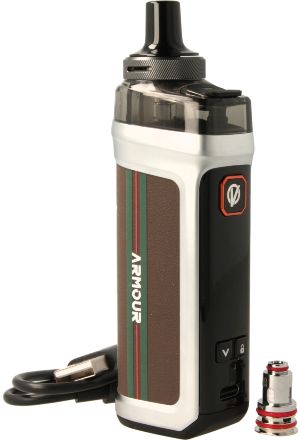
Vaporesso Armour G2 complete kit
Calumette's review: With the Armour G2 kit, Vaporesso offers a complete pod system that prioritises versatility, good battery capacity and a wide range of customisation options.
E-liquid not included: Complete your purchase with some e-liquid.
For your first purchase, we recommend trying several different e-liquids, for example at least one Classic flavour and at least one fruity flavour.
Advantages
- 3A fast charging
- 5 ml tank
- Easy to use
- Compatible with MTL and DL depending on the cartridge used
- Dual locking system
Kit contents
- 1 Vaporesso Armour G2 box
- 1 Armour G 2.0 MTL cartridge
- 1 GTX Mesh coil, 0.60 ohms (pre-installed)
- 1 GTX Dual Mesh coil, 0.4 ohm
- 1 USB-C cable
- 1 user manual
Specifications
- Length: 11.3 cm
- Width: 2.7 cm
- Depth: 3.8 cm
- Weight: 143 g
- Capacity: 5 ml
- Vaporesso Armour G 2.0 MTL replaceable cartridge (compatible with all Armour G pods)
- Removable 510 plastic drip tip
- Aluminium alloy and faux leather
- Compatible with Vaporesso GTX and GTX Dual Mesh coils (except 0.15 ohm)
- Power: 60 W
- Capacity: 3400 mAh
- Maximum charging current: 3A
- Coils included: one Vaporesso GTX Dual Mesh 0.40 ohm coil and one GTX 0.6 ohm coil.
- Max. operating power: 32 W for the 0.4 ohm coil, 26 W for the 0.6 ohm coil
- Inhalation style: restrictive direct to direct
- Vapor type: semi-airy to airy
- Vapor: lukewarm to hot
- VG percentage in e-liquid for optimal use: ≥ 50% Vegetable Glycerin
- Level: Regular
Use
- Filling your pod:
Plug the USB Type-C cable into the mod and into an adaptor or a computer’s USB port. The mod has a charging indicator.
- Accessing your pod’s menu:
To access the menu, press the power switch three times. Use the “+” and “-” buttons to navigate. Select options and confirm your choices by pressing the power switch.
- Locking/unlocking:
You can lock or unlock your device by pressing the adjustment button marked with the padlock symbol twice, or access the menu to lock the power setting only.
- Switching on and off:
Press the switch button 5 times quickly to switch your kit on or off.
- Filling your cartridge:
Lift the black silicone cap on top of the cartridge and fill the cartridge. Close the cap.
- Adjusting the power:
Press the ‘+’ and ‘-’ buttons to increase or decrease the power.
- Adjusting the airflow:
Turn the airflow ring located below the drip tip to adjust the airflow to your liking. The ring allows you to open or close the holes through which air enters the clearomizer. The more open the holes are, the more vapor is produced. In summary, for a tight draw, leave the airflow holes almost closed; for a more open draw, leave the airflow holes wide open.
- Changing the coil:
Remove the cartridge. Pull the coil out from underneath the cartridge, then insert a new cartridge. Put the cartridge back in place.
Advice
- Make sure you clean your connectors thoroughly to prevent them from becoming clogged. Regular maintenance will extend the life of your equipment.
- If you smell something burning or experience a bitter taste in your mouth, consider changing your coils.
For further information, please refer to the instructions included with your Vaporesso Armour G2 kit.
Related products
-
Vaporesso Armour G cartridge (2 pack)
 5 ml - Indirect to Direct9.58 €
 4.8/5 - 4 reviews
-
Vaporesso GTX coils (5 pack)
 GTX Tank, GTX Pod 22, PX 80, Armour G, Xtank T
1.2 / 0.8 / 0.6 / 0.4 / 0.3 / 0.2 / 0.15 ohm8.75 € 4.8/5 - 138 reviews
-
Vaporesso Armour GS2 kit
 1 battery - 80 W - Direct - Regular36.58 €
-
Vaporesso Armour G kit
 3000 mAh - 80 W - Indirect to restrictive direct - Regular36.58 € 4.8/5 - 4 reviews
-
Aseptivape 20 ml disinfectant spray
 2.92 € 4.8/5 - 28 reviews