GeekVape Force kit
 5/5 - 2 reviews
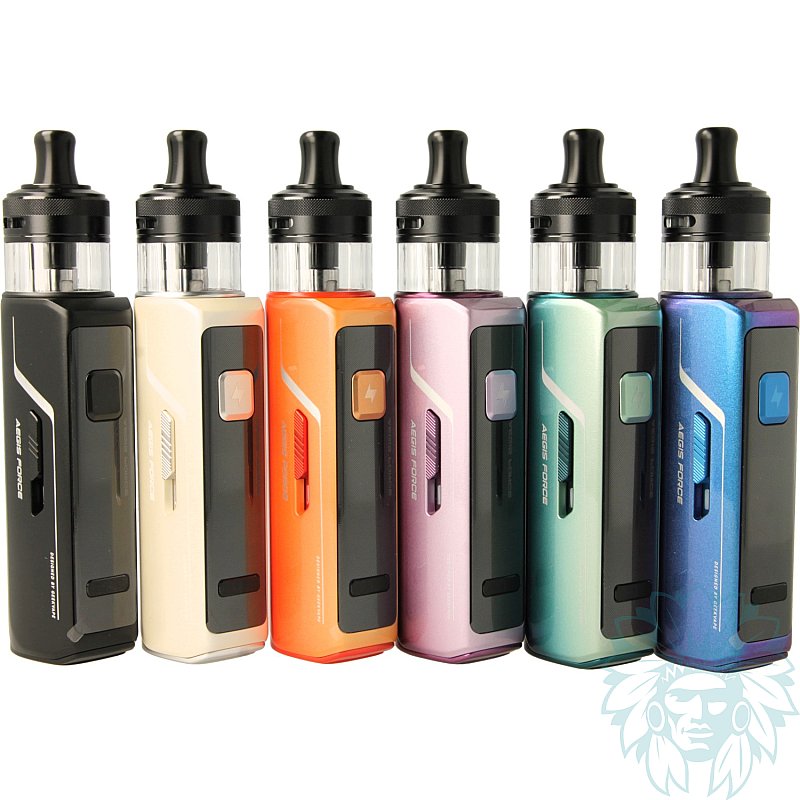
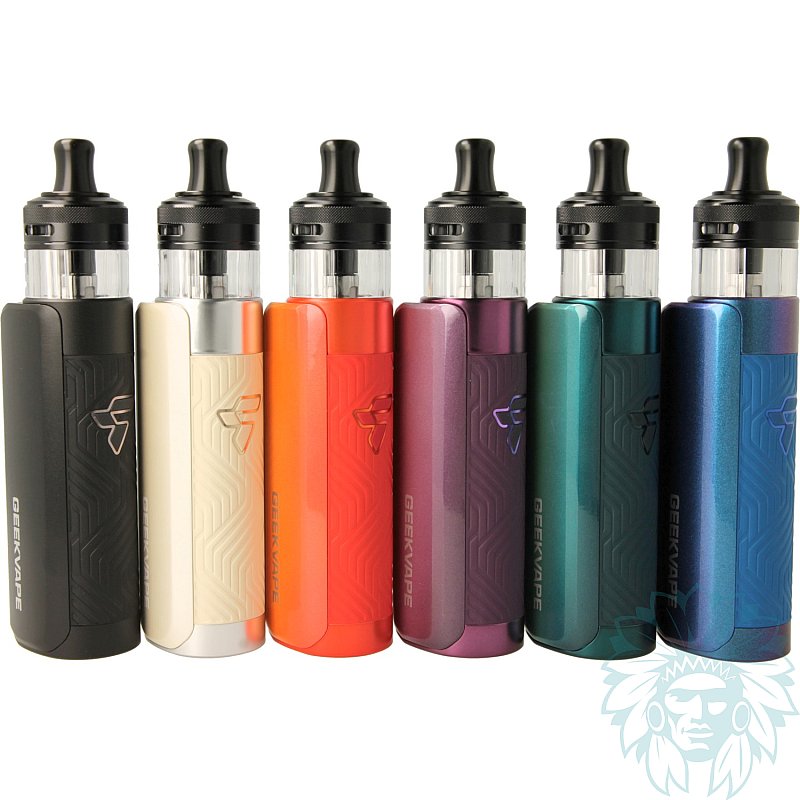
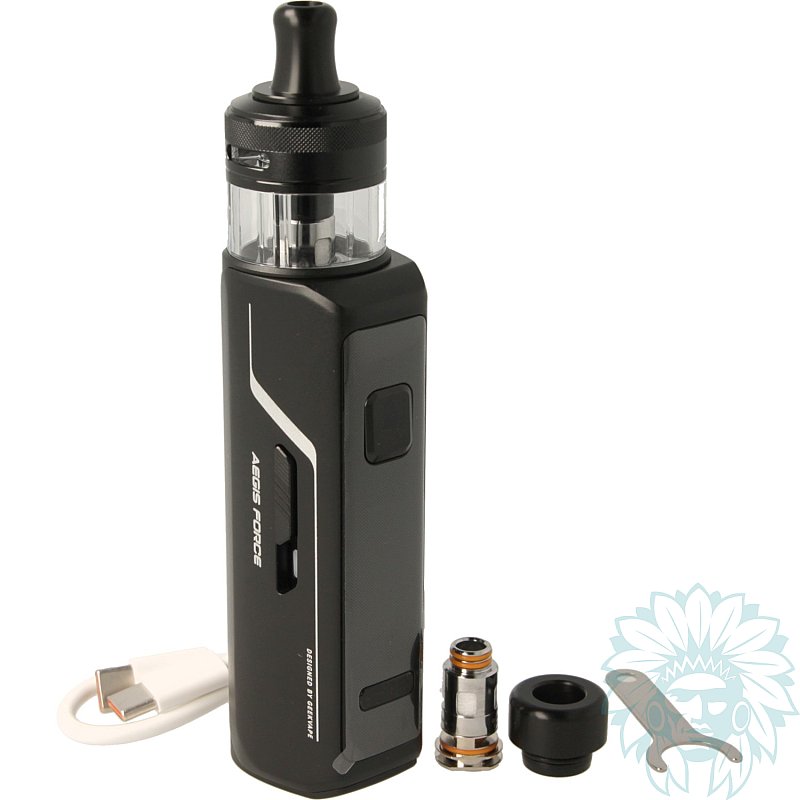
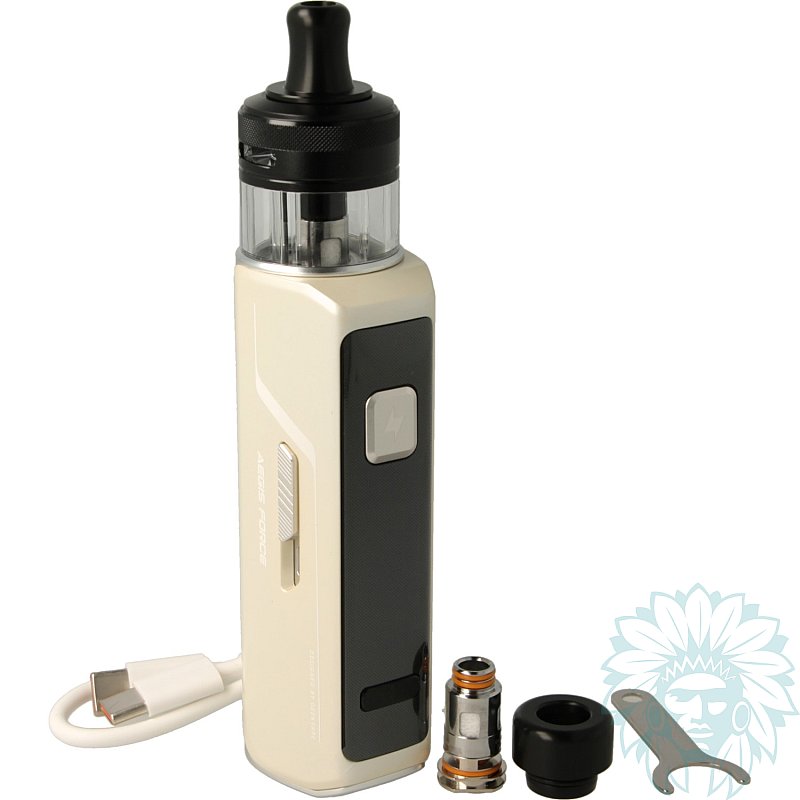
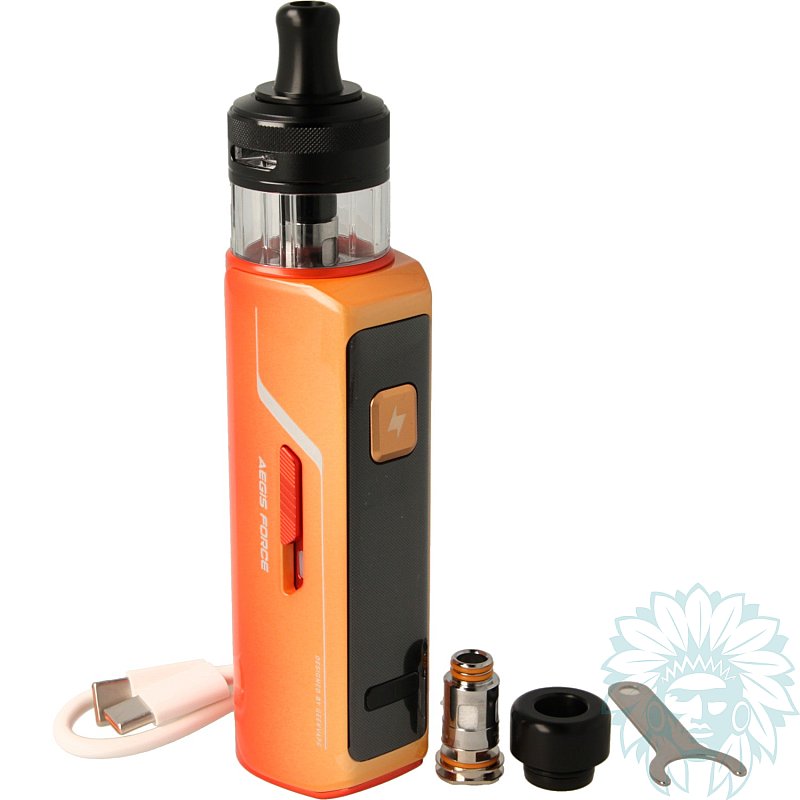
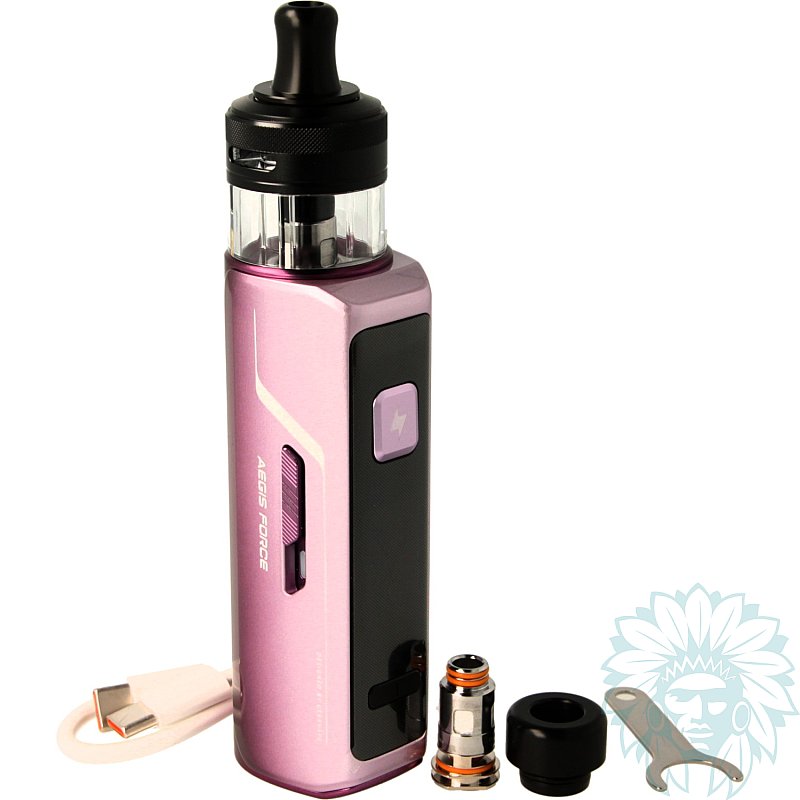
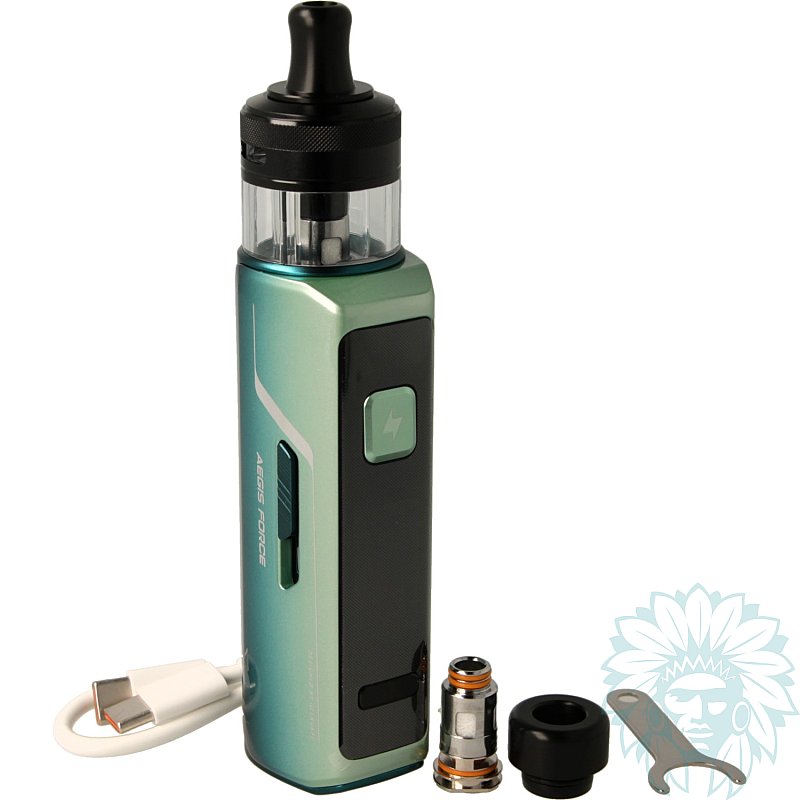
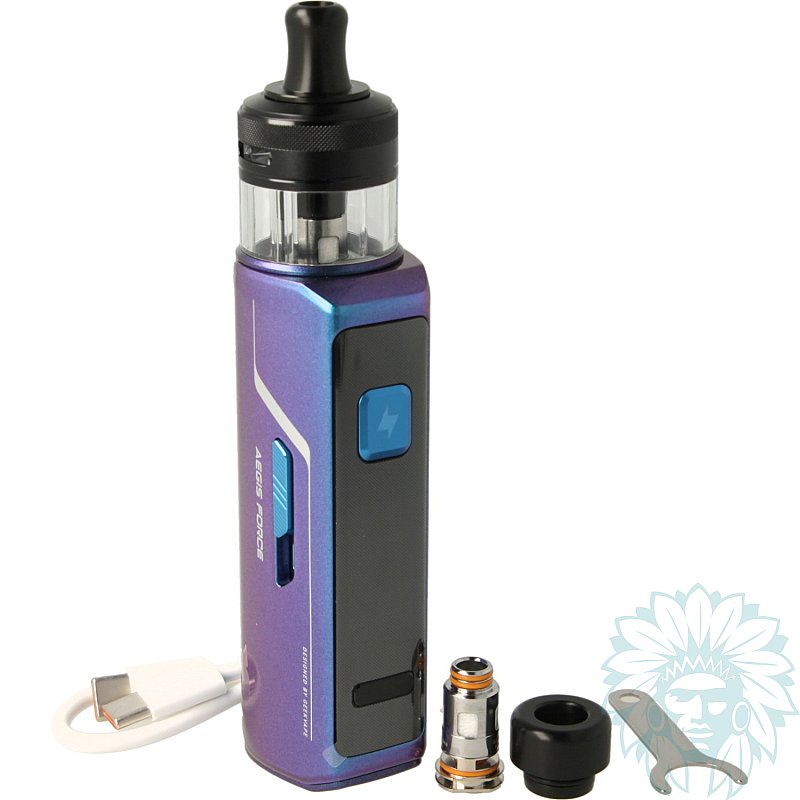
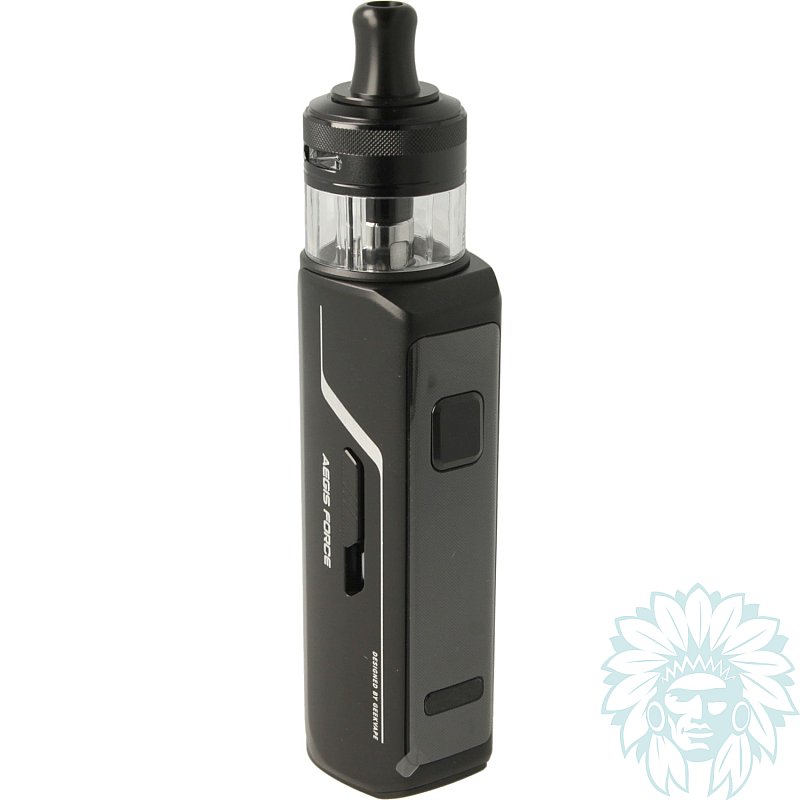
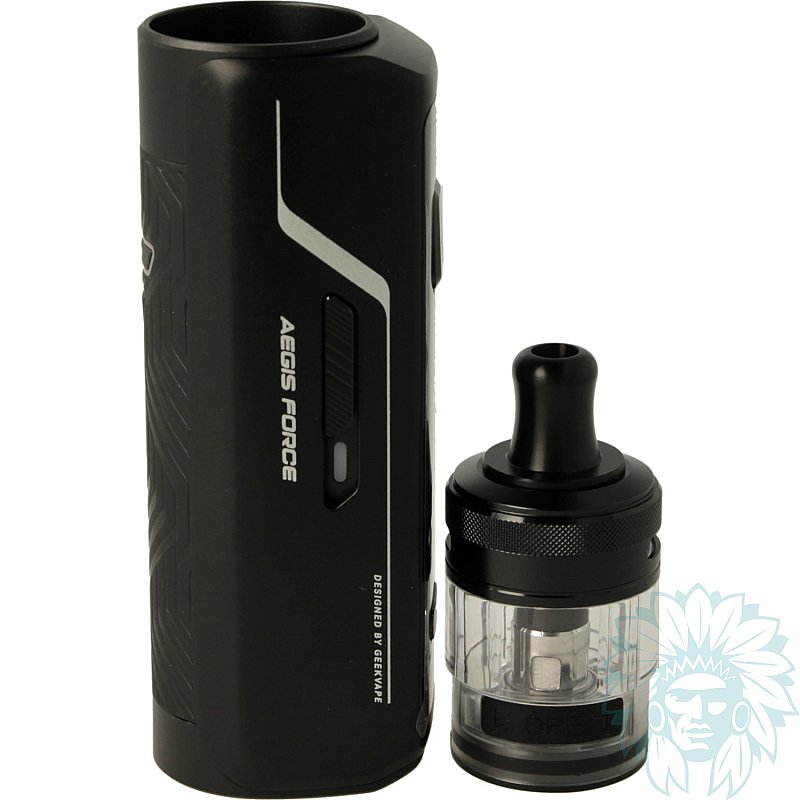
Tank: 5 ml - Battery: 3200 mAh
Power: 80 W - Draw: Indirect to direct
Level: Beginner to regular
- Calumette, the world's first ISO 9001-certified vape retailer
- Loyalty reward
- Online payment by credit card
- You will be notified by SMS when order shipped
GeekVape Force Kit
GeekVape Force kit
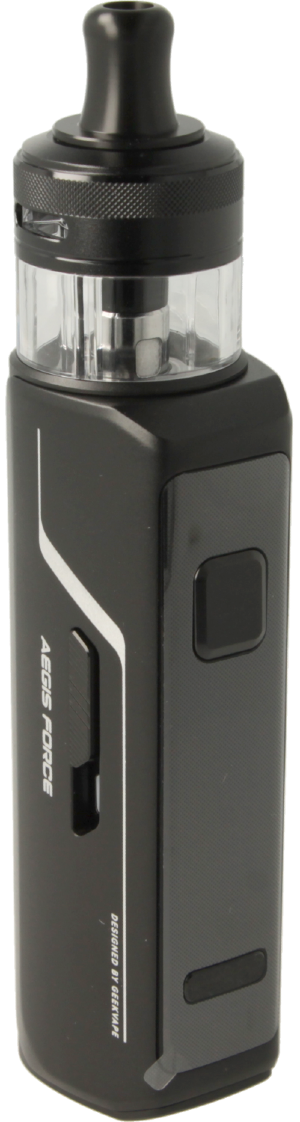
GeekVape Force kit is a robust, high-performance pod that combines power, reliability and versatility, in keeping with the brand's iconic DNA. Its zinc-alloy chassis, combined with a textured rear cover, provides a comfortable, secure grip. Compact, elegant and easy to use, this pod is ideal for everyday use by vapers.
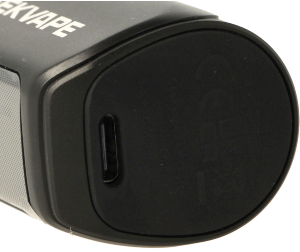
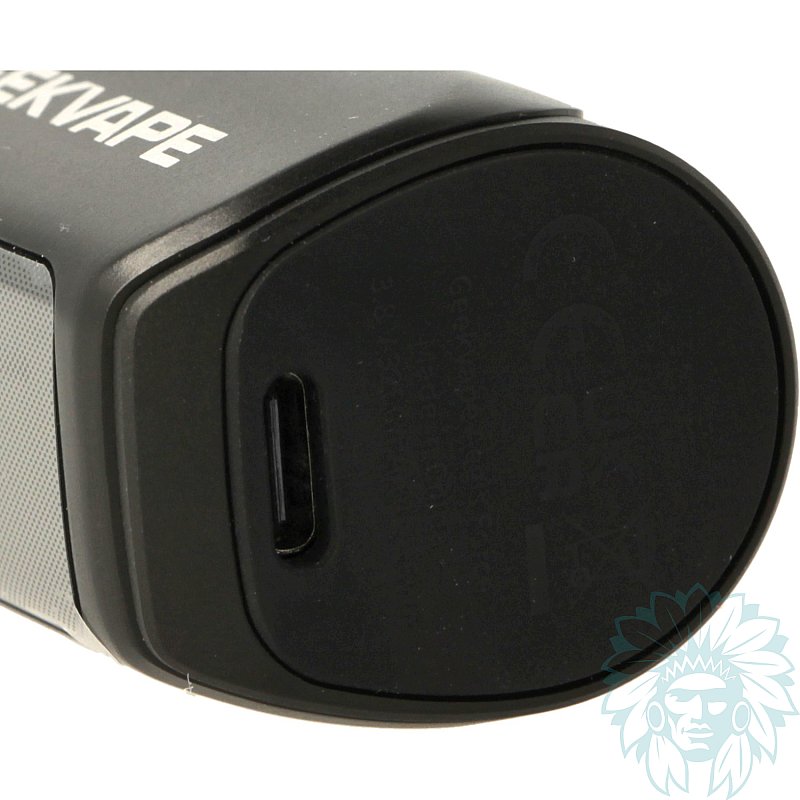
USB-C port
Equipped with an integrated 3200 mAh battery, it offers comfortable autonomy all day long and can deliver up to 80 W of power. Fast charging is via a USB-C port, discreetly positioned under the battery.
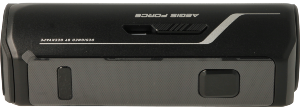
Front of the Force battery
The front panel features a switch button, two '+' and '-' buttons for easy power adjustment and a 0.96" TFT screen.

0.96" TFT screen
The screen displays all the information you need to vape.
In the menu, you can choose between two operating modes:
- POWER: manual power adjustment
- SMART: automatic power adjustment according to the coil installed
You can also customise the screen colour and animations.
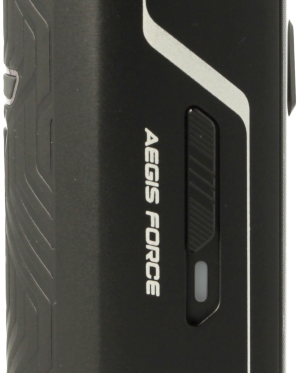
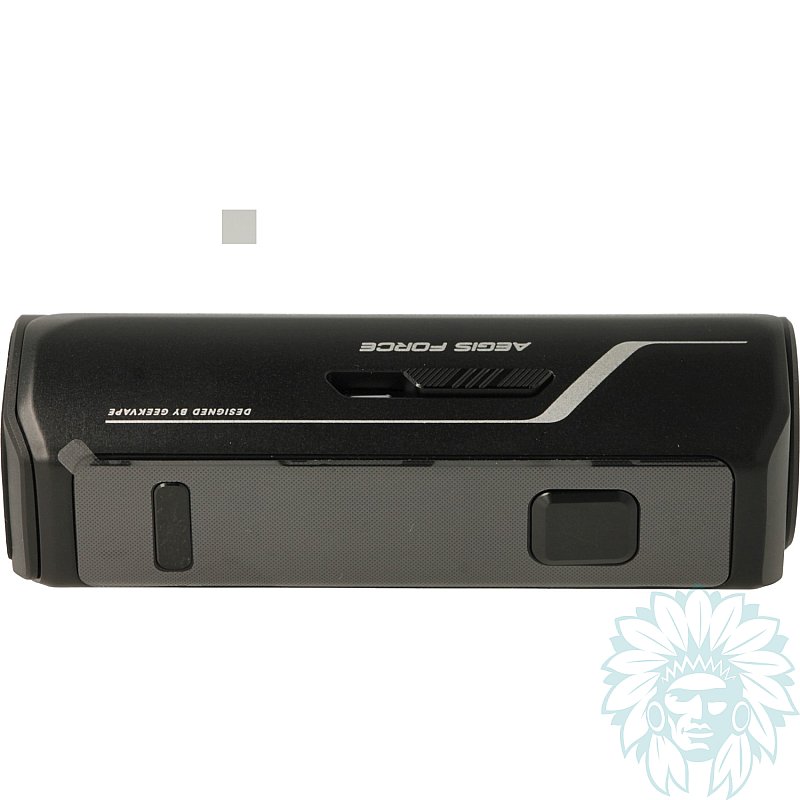
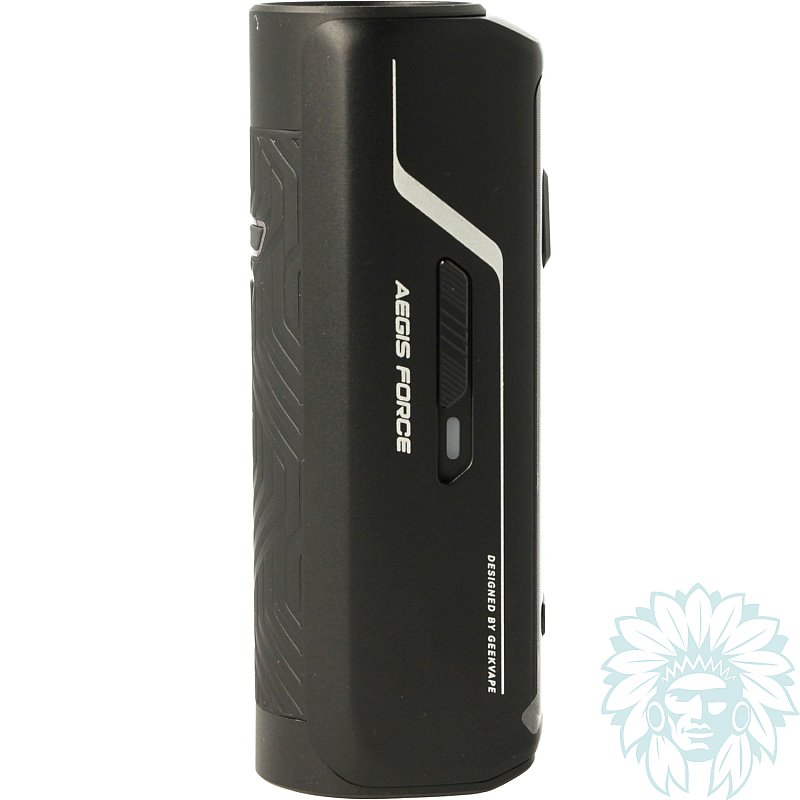
Sliding button for unlocking or locking
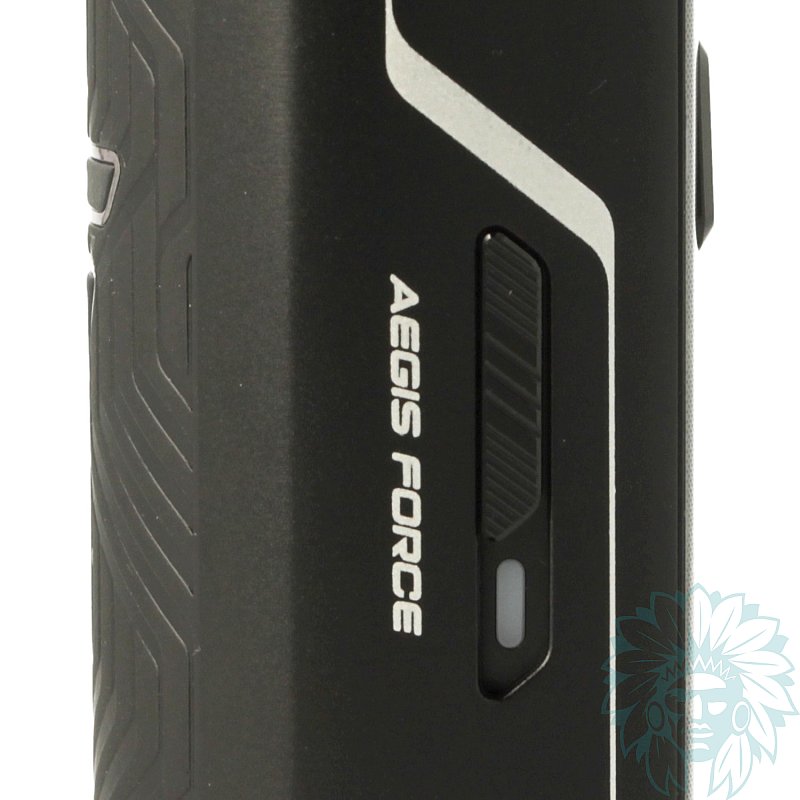
A sliding button on the side allows you to lock or unlock the pod. A luminous LED indicates which option is selected: red or blue.
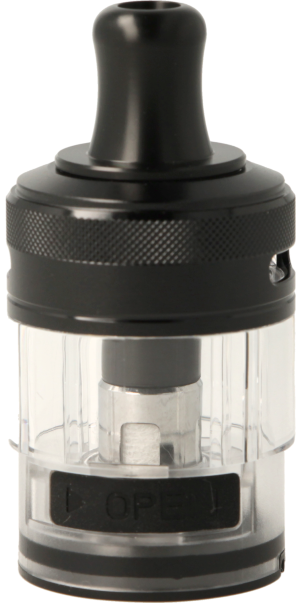
GeekVape Force cartridge
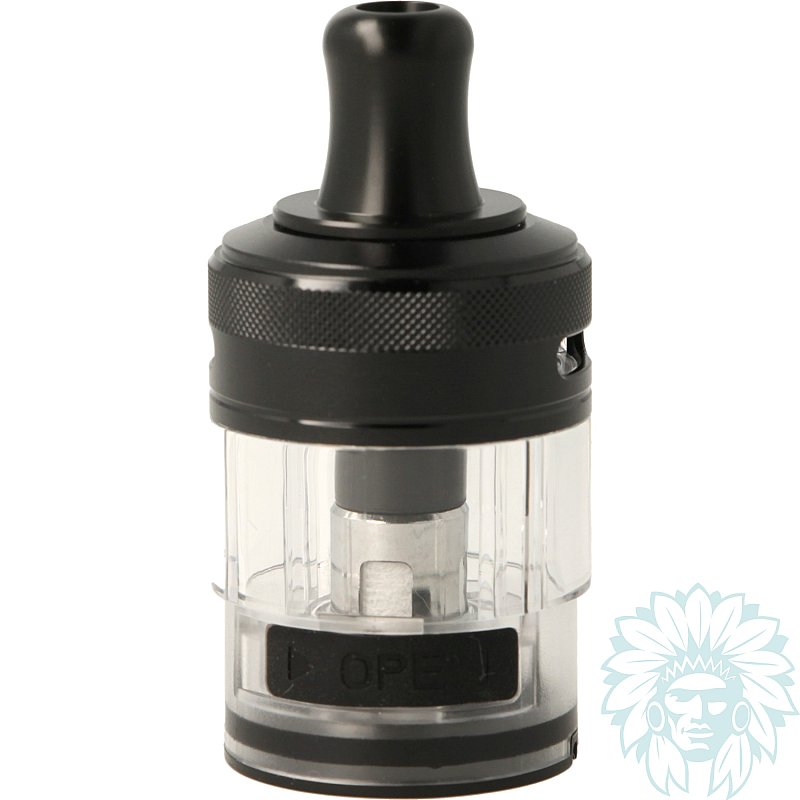
The kit comes with the Force cartridge, which has a capacity of 5 ml. It is filled from the bottom by lifting the silicone cap. The adjustable airflow, located at the top below the drip tip, provides excellent protection against leaks.
Two drip tips are supplied, for use with both indirect inhalation (MTL) and direct inhalation (DL).
The kit comes with two B Series coils:
- B series 0.4 ohm, with a range of use between 25 and 35 W for restrictive direct inhalation vaping.
- B series 0.2 ohm, with a range of use between 50 and 58 W for direct inhalation vaping.
B MTL coils are also compatible for indirect vape lovers.
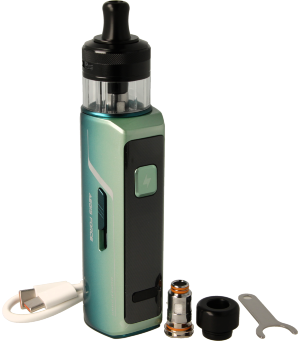
GeekVape Force complete kit
Calumette's review: The GeekVape Force is a robust and versatile pod, ideal for everyday use. Its excellent autonomy, adjustable power and efficient airflow make it reliable, easy to use and suitable for a variety of vape styles.
E-liquid not included: Complete your purchase with e-liquid.
For a first purchase, we recommend you try out several different liquids, for example at least one Classic flavour and at least one fruity flavour.
Advantages
- Good flavour reproduction
- Versatile (MTL/DL)
- Excellent autonomy
- Robust
Kit contents
- 1 Geek Vape Force pod
- 1 Geek Vape Force cartridge
- 1 Geek Vape B series 0.2 ohm coil (pre-installed)
- 1 Geek Vape B series 0.4 ohm coil
- 1 DTL drip tip
- 1 MTL drip tip
- 1 USB type C cable
- 1 manual
Specifications
- Height: 11.9 cm (without drip tip)
- Width: 3 cm
- Depth: 3.7 cm
- Weight: 184 g
- Capacity: 5 ml
- Magnetic cartridge
- 810 drip tip
- PCTG tank
- Compatible with Geek Vape Force cartridges and B series and B MTL coils
- Max charging current: 2 A
- Capacity: 3200 mAh
- Coils supplied: 1 Geek Vape B series 0.2 ohm coil and 1 Geek Vape B series 0.4 ohm coil
- Power consumption: from 50 to 58 W for the 0.2 ohm coil, from 25 to 35 W for the 0.4 ohm coil.
- Power rating: 80 W
- Inhalation type: indirect to direct
- Type of vapor: tight to airy
- vapor: cold to hot
- Percentage of VG in liquid for optimum use: ≥ 50% Vegetable Glycerin
- Level: beginner to regular
Use
- Switching on and off:
Press the switch 5 times in less than a second to turn your device on or off.
- Charging:
Plug the cable into the USB-C port on your battery.
- Refilling your cartridge:
Remove the cartridge from the battery to access the silicone cover. Open the seal and insert your liquid.
- Changing the coil :
Remove the cartridge from the battery, then remove the coil by pulling on it. Then place the new coil correctly in the notch.
- Accessing the menu:
Press the switch button 3 times to access the menu.
- Setting the power :
Press the "-" and "+" buttons to adjust the power.
- Unlocking/locking:
Slide the slide button up to unlock the pod (blue LED) or down to lock it (red LED).
- Vaping:
After waiting 5 minutes, you can vape by pressing the switch button.
Advice
- Remember to clean any condensation that may form under the cartridge to avoid any risk of false contact.
- For more information, please refer to the manual included in your kit.
Related products
-
GeekVape Force cartridge (2 pack)
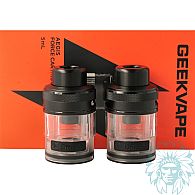 5 ml - Indirect to Direct9.08 € 5/5 - 2 reviews
-
Geek Vape Aegis B Series Coil (ex: GV Boost) (5 pack)
 Aegis Boost, Hero, Z Nano
0.6 / 0.4 / 0.3 / 0.2 ohm / 0.15 ohm9.92 € 4.6/5 - 28 reviews
-
Geek Vape B MTL coils (5 pack)
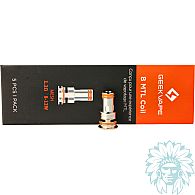 Z Nano MTL
1.2 / 0.8 ohm9.92 € 4.8/5 - 4 reviews
-
Fumytech Quick Charge 25W USB-C wall adaptor
 7.42 €
 -
Aseptivape 20 ml disinfectant spray
 2.92 € 4.8/5 - 28 reviews
Reviews of GeekVape Force kit
recommend
this product
rating
(2 reviews)
- 100% (2)
- 0% (0)
- 0% (0)
- 0% (0)
- 0% (0)
-
Dénes F. -
-
Juergen L. - (Translation from German)