Vaporesso Xros Pro 2 kit
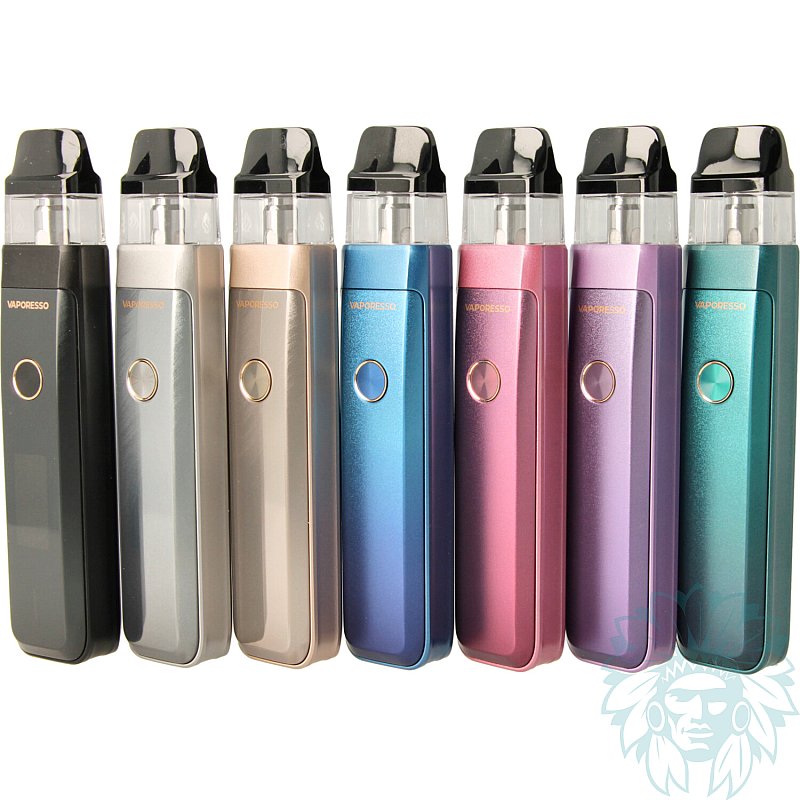
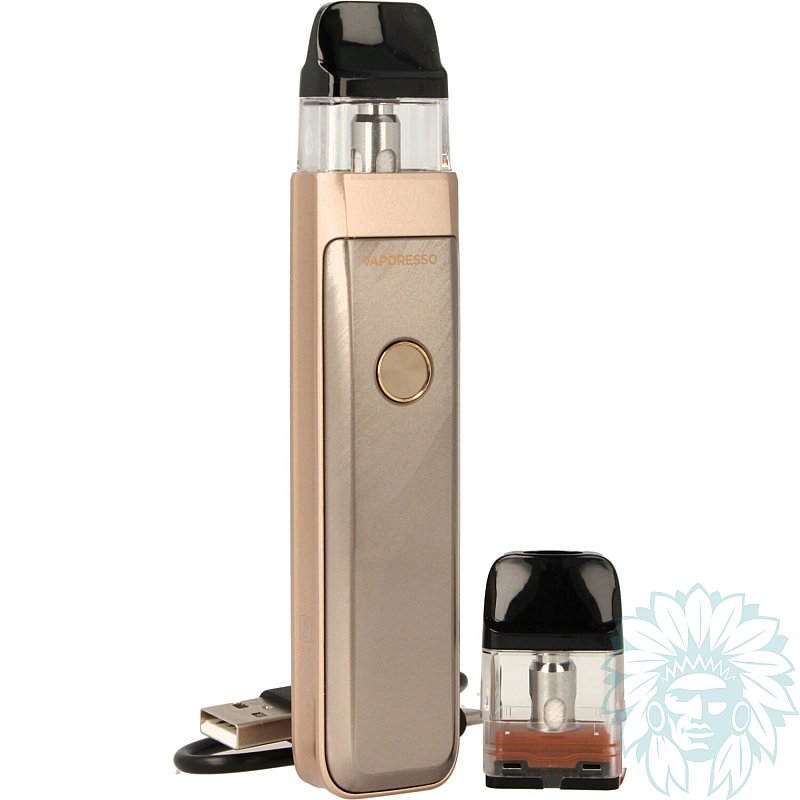
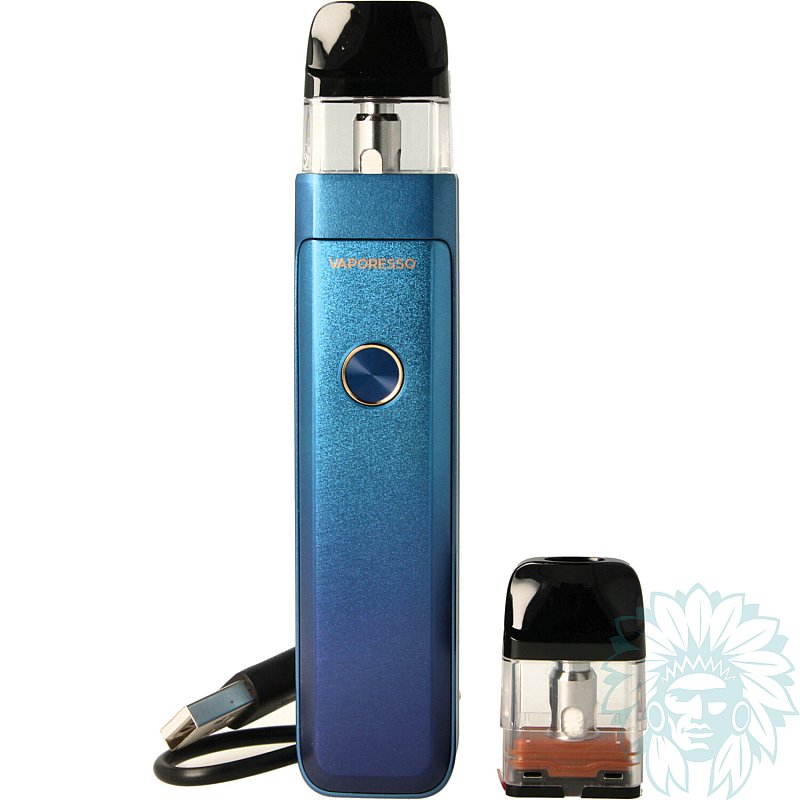
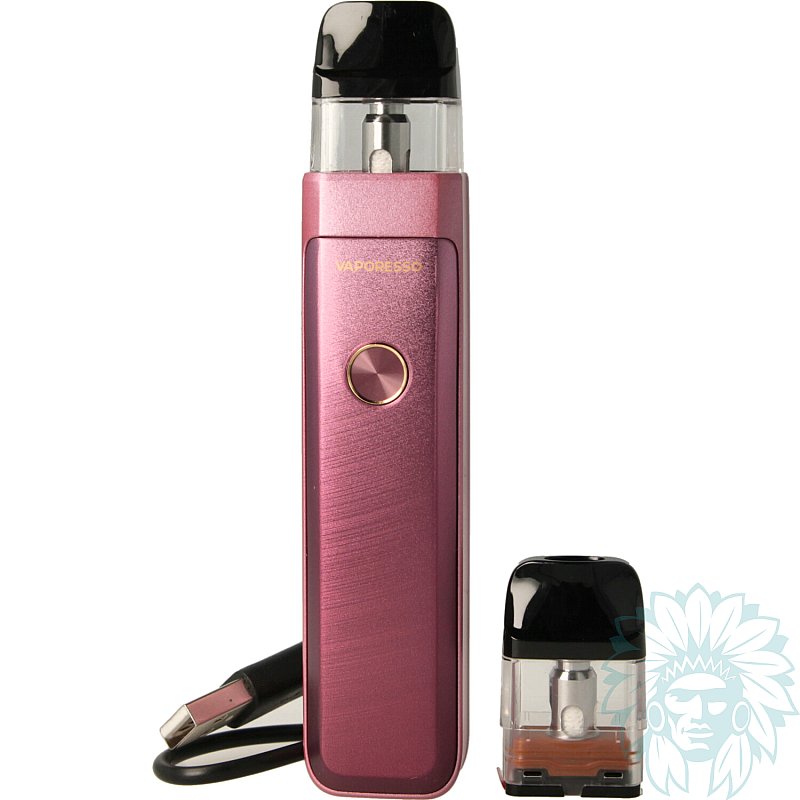
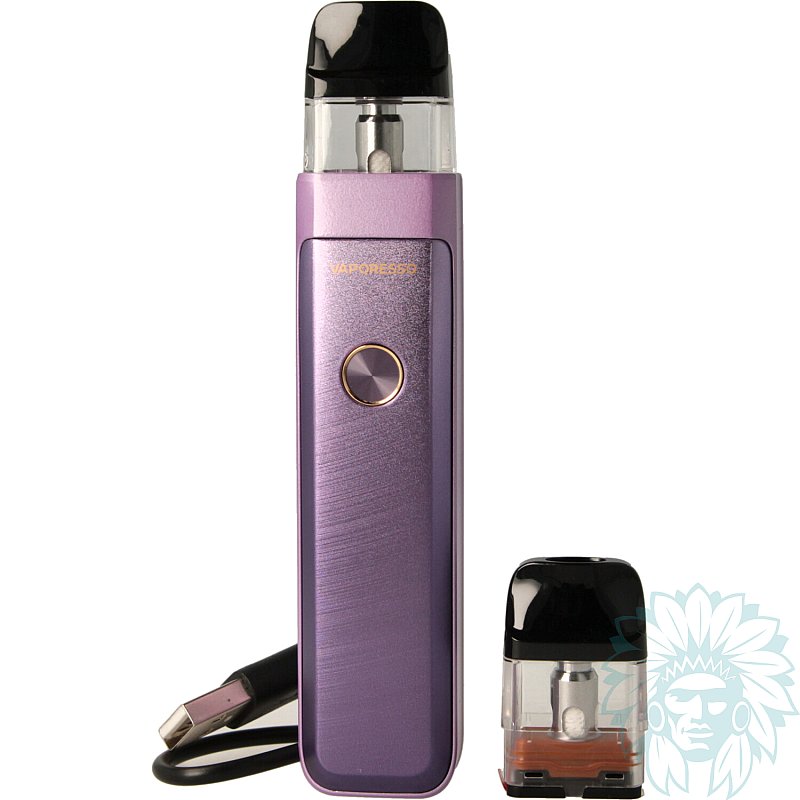
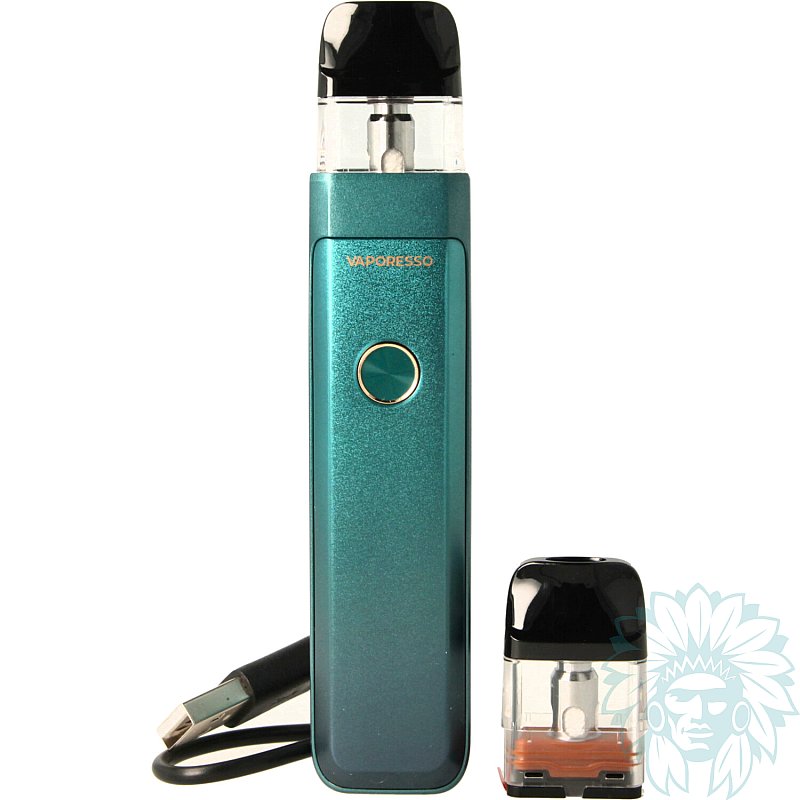
Tank: 3 ml - Battery: 2000 mAh
Power: 30 W - Draw: Indirect to restrictive direct
Level: Beginner to regular
- Calumette, the world's first ISO 9001-certified vape retailer
- Loyalty reward
- Online payment by credit card
- You will be notified by SMS when order shipped
Vaporesso Xros Pro 2 kit
Vaporesso XROS Pro 2 Kit
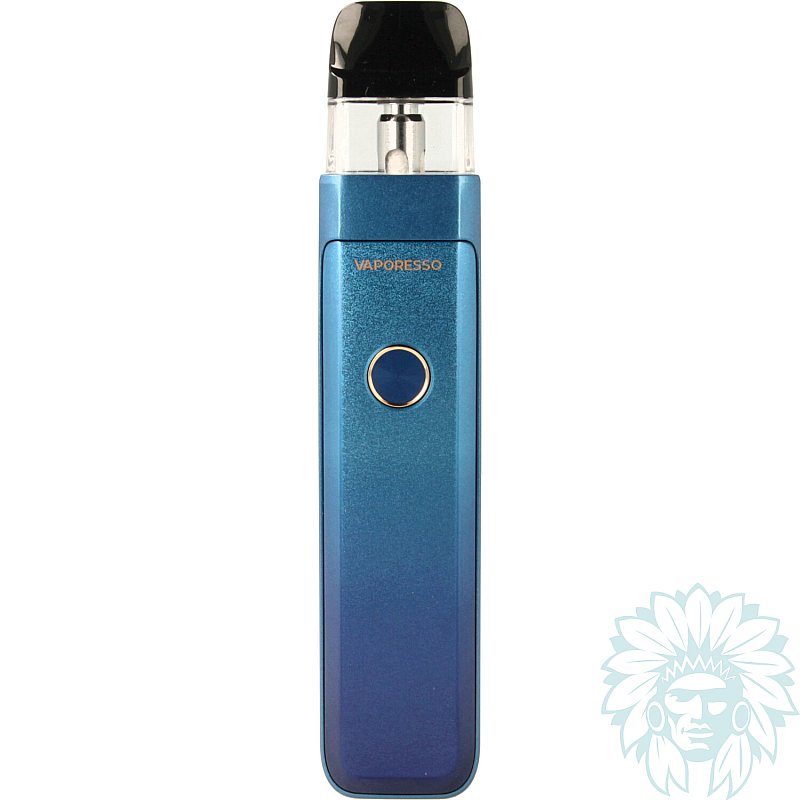
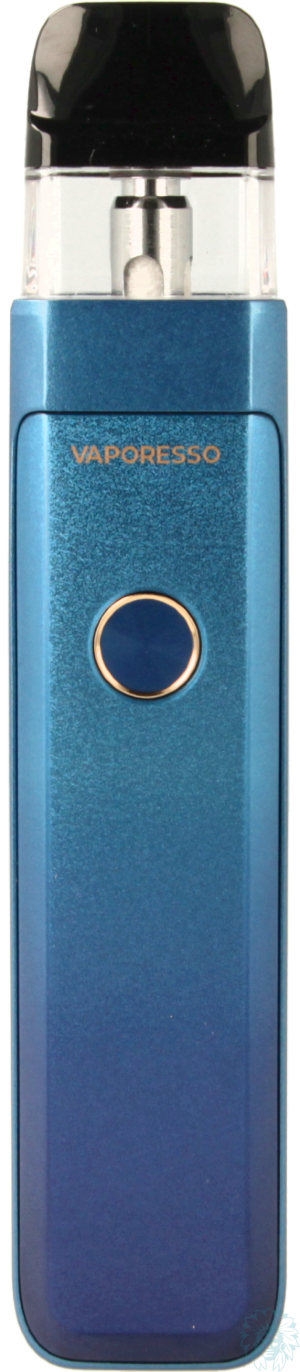
The Vaporesso XROS Pro 2 is a compact pod that combines elegance, performance and simplicity. Constructed from lightweight alloy with a meticulous finish, it offers a comfortable grip while incorporating advanced features. Its sleek, modern design makes it ideal for both novice and regular vapers looking for a practical, high-performance pod for everyday use.
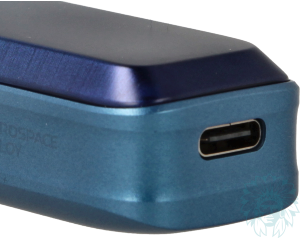
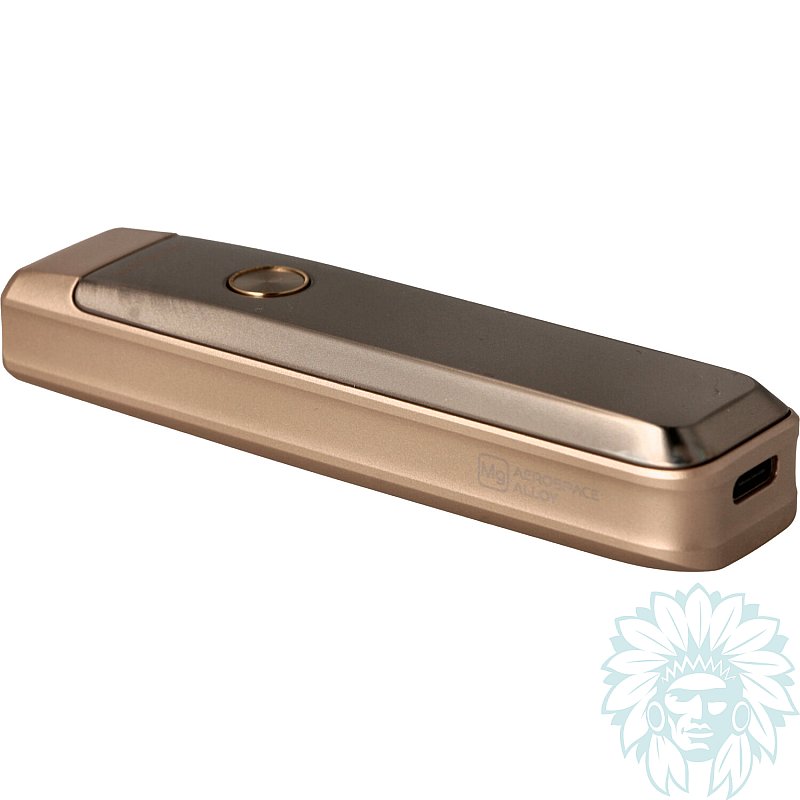
USB-C port
It has a 2000 mAh battery capable of delivering up to 30 W, ensuring good all-day battery life. Recharging is via a USB-C port on the underside of the device, enabling rapid recharging for continuous use.
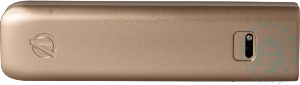
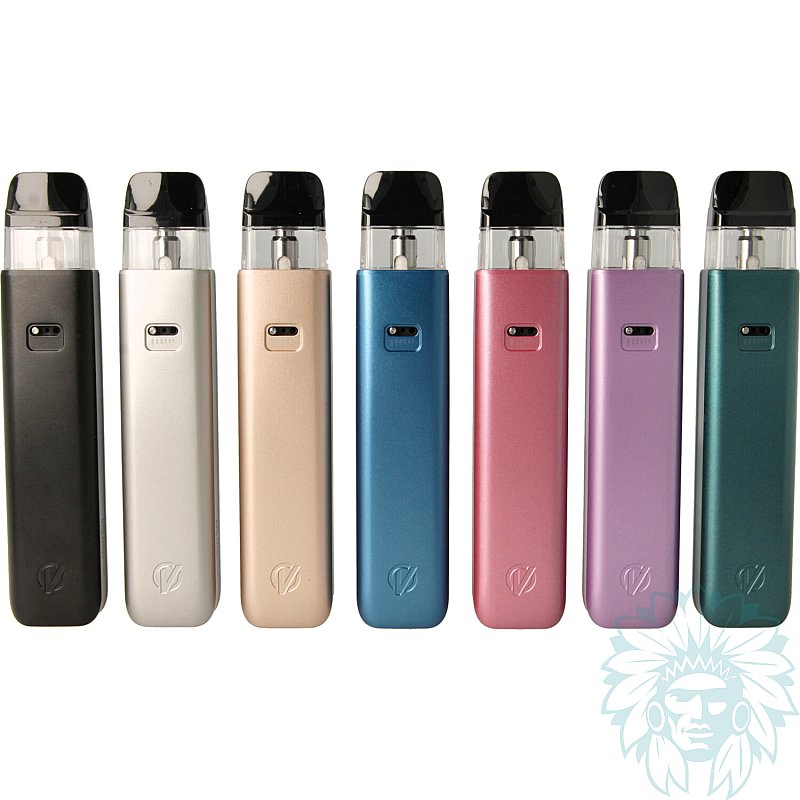
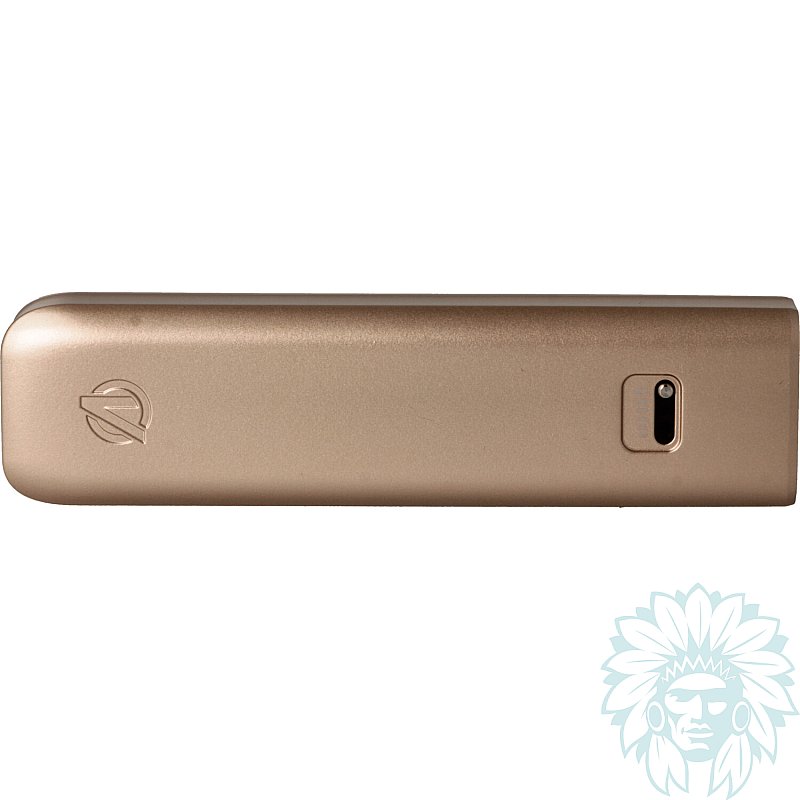
Adjustable airflow with slide button
A slide knob on the back lets you adjust the airflow to suit your vaping preferences.
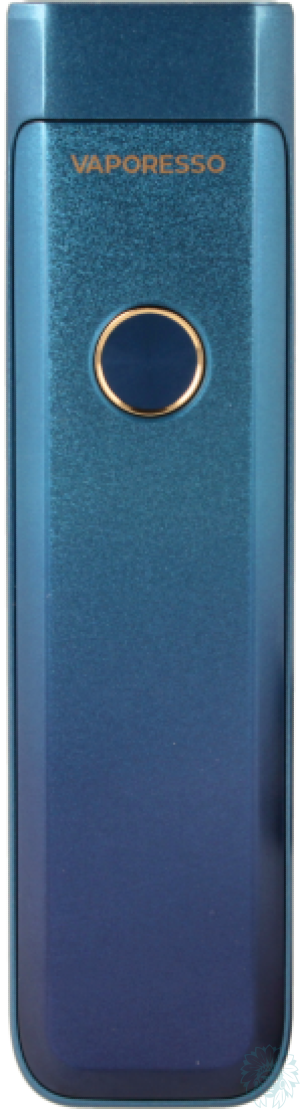
Front of the XROS Pro 2 pod
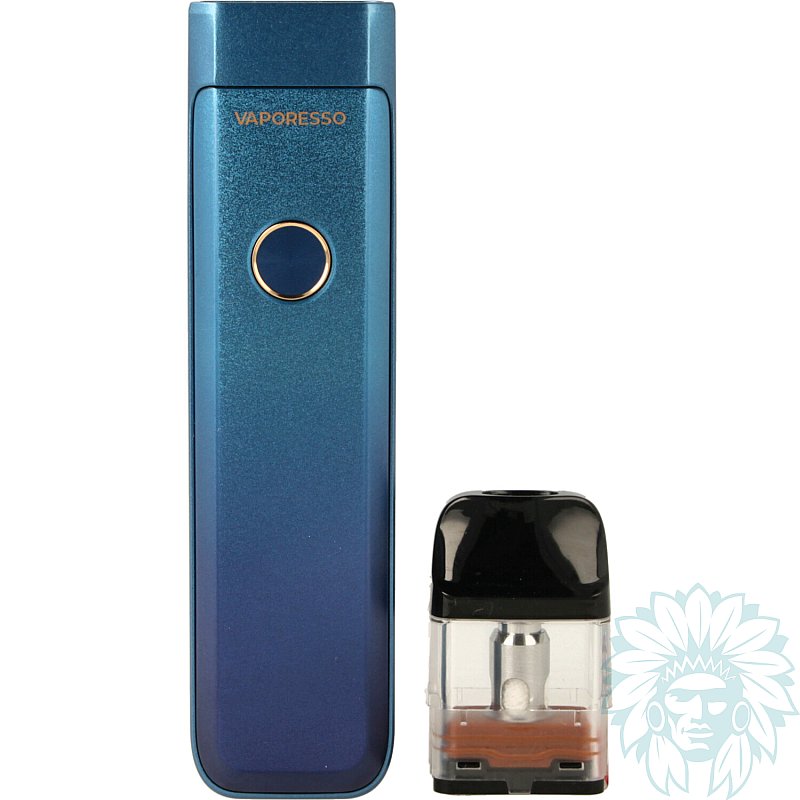
On the other side of the pod you'll find the Fire button and an edge-to-edge screen, which clearly and comprehensively displays all the essential information: remaining autonomy, power in watts, number of puffs and resistance value.
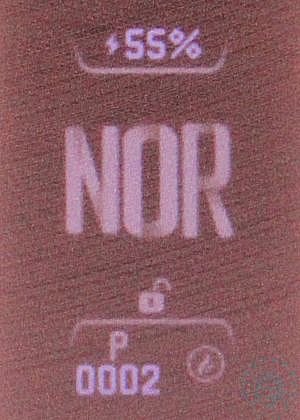
XROS Pro 2 screen
By pressing the single button, you'll be able to:
- 1 press: Vape (Auto-Draw function available for vaping when inhaling).
- 2 presses: Change the display theme.
- 3 presses: Adjust the power or mode, depending on the cartridge installed.
- 4 presses: Access settings.
- 5 Press: Turn the pod on or off.
In the settings, you can lock the pod to prevent accidental triggering or power changes.
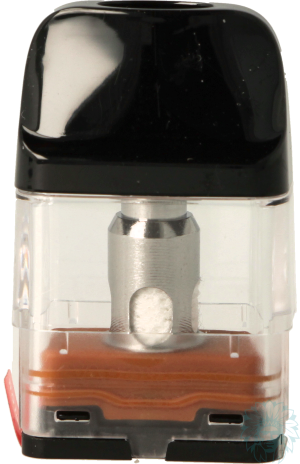
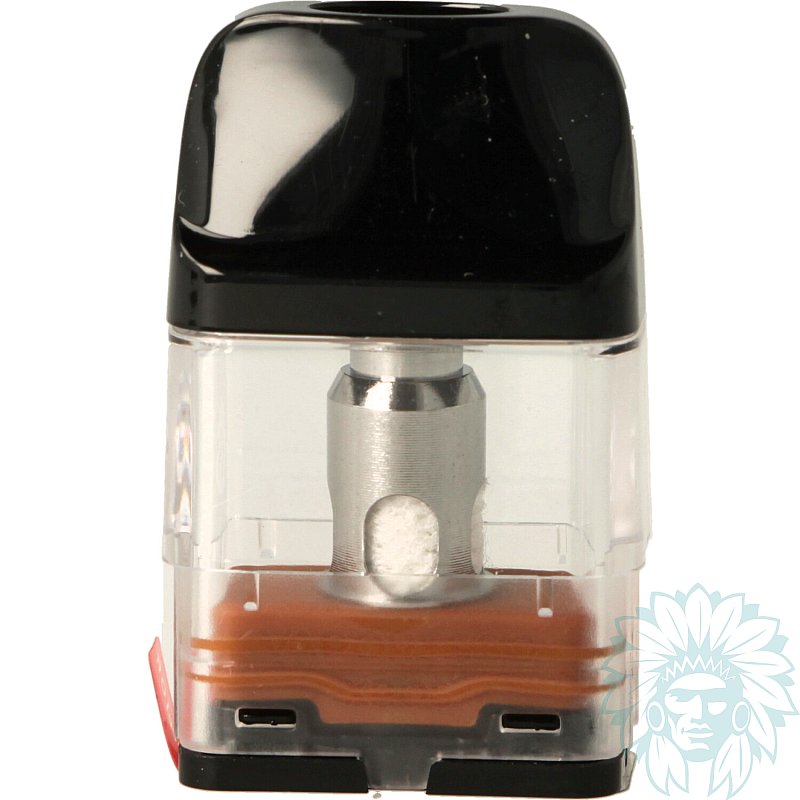
Vaporesso XROS 3ml Corex 3.0 cartridge
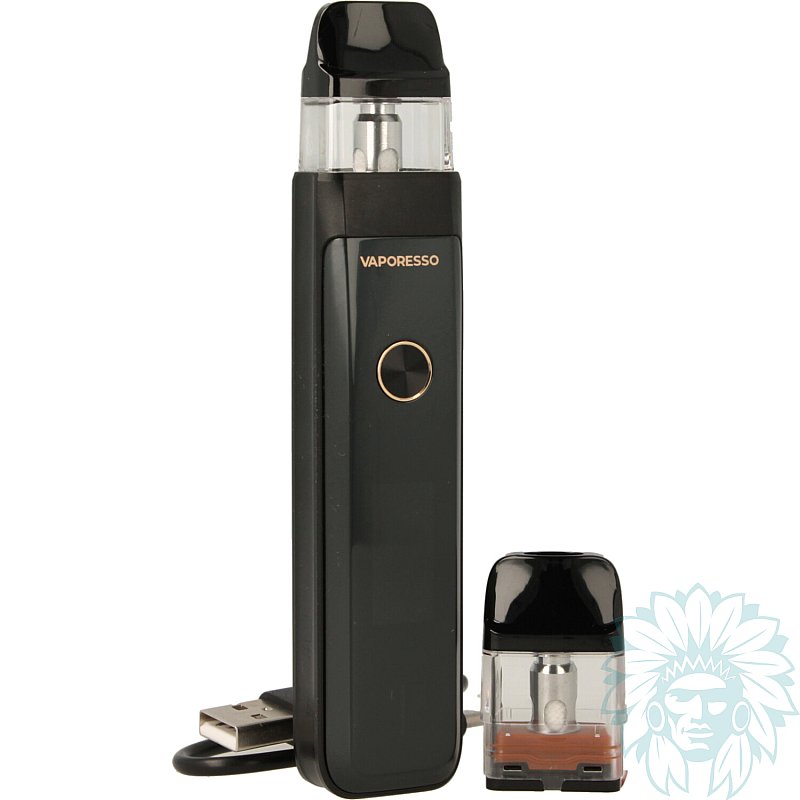
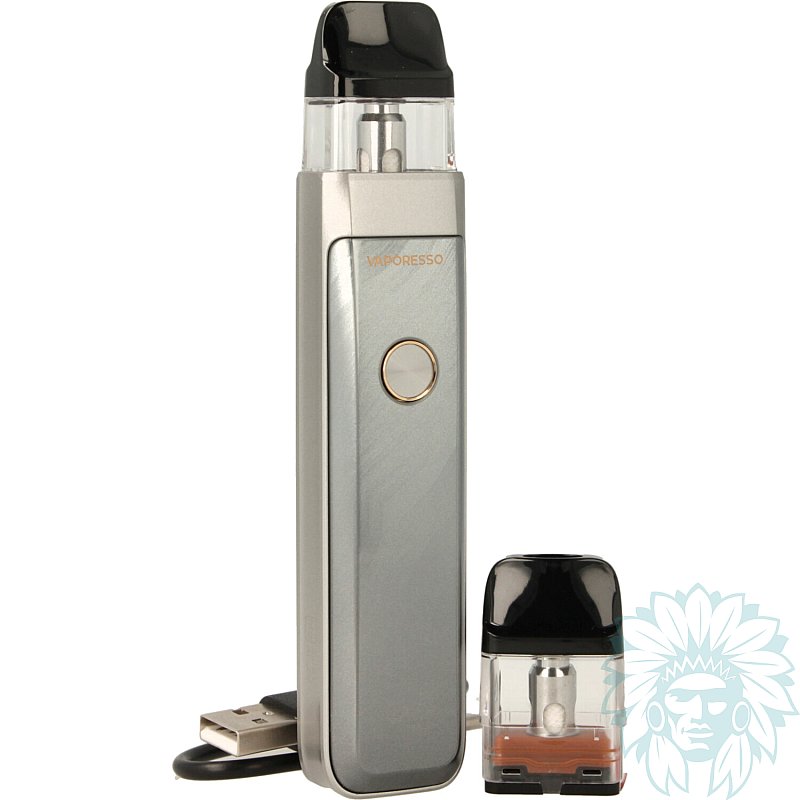
The Xros Pro 2 comes with a 3ml Xros Corex 3.0 cartridge, which directly integrates the coil: there's no need to dismantle it, just replace the cartridge when it reaches the end of its life.
The pod is compatible with all XROS Corex 2.0 and 3.0 cartridges in 2ml or 3ml versions.
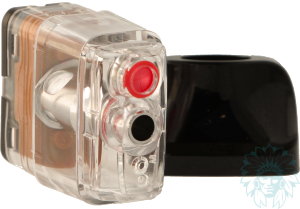
filling slot
Filling is done from the top: simply remove the mouthpiece.
The kit includes two cartridges:
- Xros 3ml Corex 3.0 0.4 ohm cartridge: ideal for restrictive direct draw (RDL) and semi-airy vaping, with a range of use between 15 and 30 W.
- Xros 3ml Corex 3.0 0.6 ohm cartridge: ideal for a tighter, indirect draw (MTL).
With this cartridge, you can choose between three power modes ( ECO, NORM, POWER), while for the 0.4 ohm cartridge, the power can be adjusted manually.
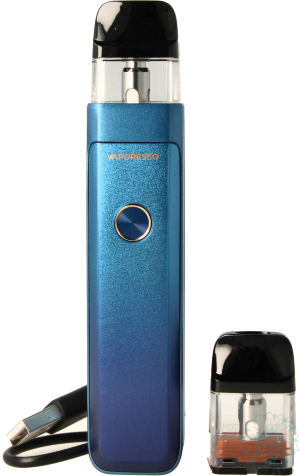
Complete Vaporesso XROS Pro 2 kit
Calumette's review: A compact, high-performance pod with excellent autonomy. Its refined design and ease of use make it an ideal choice for vapers looking for both simplicity and efficiency.
E-liquid not included: Complete your purchase with e-liquid.
For a first purchase, we recommend you try out several different liquids, for example at least one Classic flavour and at least one fruity flavour.
Advantages
- Easy to use
- Versatile
- Autonomy
- Design
Kit contents
- 1 Vaporesso Xros Pro 2 pod
- 1 Vaporesso Xros 3ml Corex 3.0 0.4 ohm cartridge (Pre-installed)
- 1 Vaporesso Xros 3ml Corex 3.0 0.6 ohm cartridge
- 1 USB type C cable
- 1 user manual
Specifications
- Length: 12.6 cm
- Width: 2.6 cm
- Depth: 1.9 cm
- Weight : 65 g
- Capacity: 3 ml
- Connection type: magnetic
- Proprietary drip tip
- Magnesium alloy
- Compatible with Vaporesso Xros 2ml or 3ml cartridges, Corex 2.0 and Corex 3.0 versions
- Max charging current: 2 A
- 2000 mAh battery
- Coils supplied: one Vaporesso Xros 3ml Corex 3.0 cartridge 0.4 ohm and 0.6 ohm
- Type of inhalation: indirect to restrictive direct
- Type of vapor: tight to slightly airy
- vapor: cold to warm
- Percentage of VG in liquid for optimum use: ≤ 50% Vegetable Glycerin
- Level: beginner to experienced
Use
- Charging your battery:
Plug the USB-C cable into your computer's USB port or wall socket. Your battery has a charge indicator.
- Filling your cartridge:
Remove the drip tip to access the filler cap. Fill the cartridge by passing your pipette through the Teflon seal and put the drip tip back in place.
Leave for a few minutes to allow the coil to soak in.
- Vaping:
Press the button or inhale on your pod, the vape will start in automatic mode.
- Changing the display theme:
Press the button twice quickly. Once you've made your choice, hold down the button to select the theme.
- Adjusting the wattage:
Press the button 3 times quickly, then increase the power by pressing the button until you reach the desired power.
- Enter the menu:
Press the button 4 times quickly to access the settings.
- Switching the pod on/off:
Press the button 5 times quickly.
Advice
- Make sure you clean your connectors properly to prevent them from getting dirty. Regular maintenance will extend the life of your equipment.
For more information, please refer to the instructions included in your Vaporesso Xros Pro 2 kit.
Related products
-
Vaporesso Xros 3 ml cartridge (4 pack)
 3 ml - Indirect to restrictive direct11.58 €
 4.8/5 - 6 reviews
-
Vaporesso Xros cartridge (4 pack)
 2 ml - Indirect to Restrictive direct9.08 € 4.9/5 - 19 reviews
-
Devia USB to USB-C cable
 4.08 €3.25 € 5/5 - 1 reviews
-
Aseptivape 20 ml disinfectant spray
 2.92 € 4.8/5 - 28 reviews