Dotmod DotPod Max V1.5 kit
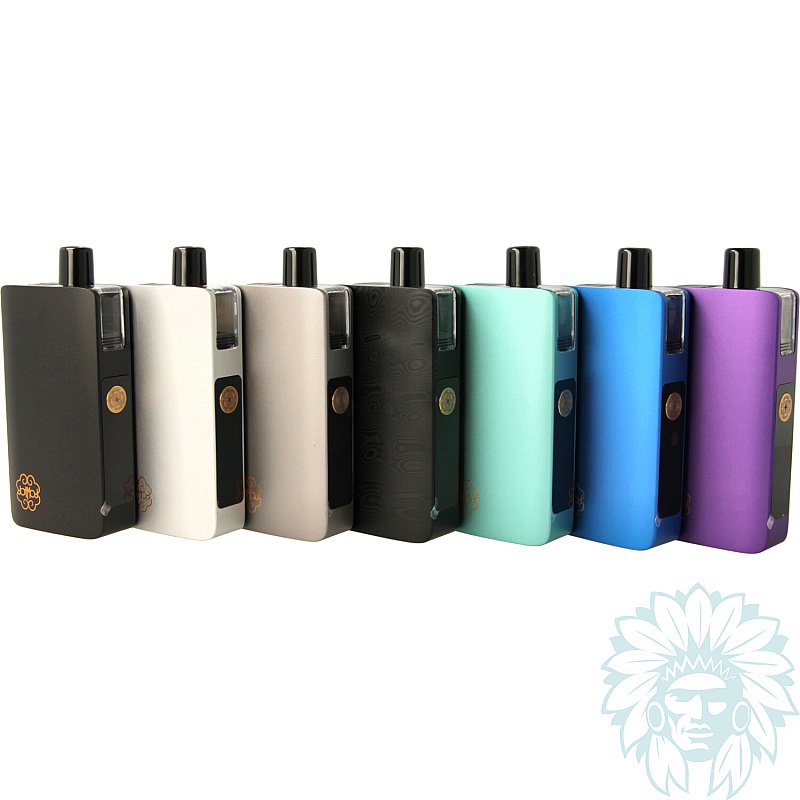
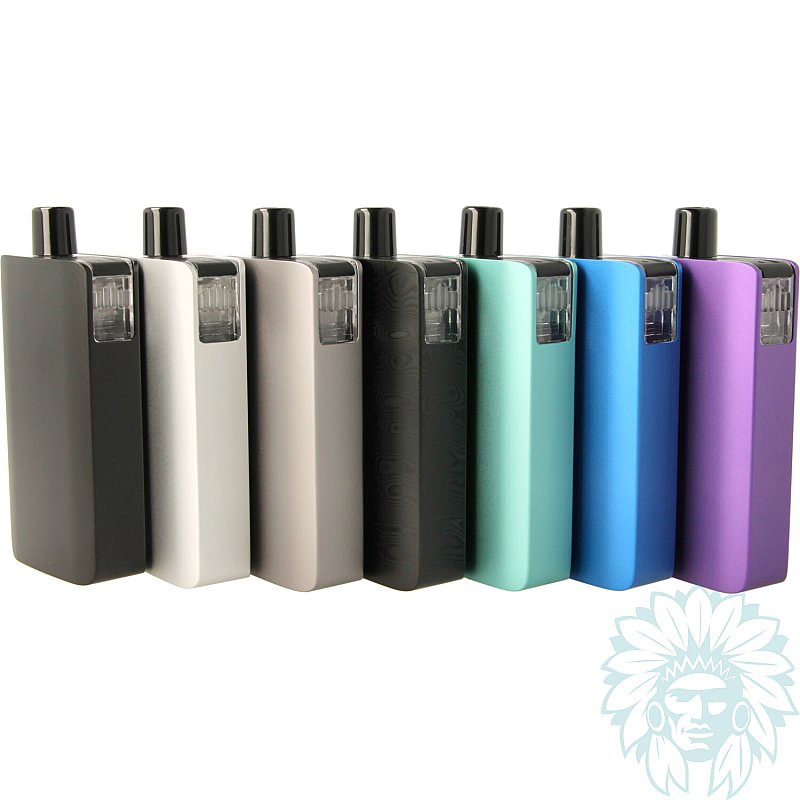
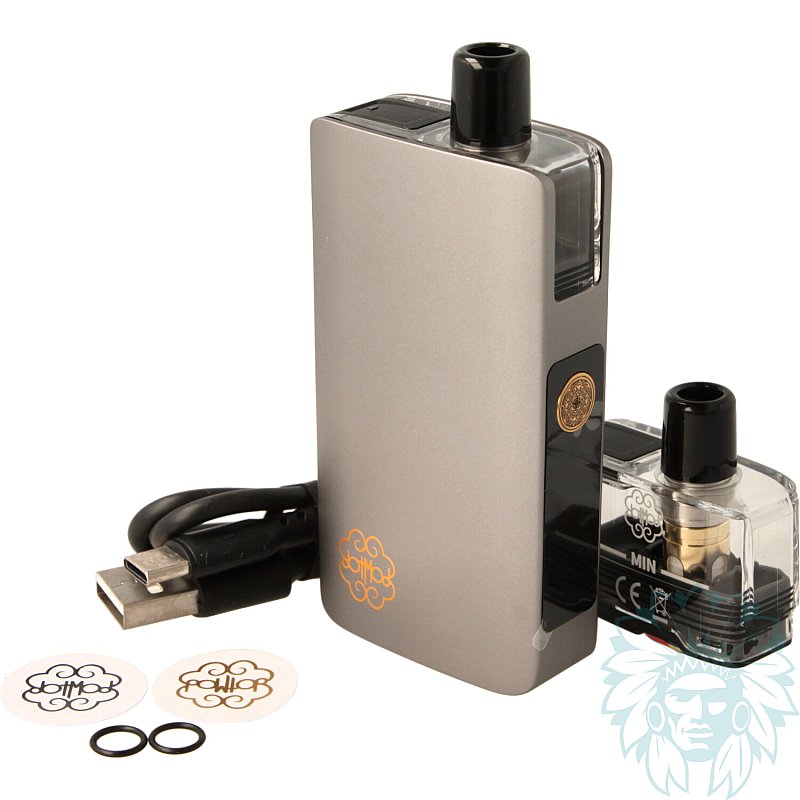
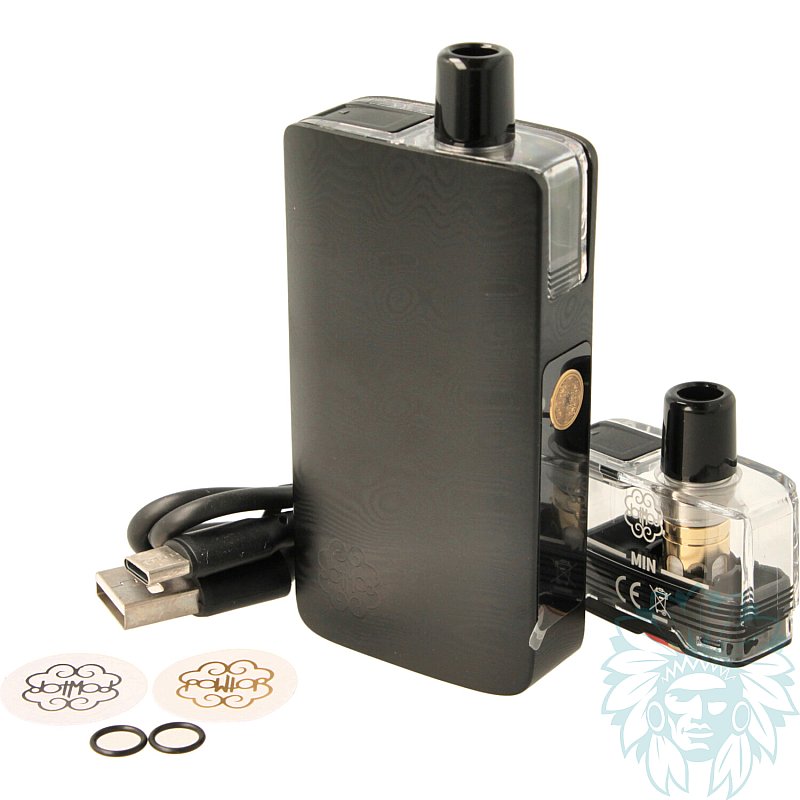
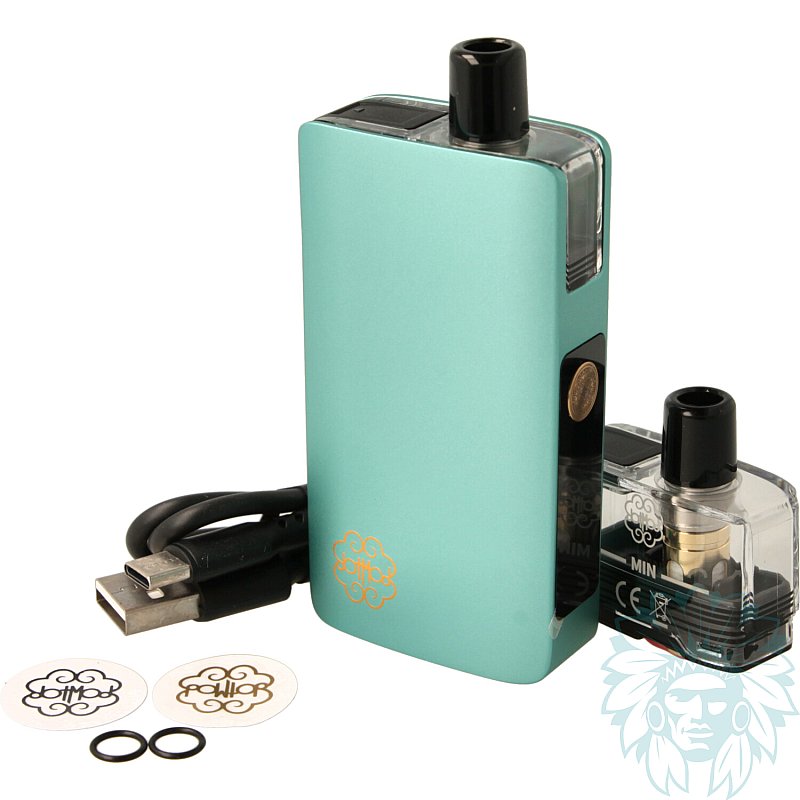
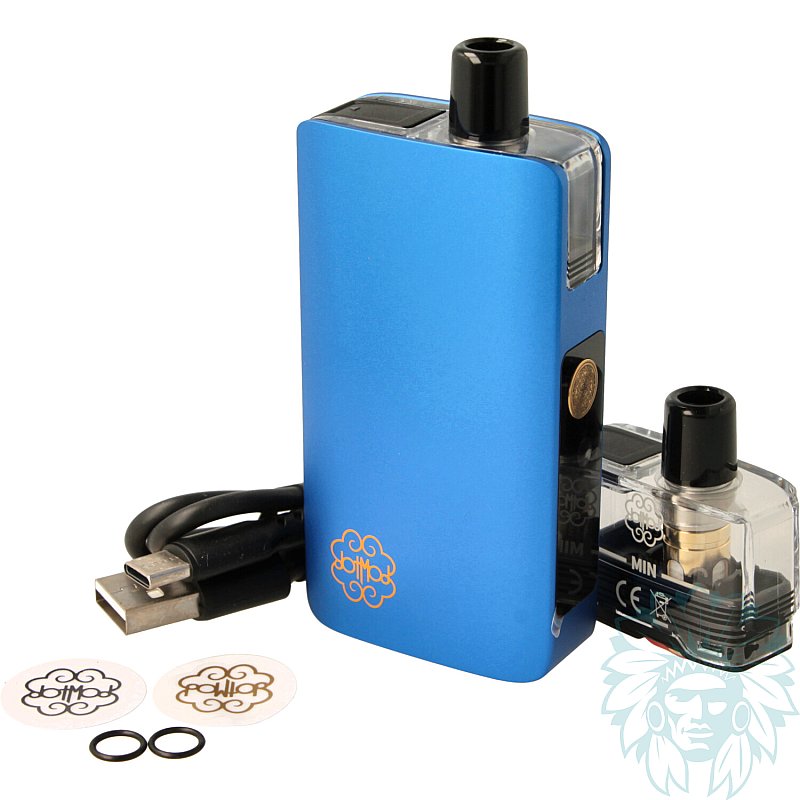
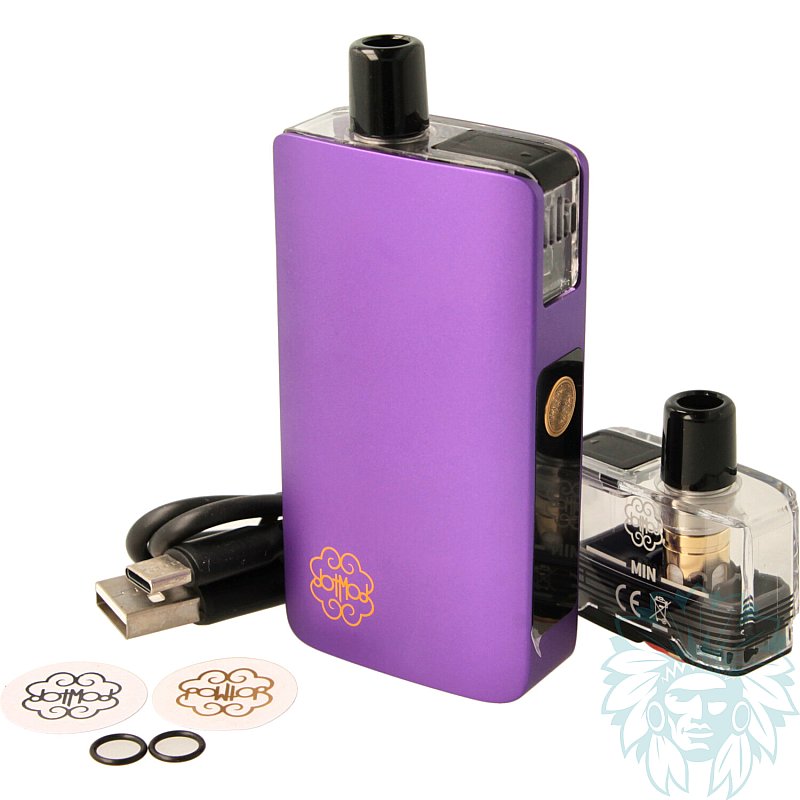
Tank: 5 ml - Battery: 2100 mAh
Power: 60 W - Draw: Restrictive direct to direct
Level: Regular
- Calumette, the world's first ISO 9001-certified vape retailer
- Loyalty reward
- Online payment by credit card
- You will be notified by SMS when order shipped
Dotmod DotPod Max V1.5 kit
Dotmod DotPod Max V1.5 kit
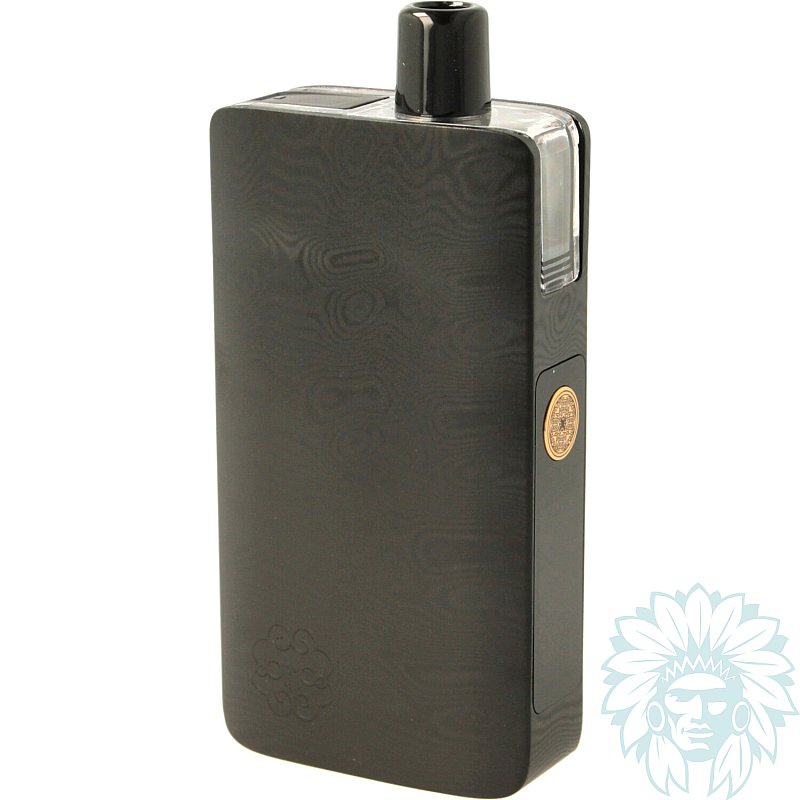
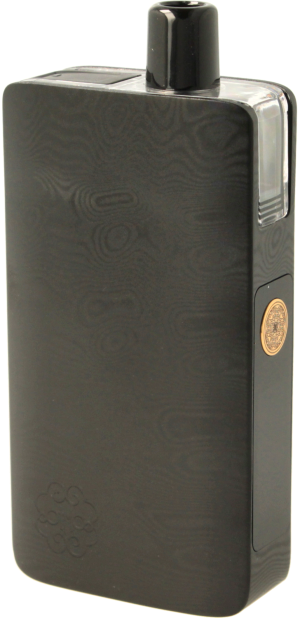
Dotmod is back with the DotPod Max V1.5. This new model retains the iconic design of its predecessor in billet box format, combining compactness, lightness and performance. Its aluminium alloy construction makes it remarkably robust, while offering a comfortable grip.
The main new features? The screen and battery life.
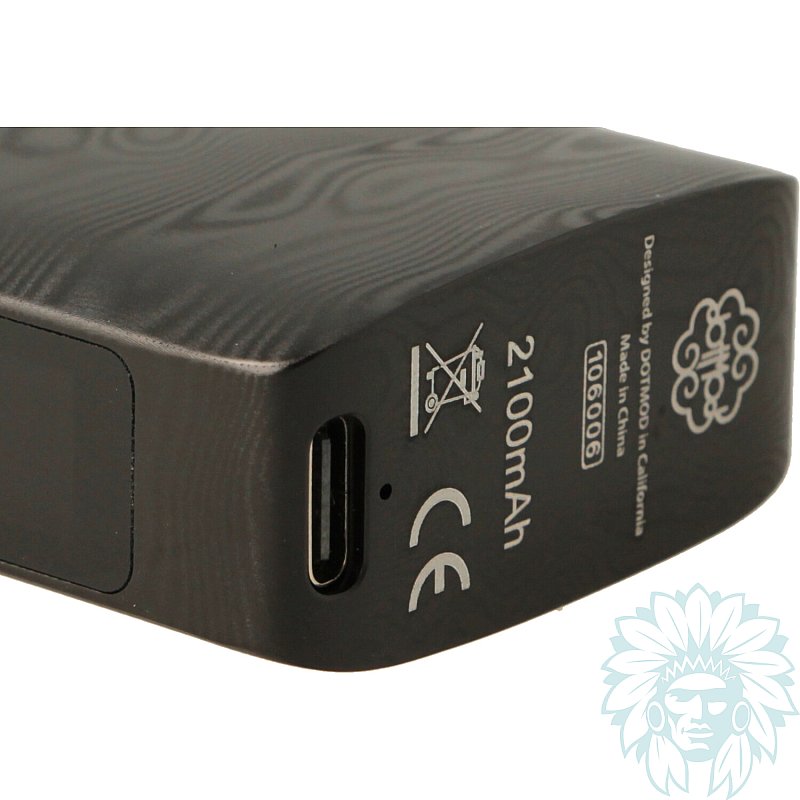
USB-C port
The DotPod Max is equipped with an integrated 2100 mAh battery capable of delivering up to 60W of power, guaranteeing excellent battery life for everyday use.
Fast charging is via a USB-C port on the underside of the device.
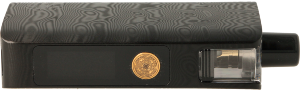
DotPod Max v1.5 front panel
For ease of use, the DotPod Max operates with a single multifunction button:
- 1 press: starts vaping
- 3 presses: power setting
- 4 presses: Locking and unlocking the battery
- 5 presses: Switching the battery on and off
- 6 presses: change the display theme or reset the number of puffs
An automatic puff mode is also built in for added convenience.
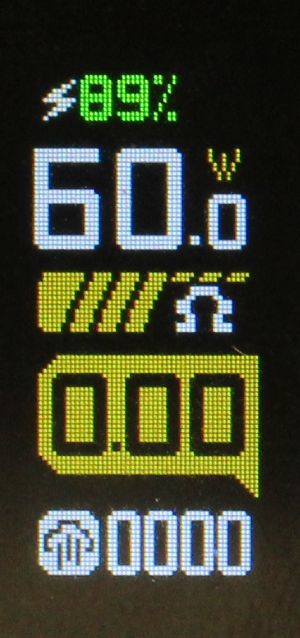
0.87" colour screen
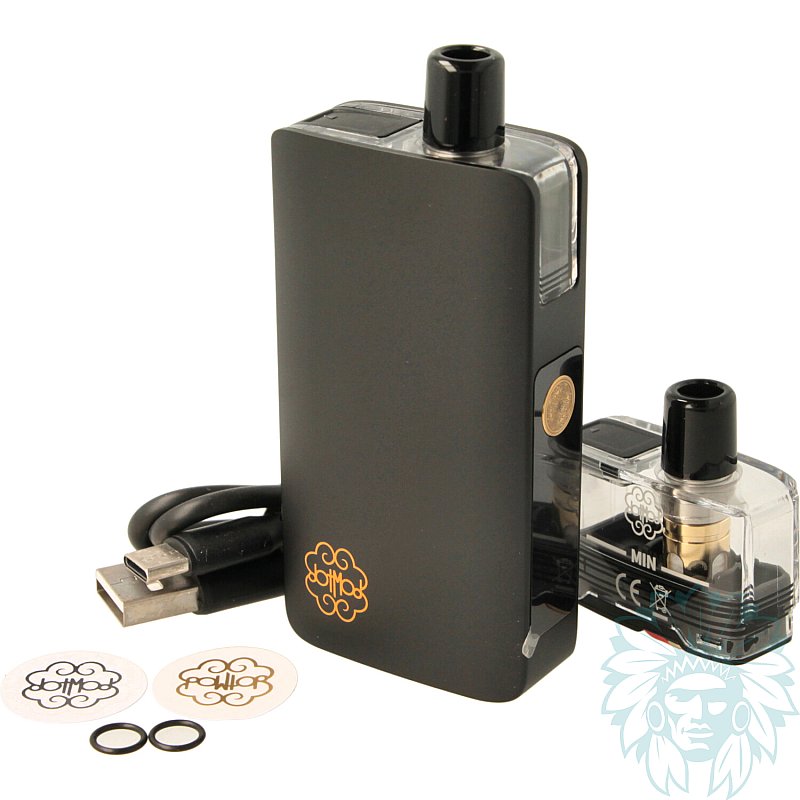
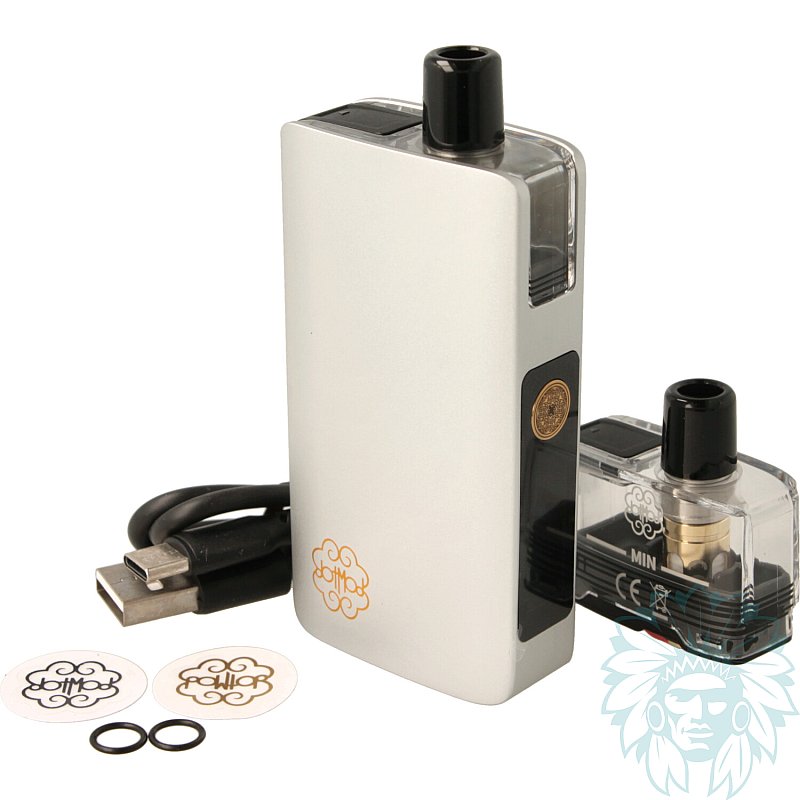
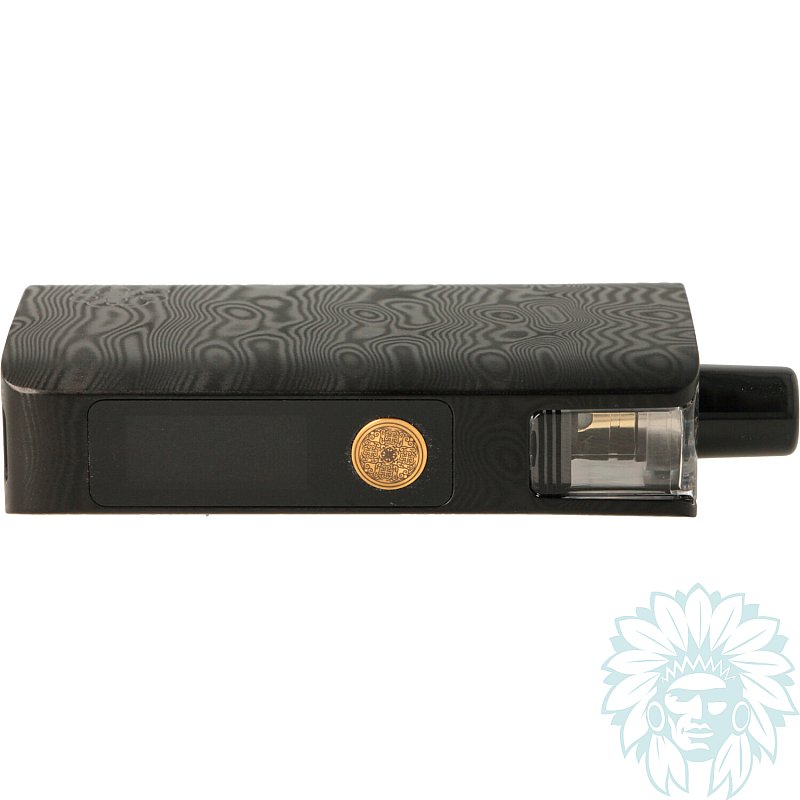
The pod features a 0.87" colour screen, positioned below the brand's iconic gold button, clearly displaying all the essential information: autonomy, power, number of puffs and coil value.

Dotmod DotPod Max cartridge
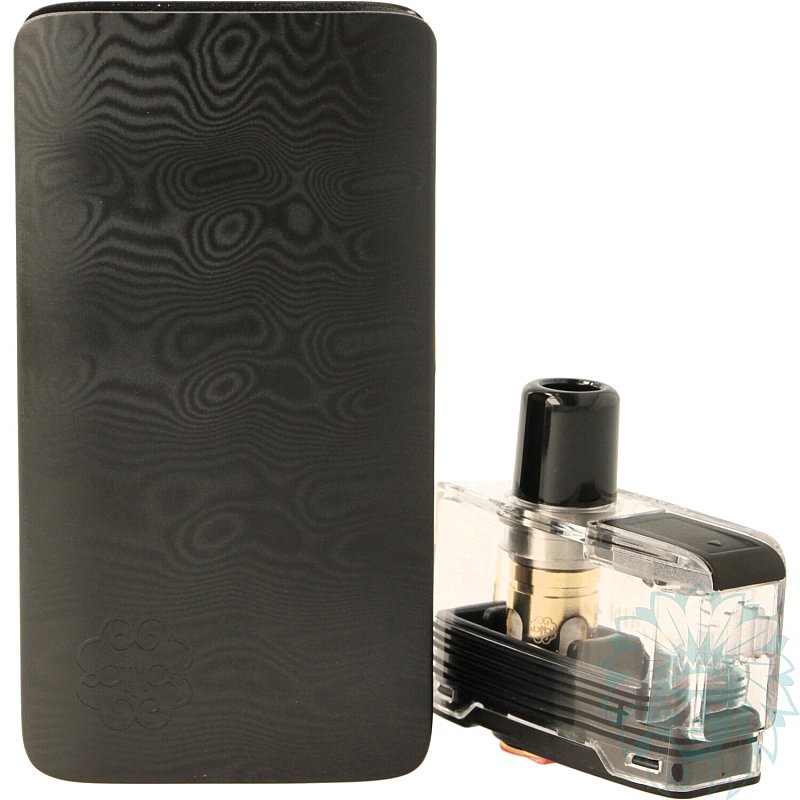
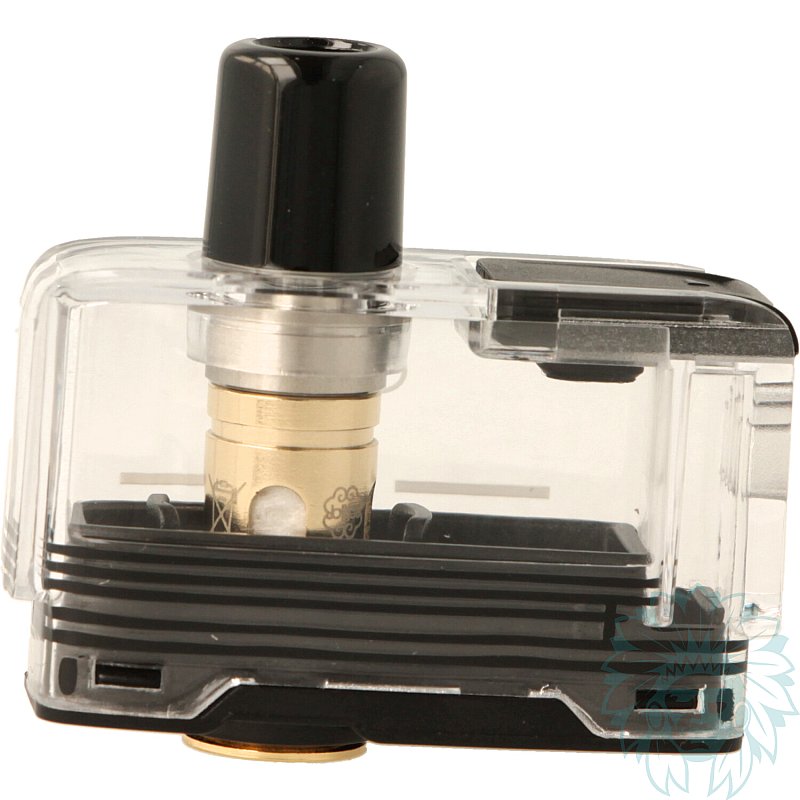
The DotPod Max cartridge attaches magnetically to the battery, ensuring a perfect fit.
It has a capacity of 5 ml, ideal for long vape sessions without having to refill the tank.
Fitted with a removable drip tip 510, it lets you personalise your experience according to your preferences: direct inhalation (DL) or restrictive direct inhalation (RDL).
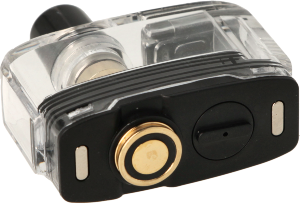
Location of the coil and airflow adjustment wheel
The airflow is adjustable via a knob on the underside of the cartridge. Filling is done from the top, without having to remove the cartridge.
The kit includes :
- a cartridge with a 0.3 ohm Dotcoil coil (pre-installed)
- a cartridge with a 0.6 ohm sealed coil.
You can choose between sealed coil cartridges or empty cartridges compatible with Dotcoil 0.7 ohm and 0.3 ohm coils.
Power ratings :
- 0.3 ohm coil (pre-installed): For direct inhalation vaping, with a power range of between 25 and 40 W.
- 0.6 ohm coil: For restrictive direct-inhalation vaping, with a power range of between 20 and 24 W.
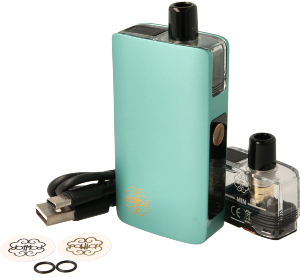
Dotmod DotPod Max V1.5 complete kit
Calumette's review: With this Version 1.5, Dotmod has further perfected its DotPod Max: an iconic design, enhanced autonomy, an intuitive colour screen and a vape that's as smooth and tasty as ever. An elegant, high-performance pod designed for demanding vapers.
Advantages
- Elegant design
- Ergonomics
- Versatility
- Customisable
- Good autonomy
Kit contents
- 1 Dotmod DotPod Max V1.5
- 1 empty DotPod Max cartridge
- 1 Dotmod DotCoil 0.3 ohm coil
- 1 DotPod Max 0.6 ohm cartridge
- 1 O-rings kit
- 1 510 drip dip
- 1 USB Type C cable
- 1 user manual
Specifications
- Length: 9.3 cm
- Width: 2 cm
- Depth: 4.3 cm
- Weight: 102 g
- Capacity: 5 ml
- Magnetic cartridge
- Removable 510 drip tip
- PCTG tank
- Compatible with Dotmod DotPod Max cartridges and Dotmod DotCoil 0.3 and 0.7 ohm coils
- Power rating: 60W
- Capacity: 2100 mAh
- Max charge current: 2A/5V
- Coils supplied: Dotmod DotCoil 0.3 ohm and 1 DotPod Max 0.6 ohm cartridge
- Maximum power: 40 W for the DotCoil 0.3 ohm coil and 24 W for the DotPod Max 0.6 ohm cartridge
- Inhalation type: Restrictive direct to direct
- vapor type: Semi-airy to airy
- vapor: warm to hot
- Percentage of VG in the liquid for optimal use: ≥ 50% Vegetable Glycerin
- Level: Regular
Use
- On/off :
Press the "power" button 5 times to turn your battery off or on.
- Locking/unlocking the battery :
Press the main button 4 times, to unlock or lock the battery.
- Recharging:
Plug the USB-C cable into your computer's USB port or wall socket and charge your box. Your box will show the battery charge level on the screen.
- Adjusting the power :
Press the main button 3 times to unlock the power. Press as many times as you need to adjust the power according to the coil of your cartridge. Wait 2 seconds and the power is confirmed.
- Changing the coil :
Remove the cartridge, remove the coil and then insert the new coil.
- Filling your tank:
Slide the filler cap located on the top of the cartridge, to fill your cartridge.
- Vaping:
After waiting 5 minutes you can vape by inhaling directly onto your DotPod Max kit or by pressing the button.
- Changing the display theme:
Press the main button 6 times, then hold it down on "THEME" until the selection menu opens.
Advice
- Make sure you clean your connectors thoroughly to prevent them becoming dirty. Regular maintenance will extend the life of your equipment.
- If you smell something burning or have a pungent taste in your mouth, think about changing your cartridge.
Related products
-
Empty Dotmod DotPod Max cartridge
 5 ml - Indirect to direct3.75 €
 -
Dotmod DotCoil coils (5 pack)
 DotAIO V2, DotPod Max
0.6 / 0.3 / 0.15 ohm11.58 € 5/5 - 11 reviews
-
Dotmod DotPod Max cartridge (2 pack)
 5 ml - Indirect to direct8.25 €
 -
Devia USB to USB-C cable
 4.08 €3.25 € 5/5 - 1 reviews
-
Aseptivape 20 ml disinfectant spray
 2.92 € 4.8/5 - 28 reviews