Voopoo Argus Matrix kit
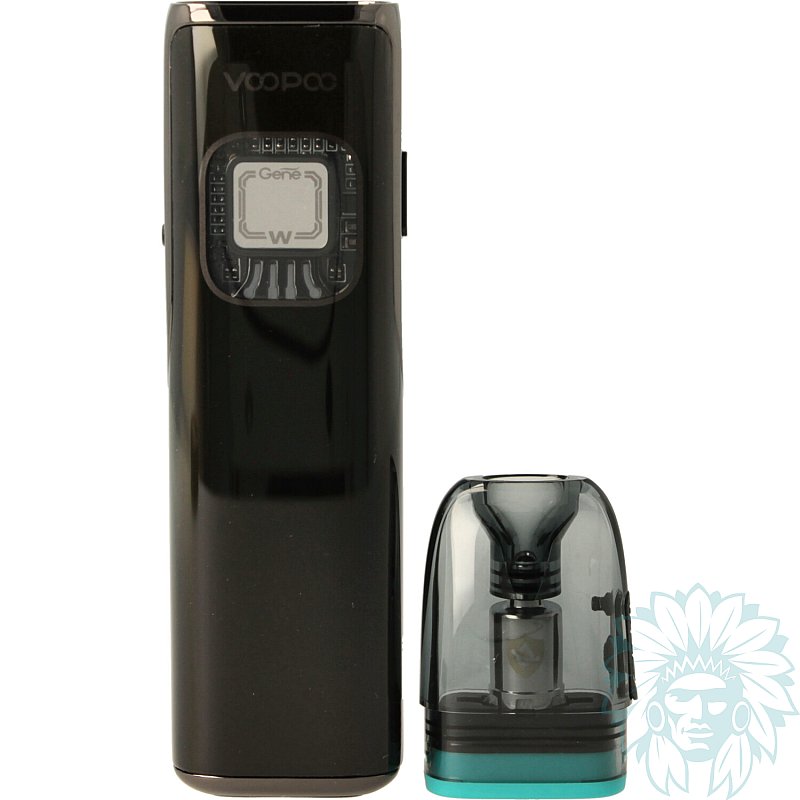
Tank: 3 ml - Battery: 1350 mAh
Power: 30 W - Draw: Indirect to restrictive direct
Level: Beginner
- Calumette, the world's first ISO 9001-certified vape retailer
- Loyalty reward
- Online payment by credit card
- You will be notified by SMS when order shipped
Voopoo Argus Matrix kit
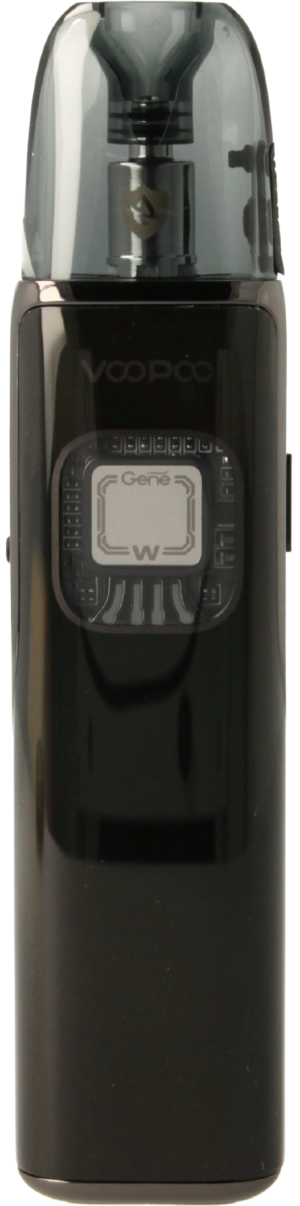
Voopoo Argus Matrix kit
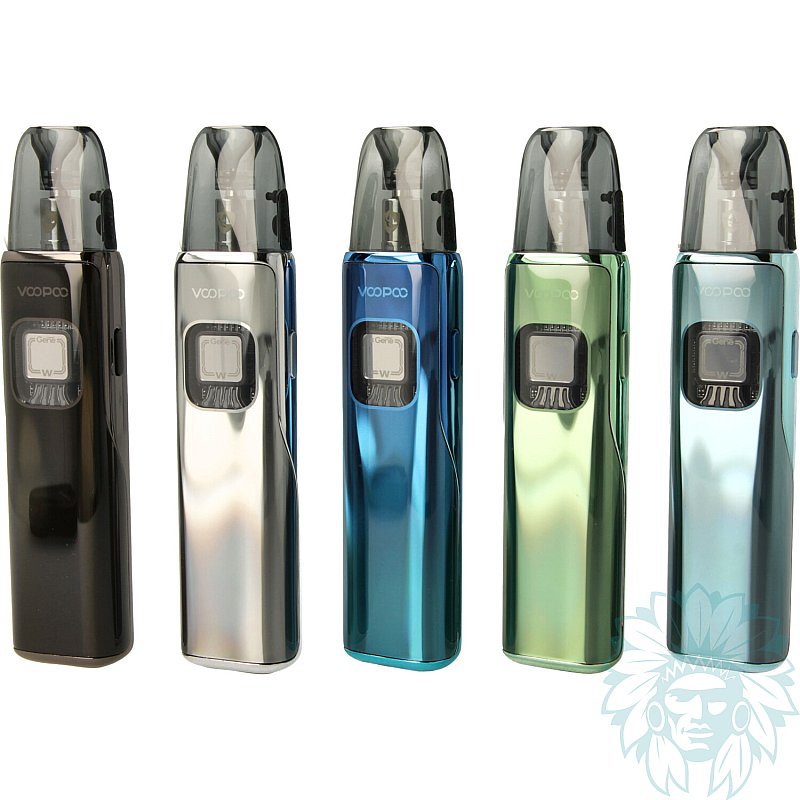
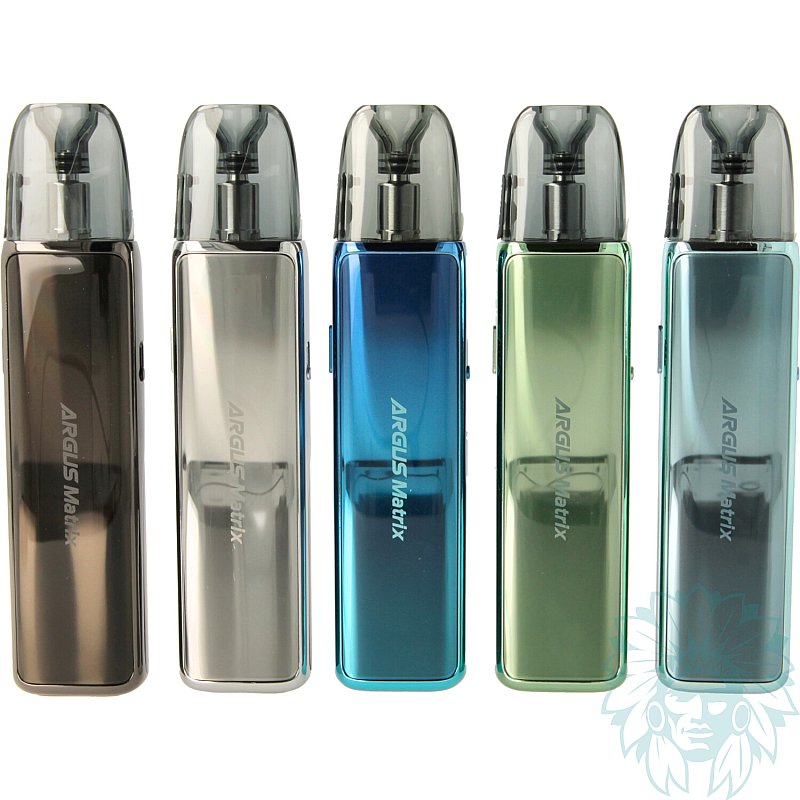
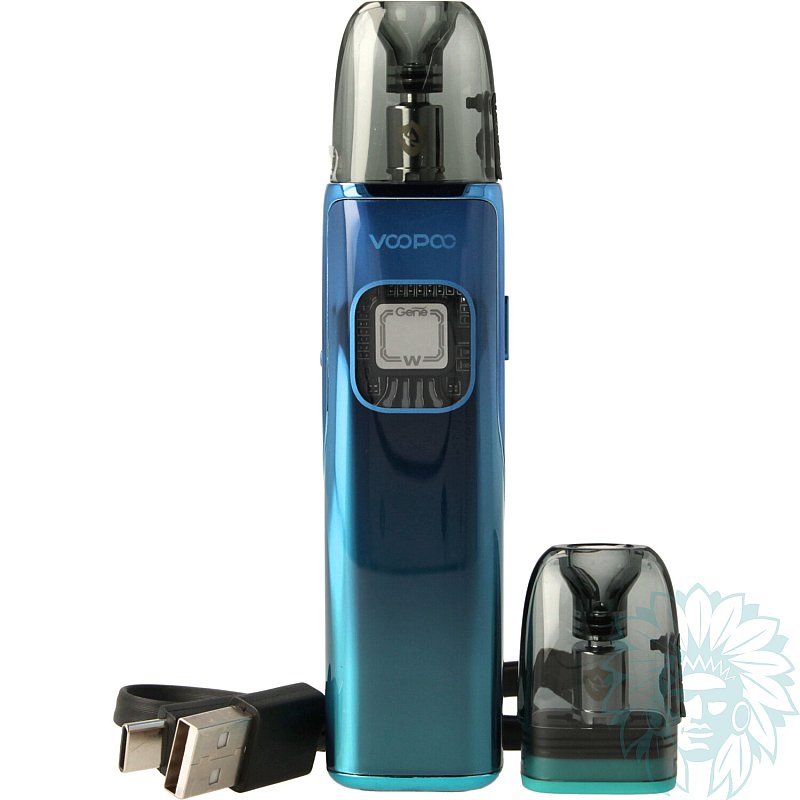
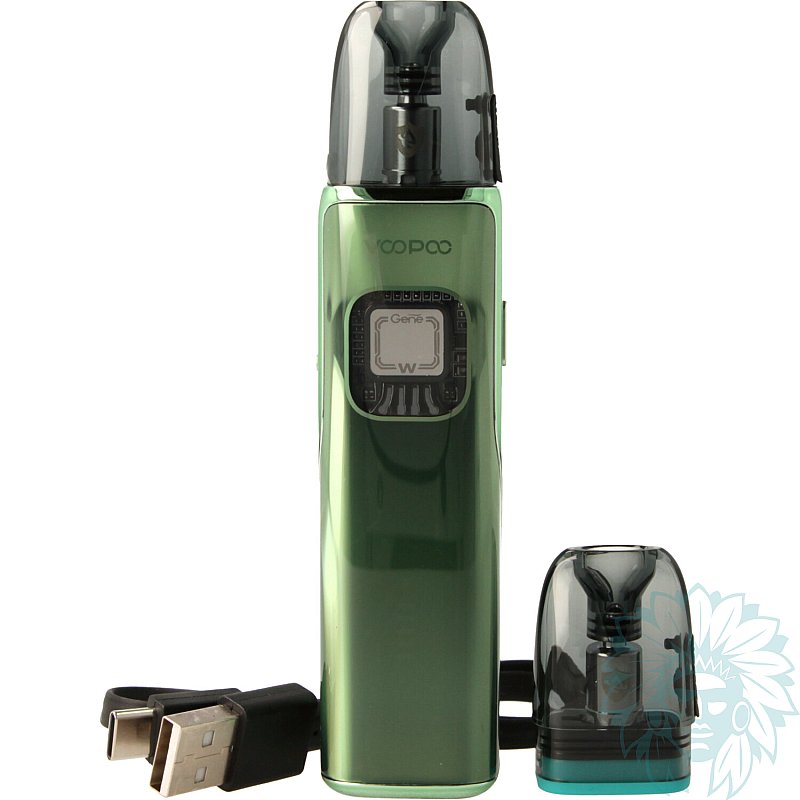
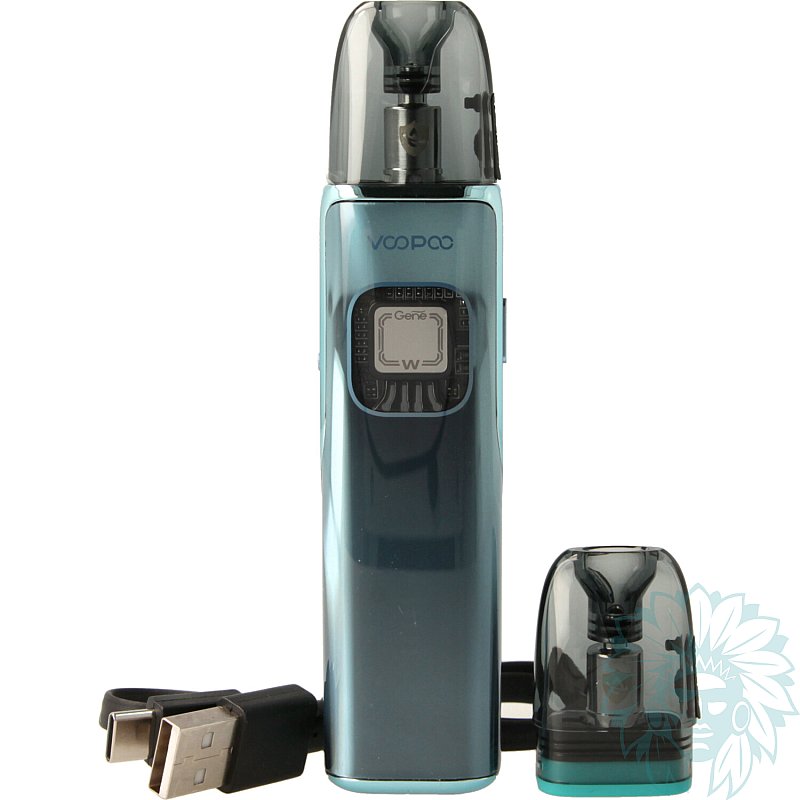
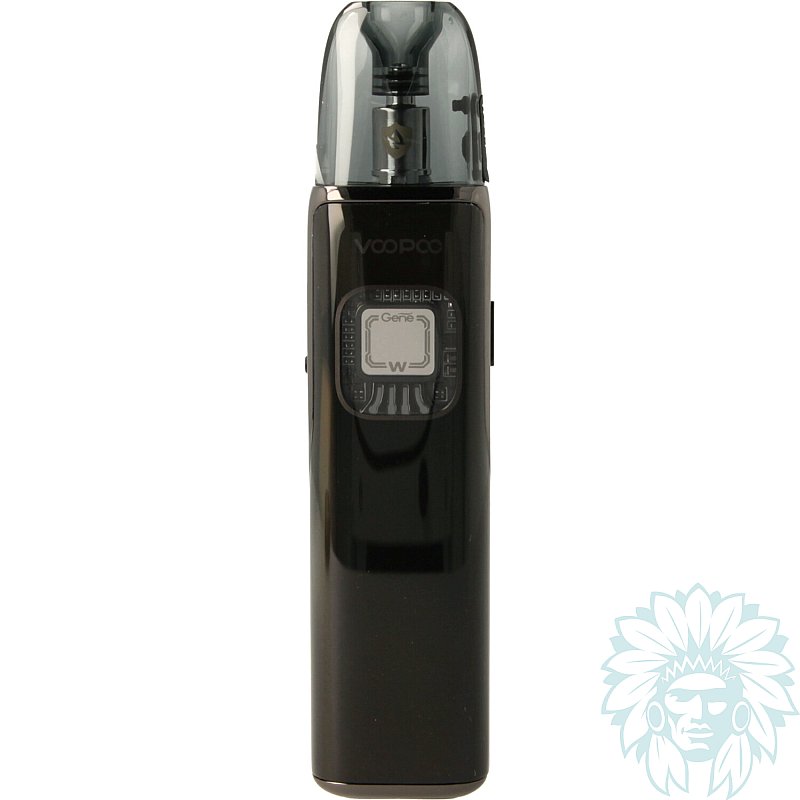
Following on from the Argus G3, Voopoo is unveiling its new kit: the Argus Matrix. This pod retains the compact size and ease-of-use of the G3, while adopting a revamped futuristic design that gives it a unique look. Made from zinc alloy, it is extremely robust.
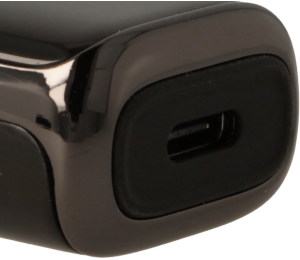
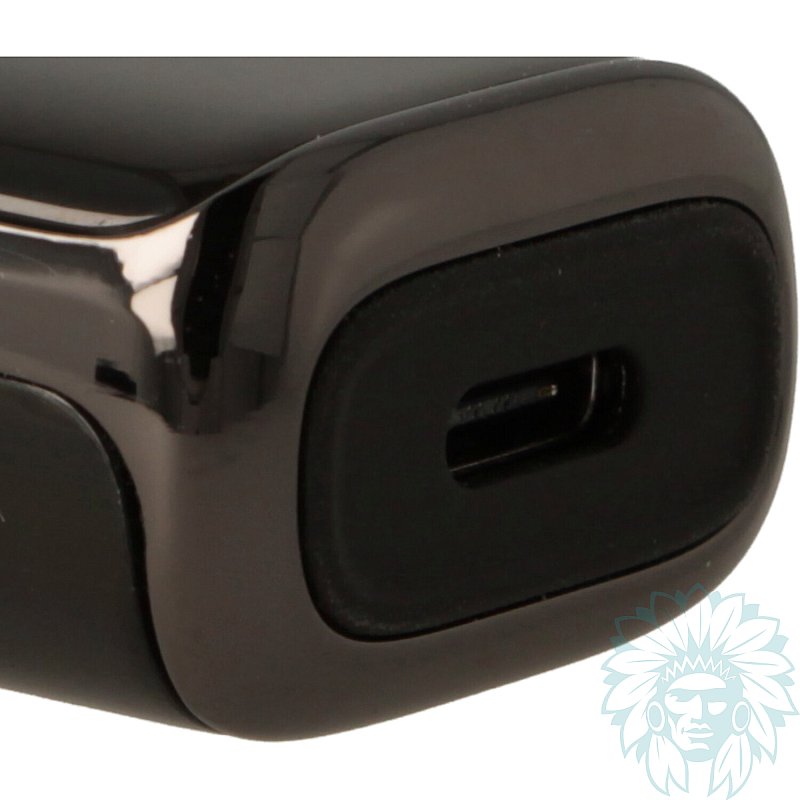
USB-C port
In terms of battery life, the Argus Matrix has an integrated 1350 mAh battery capable of delivering up to 30 W of power. So you can enjoy long vaping sessions without interruption.
Need to recharge? Its USB-C port on the underside of the device makes recharging fast and convenient.
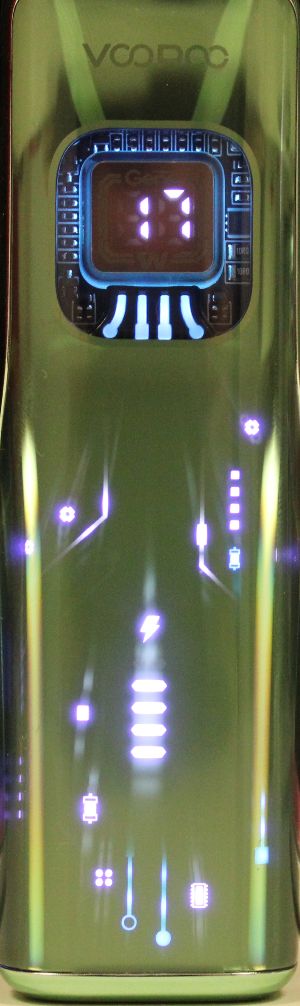
Front panel with dynamic lights and backlit screen
Voopoo also focuses on a striking visual design, with a curved screen that occupies a large part of the shell. It is animated by dynamic lighting effects that react to each puff, offering an immersive visual experience.
This screen can also be used to check the battery level. Just above it, a small backlit digital display clearly shows the power level in use.

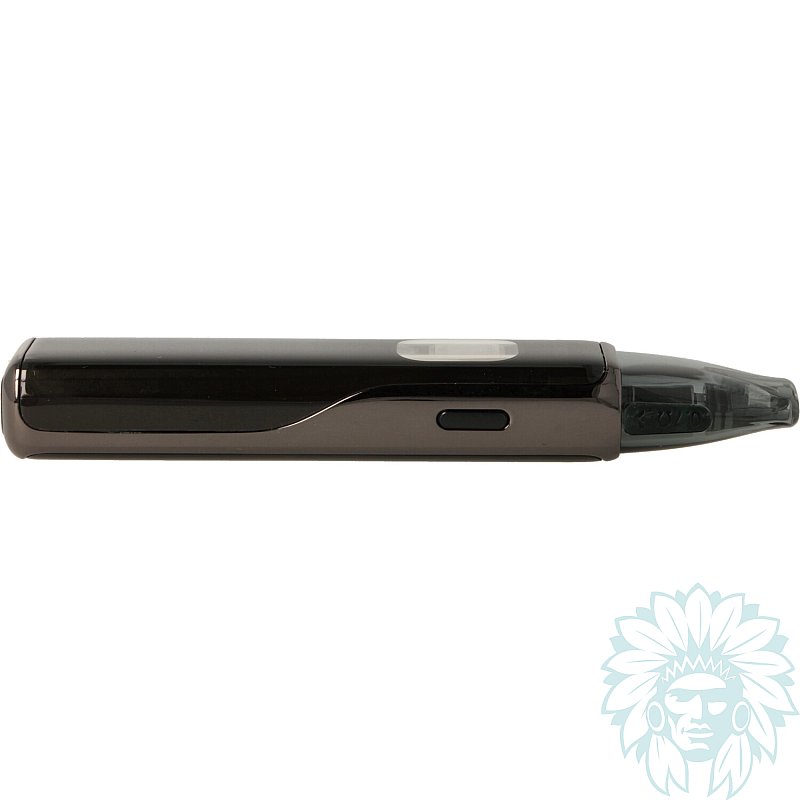
Single side button
Again with simplicity in mind, the device has just one button. You can use it to switch the kit on or off, activate the display and adjust the wattage.
And to vape? It couldn't be simpler: just inhale to automatically start vaping.
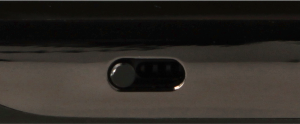
Adjustable airflow
A sliding button on the side of the battery lets you adjust the draw to suit your preferences, giving you a tighter or airier vape, as you wish.
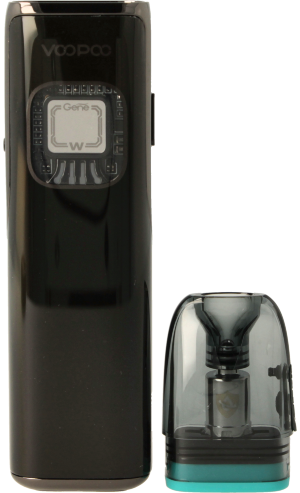
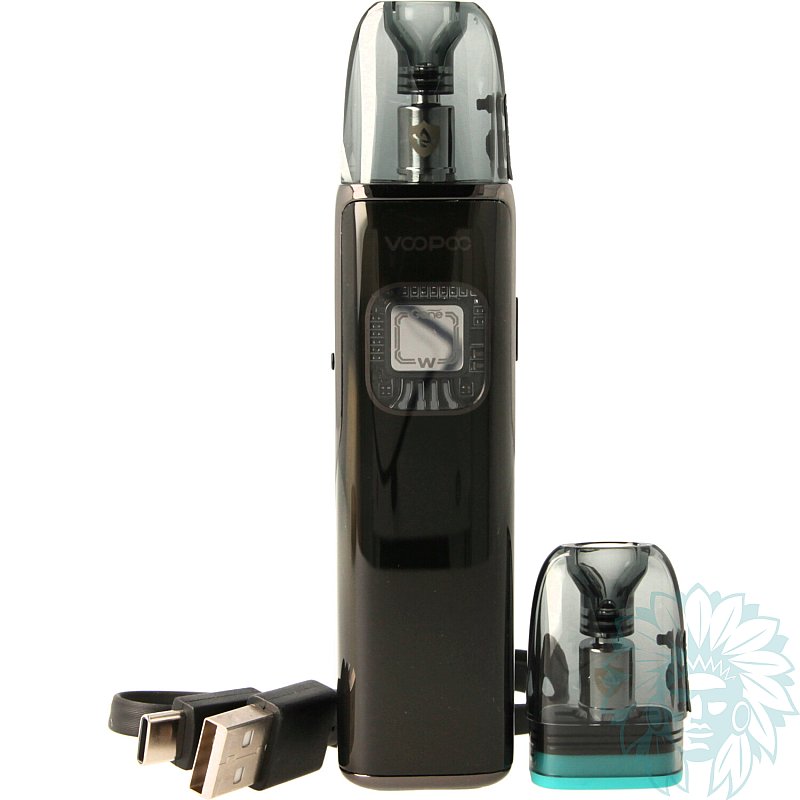
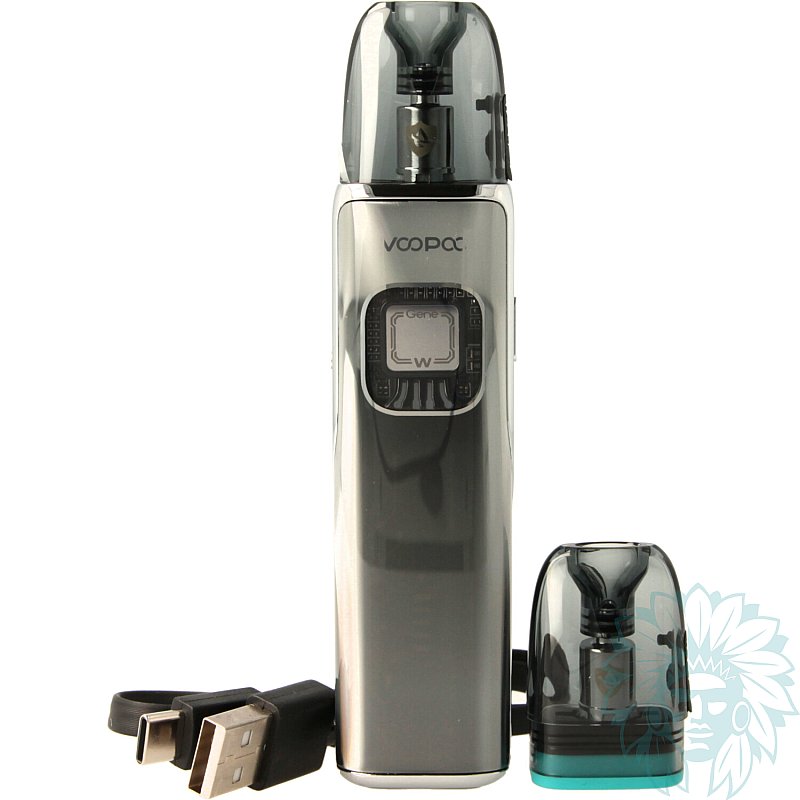
Argus Matrix battery and Argus Top Fill V2 3ml cartridge
The Argus Matrix pod comes with a 3 ml Argus Top Fill V2 cartridge.
This practical cartridge integrates the coil directly, so there's no need to dismantle it. Simply replace the cartridge when it reaches the end of its life.
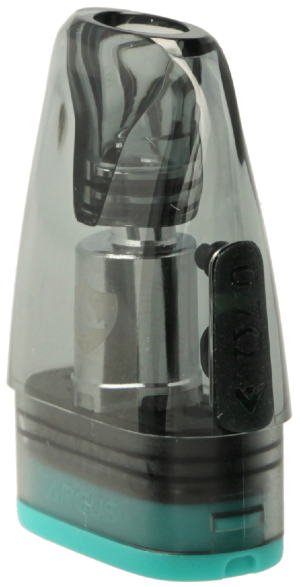
Filling lid
The cartridge is easily filled from the side, via a silicone seal that is accessible even when the cartridge is in place on the battery.
The kit includes two cartridges:
- Argus Top Fill V2 0.4 ohm cartridge, ideal for restrictive direct draw (RDL) and semi-airy vaping, with a range of use between 18 and 30 W.
- Argus Top Fill V2 0.7 ohm cartridge, ideal for indirect draw (MTL) and tighter vape, with a range of use between 14 and 18 W.
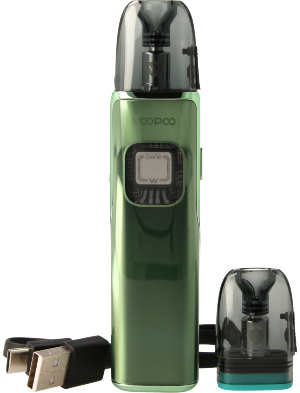
Voopoo Argus Matrix complete kit
Calumette's review: The Voopoo Argus Matrix strikes the perfect balance between style, simplicity and performance. Luminous effects, curved screen, adjustable draw and practical cartridges: a complete pod for vaping without the hassle.
E-liquid not included: Complete your purchase with e-liquid.
For a first purchase, we recommend you try out several different liquids, for example at least one Classic flavour and at least one fruity flavour.
Advantages
- Futuristic design
- Versatile
- Easy to use
- Compact
Kit contents
- 1 Voopoo Argus Matrix pod
- 1 Argus Top Fill V2 3ml 0.4 ohm cartridge
- 1 Argus Top Fill V2 3ml 0.7 ohm cartridge
- 1 USB-C cable
- 1 user manual
Specifications
- Length: 12.0 cm
- Width: 1.7 cm
- Depth: 2.8 cm
- Weight : 70 g
- Capacity: 3 ml
- Magnetic cartridge
- PCTG tank
- Compatible with Voopoo Argus Top Fill V2 3ml cartridges
- Power: 30 W
- Capacity: 1350 mAh
- Max charge current: 2A/5V
- Coils supplied: Voopoo Argus Top Fill V2 3ml cartridges 0.4 ohm and 0.7 ohm
- Maximum power consumption: 30 W for the 0.4 ohm coil, 18 W for the 0.7 ohm coil
- Type of inhalation: indirect to restrictive direct
- Type of vapor: tight to slightly airy
- vapor: cold to warm
- Percentage of VG in liquid for optimum use: ≤ 50% Vegetable Glycerin
- Level: Beginner
Use
- Switching on/off:
Press the "power" button 5 times quickly to turn your kit off or on.
- Recharging:
Plug the USB-C cable into your computer's USB port or wall socket. Your battery has a charge indicator.
Setting the power:
Press the "Power" button 4 times quickly to activate the power setting. The value displayed will flash.
Then press the Power button again to increase the power. Once you have reached the desired power level, do not touch anything else: the display will stop flashing and the power level will be automatically confirmed.
- Switching the dynamic lights on/off:
Press the "power" button twice quickly to turn the dynamic lights on or off.
- Filling your cartridge:
Lift the filler cap on the side of the cartridge. Fill to two-thirds full. Wait 5 to 10 minutes for the coil to soak up the liquid.
Advice
- Make sure you clean your connectors thoroughly to prevent them becoming clogged. Regular maintenance will extend the life of your equipment.
- If you smell burning or have a pungent taste in your mouth, think about changing your cartridge.
Related products
-
Voopoo Argus Top Fill V2 3 ml cartridge (3 pack)
 3 ml - Indirect to restrictive direct9.58 €
 5/5 - 8 reviews
-
Devia USB to USB-C cable
 4.08 €3.25 € 5/5 - 1 reviews
-
Aseptivape 20 ml disinfectant spray
 2.92 € 4.8/5 - 28 reviews
-
Voopoo Argus Top Fill V2 2 ml cartridge (3 pack)
 2 ml - Indirect to restrictive direct9.58 € 5/5 - 2 reviews